Add bigbluebutton to ios application
Nobody has claimed this yet.
- Dominant language
- Swift
- Stars
- 2.5k
- Forks
- 1k
- Avg merge
- 2d 18h
- Merged PRs (30d)
- 13
Description
Hello,
How run external application on ios nextcloud please ?
What is the web navigator use ?
When i try to use bigbluebutton external web link i got this error ?
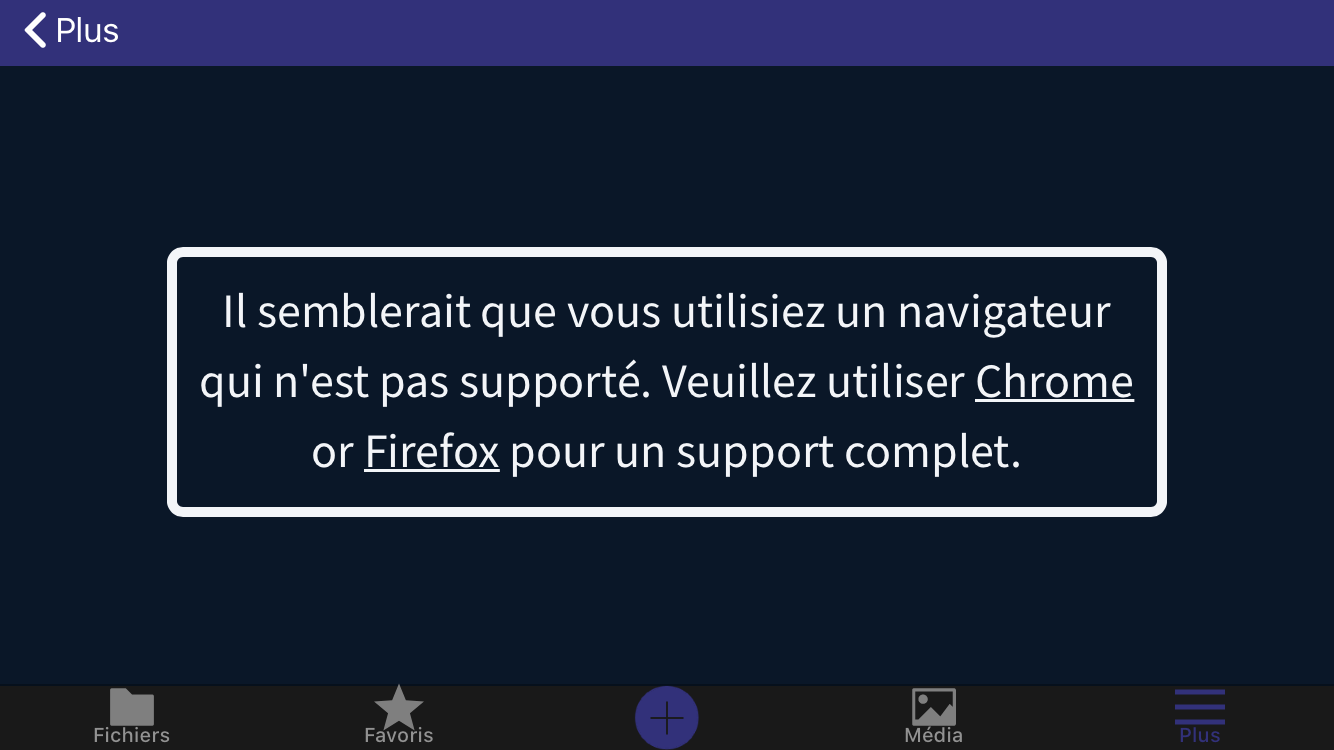
BigBlueButton run only on safari web navigator on Ios.
Can we use safari web navigator with external web link on ios nextcloud, please ?
And can you add Custom presentation Start a room with a selected presentation from your file browser on ios application also ? And after launch the safari navigator or direct in ios nextcloud for to have access to the bigbluebutton room.
see:
https://apps.nextcloud.com/apps/bbb
first screenshot
Thanks,
Contributor guide
First steps
- Read the whole issue, then the project's contributing guide.
- Comment on the issue to say you are picking it up — it saves two people doing the same work.
- Fork the repository and make your change on a branch.
- Open a pull request that references the issue number.
Research direction
Start by reviewing how the iOS application handles external web links and how the BigBlueButton app is expected to launch rooms from the file browser. Clarify whether links should open in Safari or within Nextcloud, and define the selected-presentation flow. Done means both requested BigBlueButton entry points work on iOS.
Written by the indexing model from the issue text.
Assessment
- Tech stack
- ios, swift
- Domain
- mobile
- Issue type
- Feature
- Difficulty
- 5/5
- Estimated time
- Over a week
- Activity status
- Stale
- Clarity
- Needs clarification
- Newbie friendliness
- 20/100