nextcloud / nextcloud/calendar
Mouse cursor when importing a calendar
Nobody has claimed this yet.
- Dominant language
- JavaScript
- Stars
- 1.2k
- Forks
- 332
- Avg merge
- 16h 13m
- Merged PRs (30d)
- 137
Description
- For the calendar selection window for import, the mouse cursor first appears as "hand" and then changes to an "arrow" on the text string.
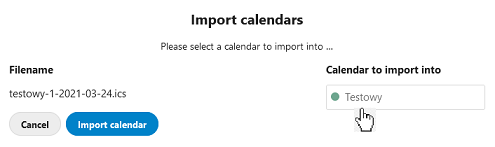
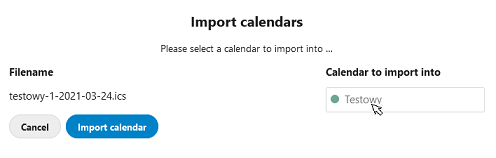
Correct operation of the cursor:
When you hover the mouse over the active window, it should change to "hand" and not change its appearance in the window.
- The situation is similar with the calendar selection inactive. The mouse cursor briefly appears as "hand" and then turns back to "arrow". The cursor should not change.
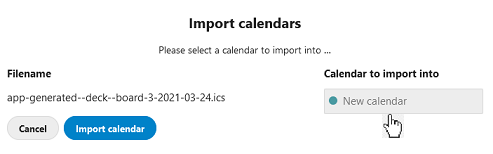
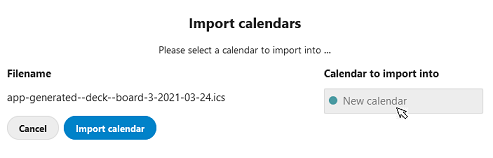
Correct operation of the cursor:
When you hover the mouse over an inactive window, it should not change temporarily to "hand". Changing the cursor may be, and even recommended on "not allowed".
Calendar app
Calendar app version: (see apps admin page, e.g. 2.0.1)
2.1.3
Client configuration
Browser: (e.g. Firefox 48)
Firefox 87.0
Server configuration
Nextcloud Version: (see admin page, e.g. 17.0.2)
20.0.8 and 21.0.0
Contributor guide
First steps
- Read the whole issue, then the project's contributing guide.
- Comment on the issue to say you are picking it up — it saves two people doing the same work.
- Fork the repository and make your change on a branch.
- Open a pull request that references the issue number.
Research direction
The issue identifies the calendar import selection window and inactive or active calendar selection as the areas to inspect; begin by reproducing the cursor transitions in Firefox 87 with Calendar 2.1.3. Done means the cursor remains consistent over active and inactive selections, with any intentional not-allowed state behaving as described.
Written by the indexing model from the issue text.
Assessment
- Tech stack
- javascript
- Domain
- frontend
- Issue type
- Bug
- Difficulty
- 3/5
- Estimated time
- 1-2 days
- Activity status
- Stale
- Clarity
- Mostly clear
- Newbie friendliness
- 35/100