"On device" window does not change
- Dominant language
- Kotlin
- Stars
- 5.6k
- Forks
- 2k
- Avg merge
- 2d 18h
- Merged PRs (30d)
- 92
Description
### Steps to reproduce
1. Select "Uploads" from the menu.
2. Select "On device" from the menu.
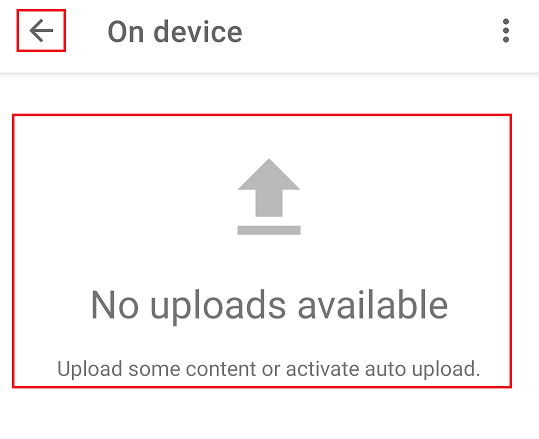
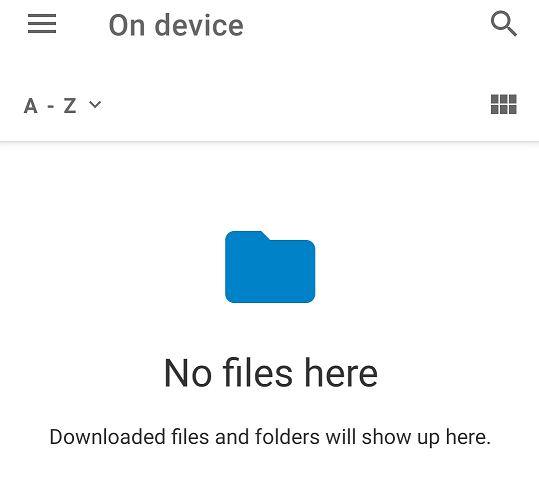
The window for "On device" does not change. It remains with "Uploads". The "Return Arrows" icon appears in place of the "Menu" icon:
Correct window that should appear:
3. Tap on the "Return Arrow" icon (there should be a "Menu" icon).
4. Select "All files" from the menu.
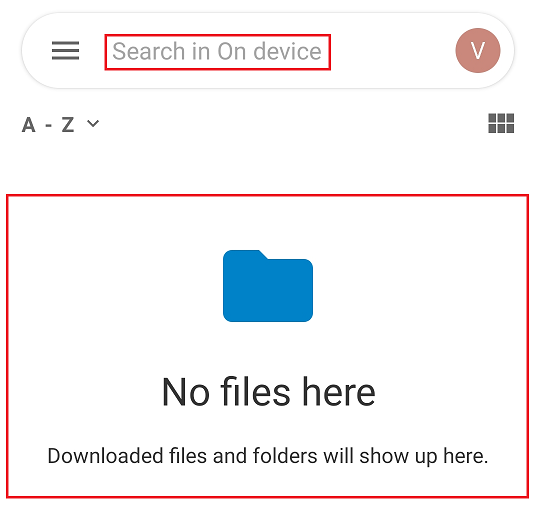
After selecting "All files" from the menu, the "On device" window appears with a file search window:
@AlvaroBrey @tobiasKaminsky @AndyScherzinger Overall there is a bug with the transition from "Uploads" to "On device". I think the return to the "All files" menu is just a later consequence of this error.
### Environment data
Android version: 10
Nextcloud app version: 3.18.0, 3.18.1 RC1 and Dev 20211211
Contributor guide
Assessment
This issue has not been assessed yet.