Contents of sync'd folder left after a rename (in Android/media/com.nextcloud.client/)
- Dominant language
- Kotlin
- Stars
- 5.6k
- Forks
- 2k
- Avg merge
- 2d 18h
- Merged PRs (30d)
- 92
Description
### ⚠️ Before posting ⚠️
- [X] This is a **bug**, not a question or an enhancement.
- [X] I've [searched for similar issues](https://github.com/nextcloud/android/issues) and didn't find a duplicate.
- [X] I've written a clear and descriptive title for this issue, not just "Bug" or "Crash".
- [X] I agree to follow Nextcloud's [Code of Conduct](https://nextcloud.com/contribute/code-of-conduct/).
### Steps to reproduce
Unfortunately, not sure.
Some of the times I rename a synchronized folder, the Nextcloud Android App does not detect the rename and re-downloads all affected files from scratch.
However, some of the times, it even does not remove the obsolete, renamed folder from `~/Android/media/com.nextcloud.client`, which causes them to still occupy space.
These folders / files are no longer visible in the Nextcloud Android app itself, and I only noticed because there were photos in some of the affected directories which were suddenly displayed as two duplicate albums by the Google Photos app.
I now noticed that this problem already seems to have happened years ago, but also happened recently in July with the then-current version of the Nextcloud App.
### Expected behaviour
Renamed directories which are not detected as renamed should be at least detected as deleted and be removed from the internal data store - especially, if the App does not even show them any more in its UI.
Also, in case for some reason garbage like that ended up in the internal data store in `~/Android/media/com.nextcloud.client` (maybe due to some earlier bugs), it should be "garbage collected" frequently so no space is wasted which is inaccessible for the regular "plain" user.
### Actual behaviour
Garbage data which does not really "exist" any more and is not shown in the Nextcloud App UI is still present in the internal data store, occupies space and leads to confusing behaviour of apps which just scan the filesytem for files recursively (like "duplicate" photo albums shown by Google Photos which should not exist).
In my case, gigabytes of space was wasted in such files.
It also may be some security issue in case there's still sensitive data present which the user thought to have deleted months ago.
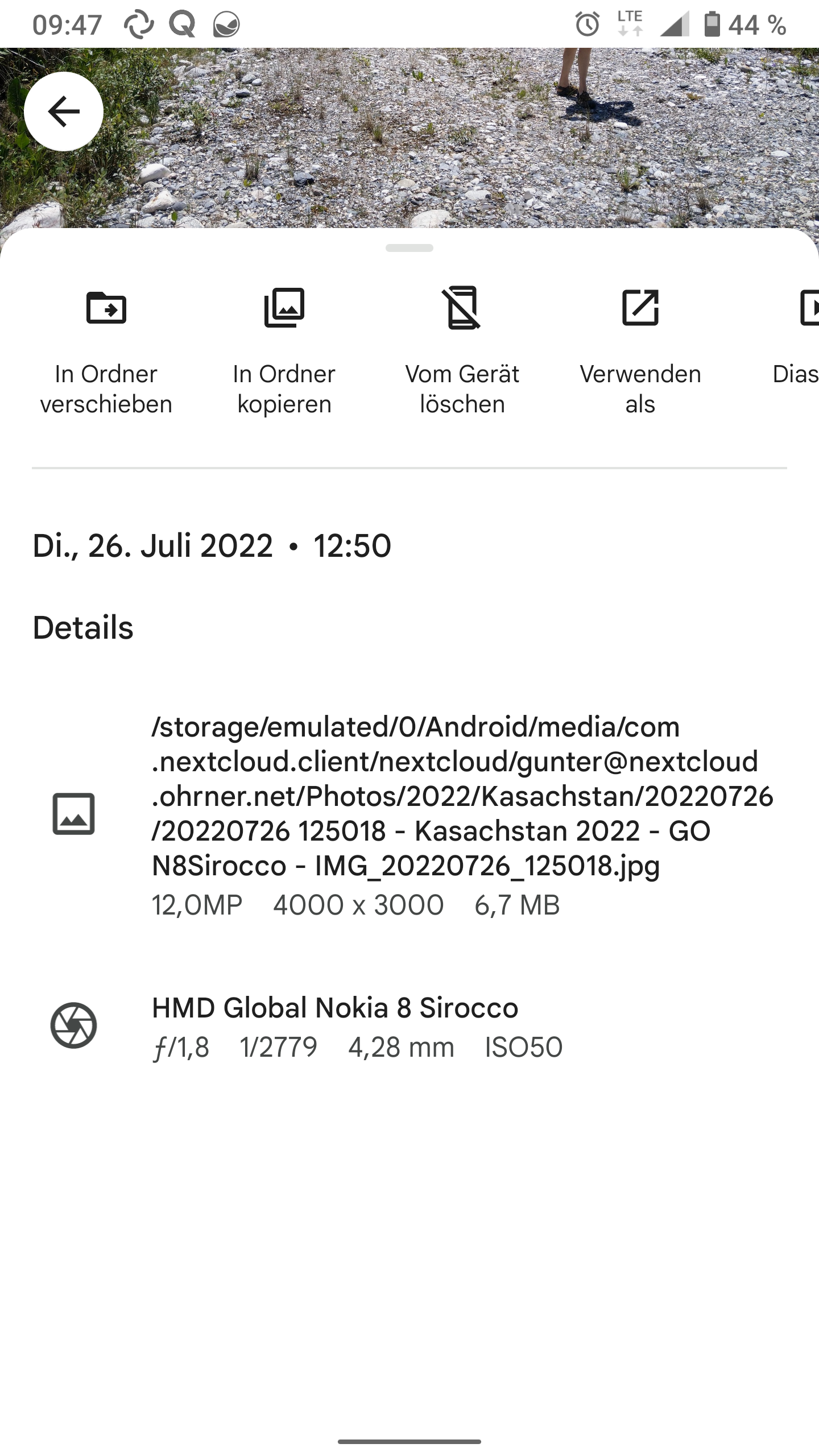
The `Kasachstan` folder in the screenshot below was renamed and now the whole hierarchy existed twice in my Nextcloud data store, once in a "frozen" state with the original name `Kasachstan` and once properly updated with the new name.
### Android version
Android 10
### Device brand and model
Nokia 8 Sirocco
### Stock or custom OS?
Stock
### Nextcloud android app version
3.21.0
### Nextcloud server version
23.0.8
### Using a reverse proxy?
Yes
### Android logs
There is no `data` directory directly in my Android user directory at `storage/emulated/0/`.
### Server error logs
_No response_
### Additional information
_No response_
Contributor guide
Assessment
This issue has not been assessed yet.