musescore / musescore/MuseScore
Add a Command Palette
@Eism is already working on this.
Since Sep 9, 2024.
- Dominant language
- C++
- Stars
- 15.1k
- Forks
- 3.3k
- Avg merge
- 2d 2h
- Merged PRs (30d)
- 91
Description
Your idea
I propose implementing a Command Palette in MuseScore, similar to those found in applications like Visual Studio Code, Superhuman and Dorico. This feature would allow users to quickly access various commands and functions in MuseScore through a simple, keyboard-driven interface. The idea is to provide a centralized, powerful, and user-friendly way to search, navigate and execute commands within MuseScore, enhancing the overall user experience and efficiency.
Problem to be solved
Currently, MuseScore users need to navigate through menus or remember specific shortcuts to access different features and commands. This can be time-consuming and less intuitive, especially for new users or those not familiar with all the keyboard shortcuts. A Command Palette would streamline this process, making it easier and faster to find and execute commands, improving workflow efficiency, and making the software more accessible to a broader range of users.
If shortcuts are shown next to the command or if shortcuts can be set in the command palette, this helps discoverability and acts as a memory aid for short cuts.
Prior art
- Visual Studio Code features a Command Palette that allows users to execute editor commands, open files, search for symbols, and quickly outline a file, all through a unified interface. It’s accessible via a simple keyboard shortcut (Ctrl+Shift+P on Windows/Linux, Shift+Command+P on Mac).

- Superhuman, an email client, uses a Command Palette that's central to its user interface, allowing users to execute any action within the app. It's known for its powerful and user-friendly design, with features like fuzzy string
matching for command searches and a visually striking presentation.
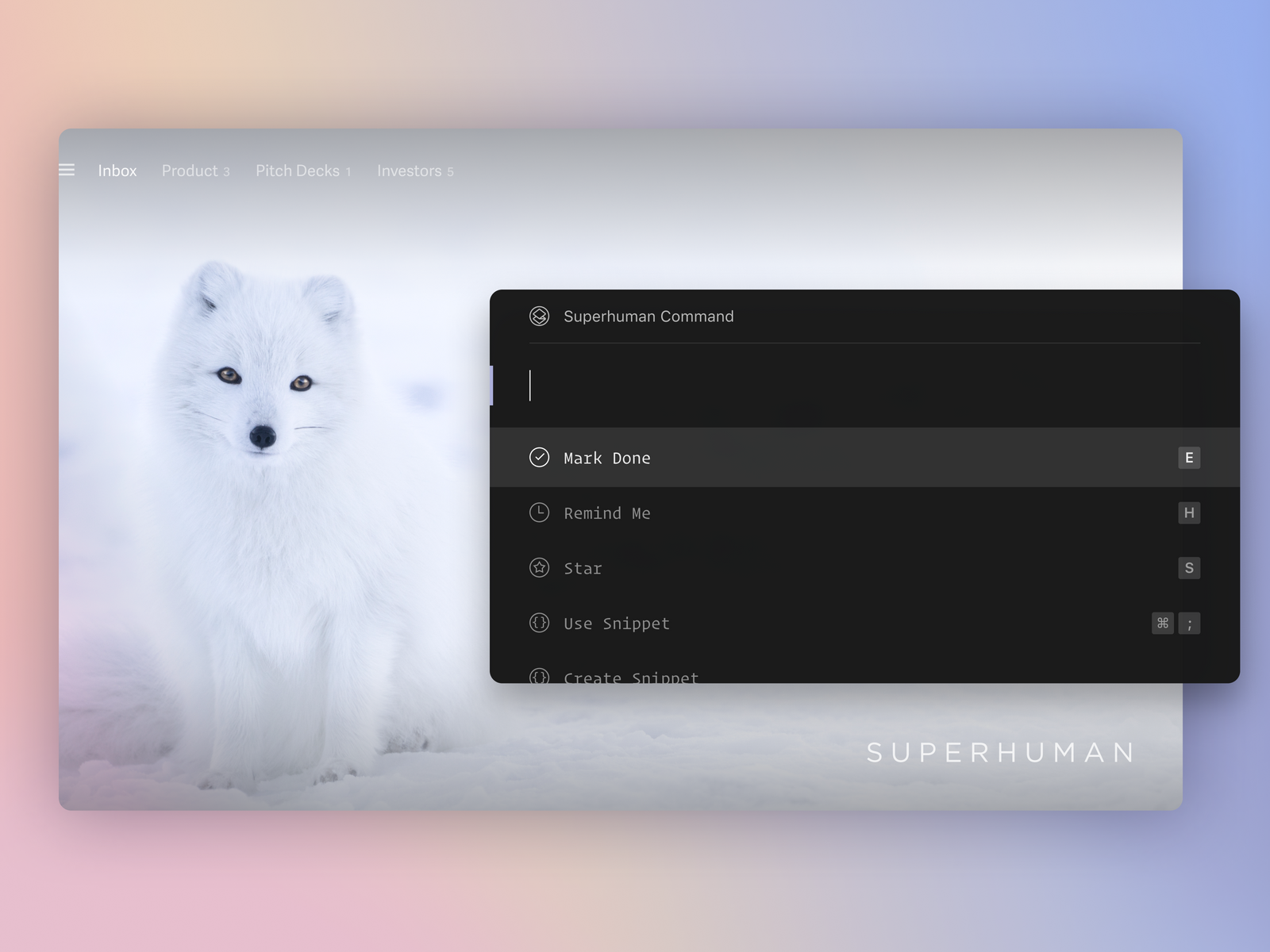
- Dorico implements a jump bar
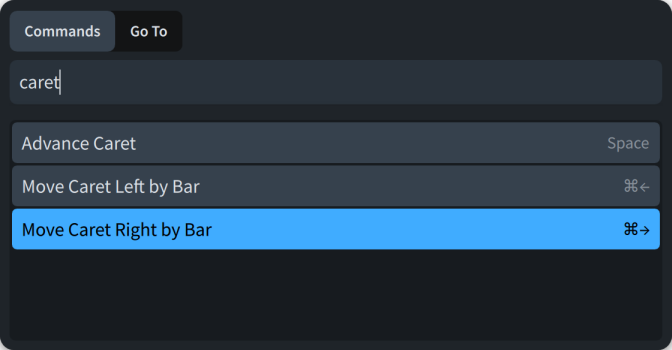
There a whole list of applications implementing this pattern at https://www.commandpalette.org/
Additional context
A simple baseline version could probably be implemented rather straight-forwardly by leveraging the existing shortcuts functionality
This would need careful design to combine it e.g. with "recently used actions", the ability to set shortcuts / settings directly from the palette, probably a mechanism for plugins to expose actions etc.
Contributor guide
First steps
- Read the whole issue, then the project's contributing guide.
- Comment on the issue to say you are picking it up — it saves two people doing the same work.
- Fork the repository and make your change on a branch.
- Open a pull request that references the issue number.
Assessment
This issue has not been assessed yet.