musescore / musescore/MuseScore
Display of Measure Numbers in Continuous View
Open
@Eism is already working on this.
Since Jun 18, 2023.
community
UI
- Dominant language
- C++
- Stars
- 15.1k
- Forks
- 3.3k
- Avg merge
- 2d 2h
- Merged PRs (30d)
- 91
Description
Issue type
Improvement of the UI
Bug description
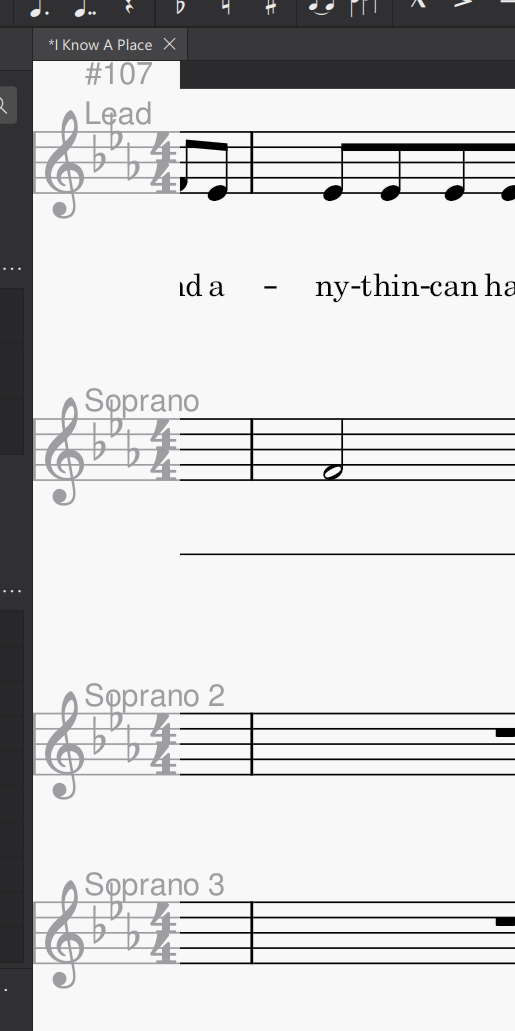
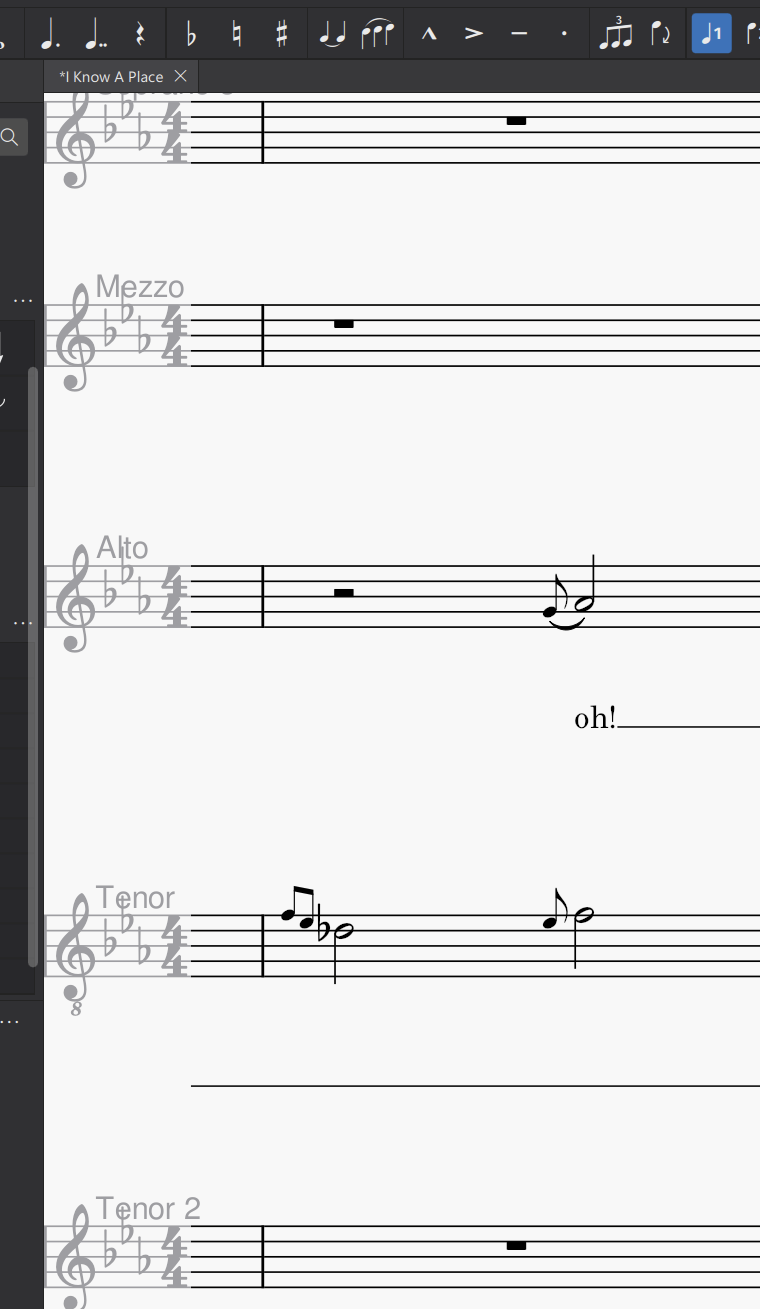
Continuous View is just a great feature. But when I zoom in, I can not see the measure number in the top left corner anymore.
Moreover it could come in really handy if there was a dynamic measure number just above the currently selected bar or on mouse hover. You could even extend this to counts as well. Just similar to the status bar but in a more meaningful place (the bar itself), interactive and on mouse hover to prevent visual clutter of displaying this in every bar.
Steps to reproduce
- enable continuous view
- zoom in
Screenshots/Screen recordings
MuseScore Version
4.0.2
Regression
No.
Operating system
Windows 11
Additional context
No response
Contributor guide
First steps
- Read the whole issue, then the project's contributing guide.
- Comment on the issue to say you are picking it up — it saves two people doing the same work.
- Fork the repository and make your change on a branch.
- Open a pull request that references the issue number.
Assessment
This issue has not been assessed yet.