No SSR stylesheets when using @mui/styled-engine-sc and yarn 2/3 workspaces
@mnajdova is already working on this.
Since Nov 5, 2021.
- Dominant language
- JavaScript
- Stars
- 99.1k
- Forks
- 32.5k
- Avg merge
- 2d 17h
- Merged PRs (30d)
- 106
Description
The problem is that server side generated styles do not get attached to the html for the production build.
My stack:
- Yarn 3 with workspaces
- Nextjs
- Material-ui v5 with styled components
- The issue is present in the latest release.
- I have searched the issues of this repository and believe that this is not a duplicate.
Current Behavior 😯
This is what a page looks like with an icon:
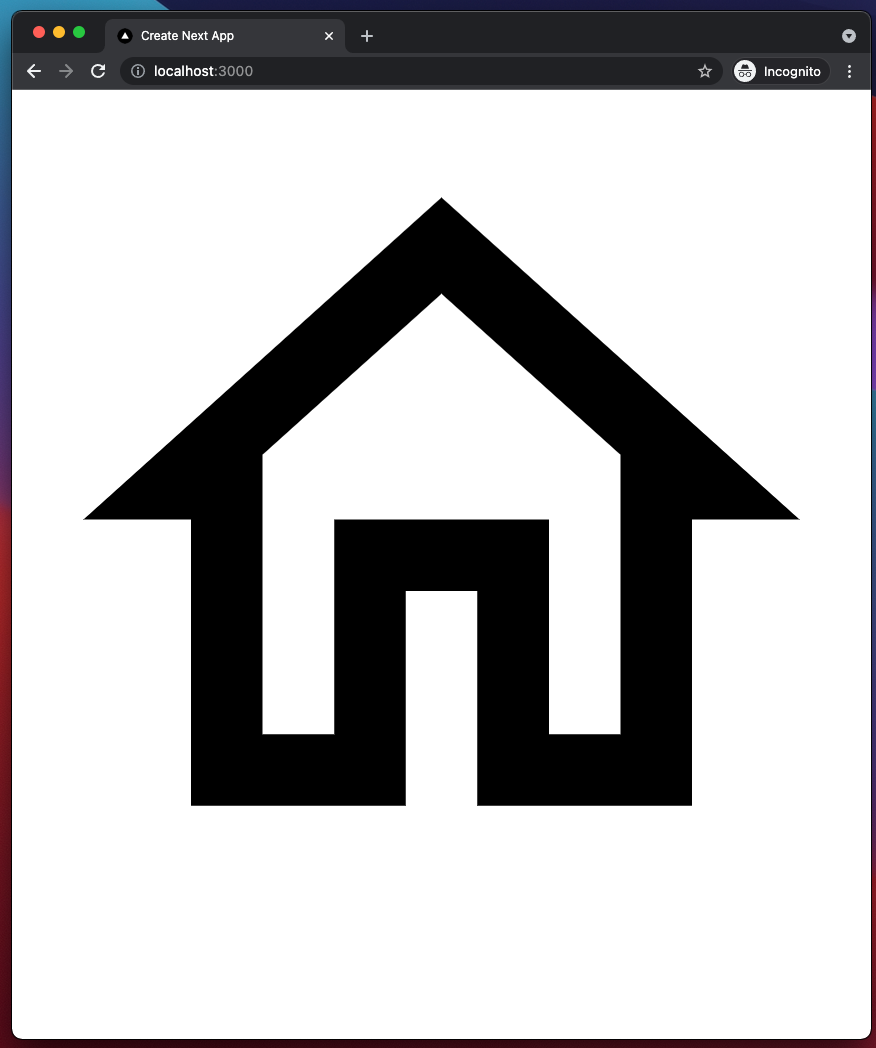
The same problem occurs for regular components. Check http://localhost:3000/component in the repro project for this.
Expected Behavior 🤔
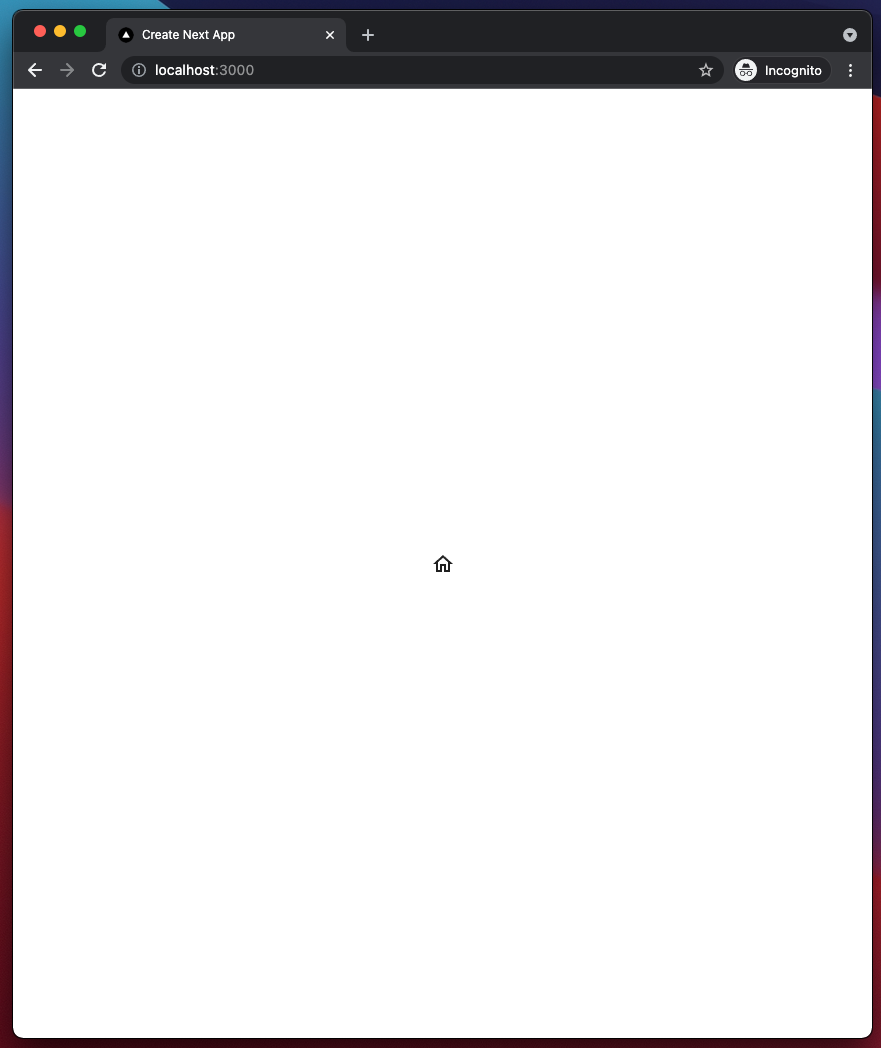
This is what it looks like in dev, and should look like in prod:
Steps to Reproduce 🕹
Since there are several technologies involved, here is a full reproduction repository:
https://github.com/tobilen/mui5-sc-workspaces-issue
The steps necessary to reproduce are mentioned in the readme.
Context 🔦
I believe i have narrowed the problem down to the lack of dependency hoisting in yarn berry. This can be observed when removing the styled-components dependency from the root package.json, as doing this will mean that there is only one version of it in the project. I've detailed this in the repro project readme.
This would howver not work as a solution, since sibling workspaces with a styled-components dependency cause the same issue.
Your Environment 🌎
`npx @mui/envinfo`
  System:
    OS: macOS 11.6
  Binaries:
    Node: 15.13.0 - ~/.asdf/installs/nodejs/15.13.0/bin/node
    Yarn: 3.1.0 - ~/.asdf/shims/yarn
    npm: 7.7.6 - ~/.asdf/plugins/nodejs/shims/npm
  Browsers:
    Chrome: 95.0.4638.69
    Edge: Not Found
    Firefox: 93.0
    Safari: 15.0
Contributor guide
First steps
- Read the whole issue, then the project's contributing guide.
- Comment on the issue to say you are picking it up — it saves two people doing the same work.
- Fork the repository and make your change on a branch.
- Open a pull request that references the issue number.
Assessment
This issue has not been assessed yet.