Tooltip text jumps on scaled screen
Open
Nobody has claimed this yet.
scope: tooltip
type: bug
- Dominant language
- JavaScript
- Stars
- 99.1k
- Forks
- 32.5k
- Avg merge
- 2d 17h
- Merged PRs (30d)
- 106
Description
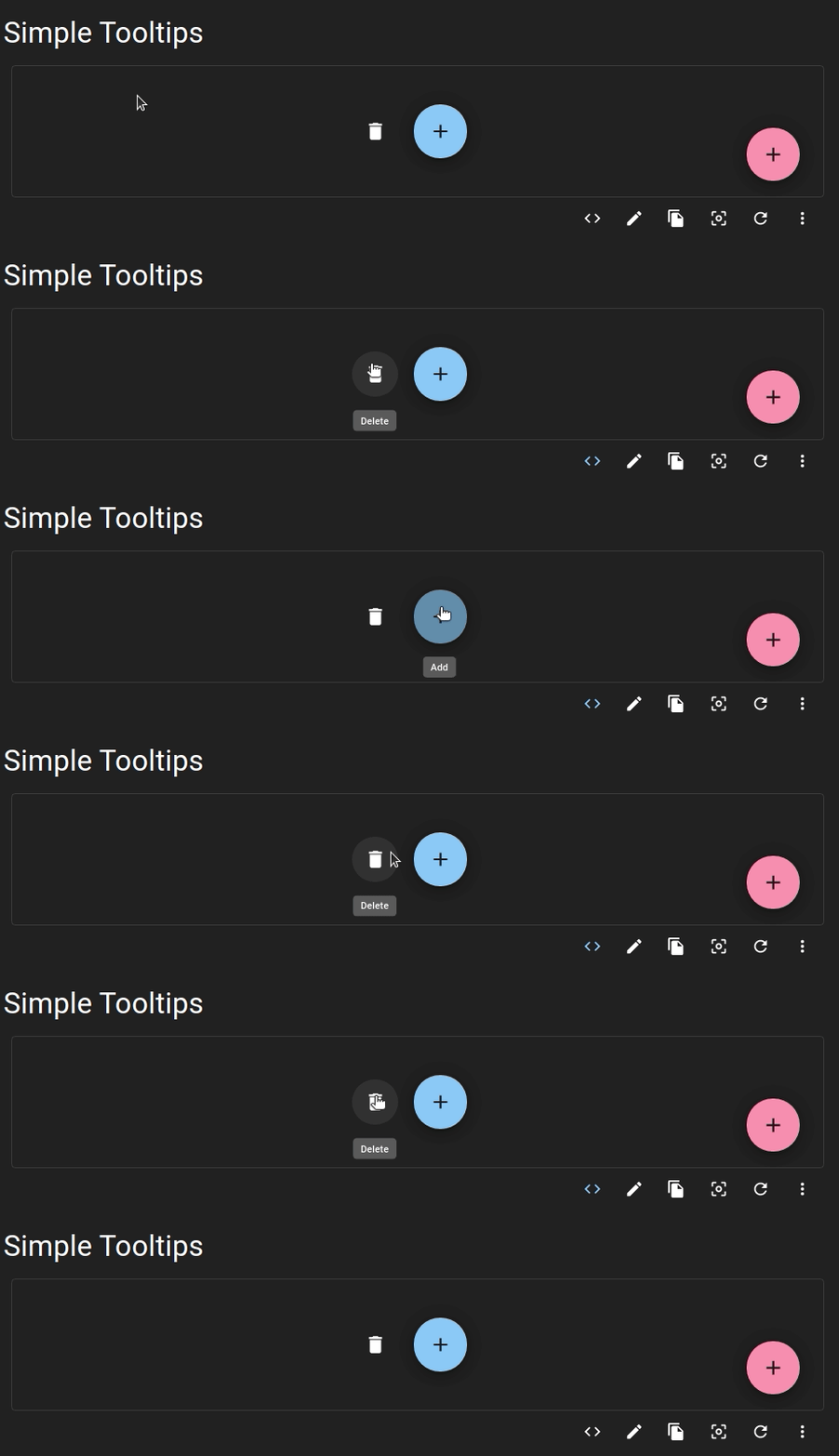
Issue is reproduced on 80, 90, 110, 120% of scale. When element is hovered and tooltip shows up, the tooltip content text jumps a bit.
- The issue is present in the latest release.
- I have searched the issues of this repository and believe that this is not a duplicate.
Current Behavior 😯
This behaviour can be check on material-ui page.
Expected Behavior 🤔
No jumping, text is displayed with no issues.
Steps to Reproduce 🕹
Since I found it even on material-ui page I assume codesandbox is not required to verify.
Steps:
- Scale the page to be either 80%, 90%, 110% or 120%
- Find element wrapped with Tooltip
- Hover over this element
Contributor guide
First steps
- Read the whole issue, then the project's contributing guide.
- Comment on the issue to say you are picking it up — it saves two people doing the same work.
- Fork the repository and make your change on a branch.
- Open a pull request that references the issue number.
Research direction
Reproduce the issue on the Material UI page by scaling the page to 80%, 90%, 110%, or 120%, then hovering an element wrapped with Tooltip. Trace the Tooltip implementation and verify that the text no longer jumps when the issue is fixed.
Written by the indexing model from the issue text.
Assessment
- Tech stack
- javascript, react
- Domain
- frontend
- Issue type
- Bug
- Difficulty
- 3/5
- Estimated time
- 1-2 days
- Activity status
- Stale
- Clarity
- Mostly clear
- Newbie friendliness
- 38/100