ms-structural / ms-structural/femdesign-api
Duplicate GetMaterialByName components causes error on first read
Nobody has claimed this yet.
- Dominant language
- C#
- Stars
- 51
- Forks
- 29
- PR merge metrics
- No merged PRs in 30d
Description
Problem:
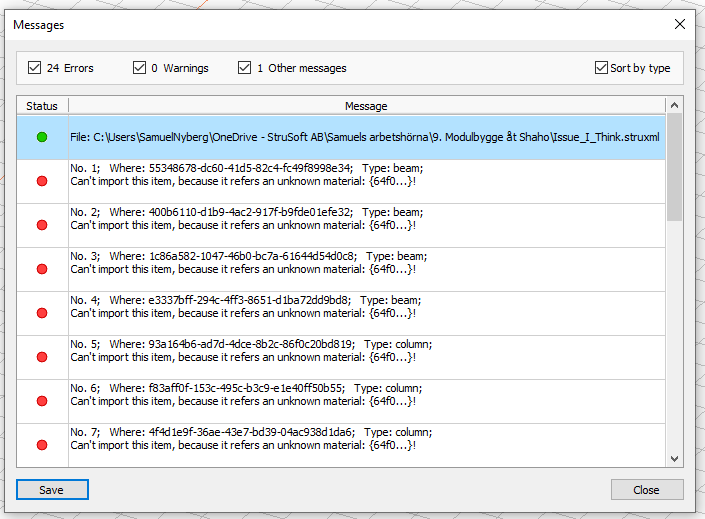
Opening a file with duplicate Material.GetMaterialByName components (meaning two components which outputs the same material) causes an error where the .struxml file adds an "complex material" to the element with an GUID which doesn't exist in the materials at the bottom of the file. As a result, the model can't assemble correctly, displaying an error message in FEM-Design.
Example:
Here are three Material.GetMaterialByName components, two with identical materials and one with a different one:
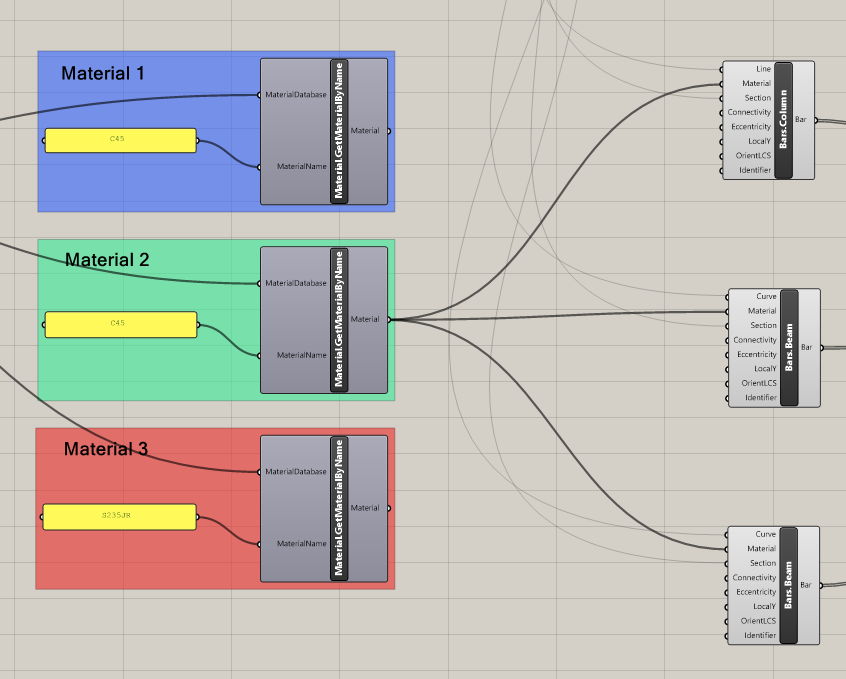
Opening this script and then opening FEM-Design from within triggers this message window:
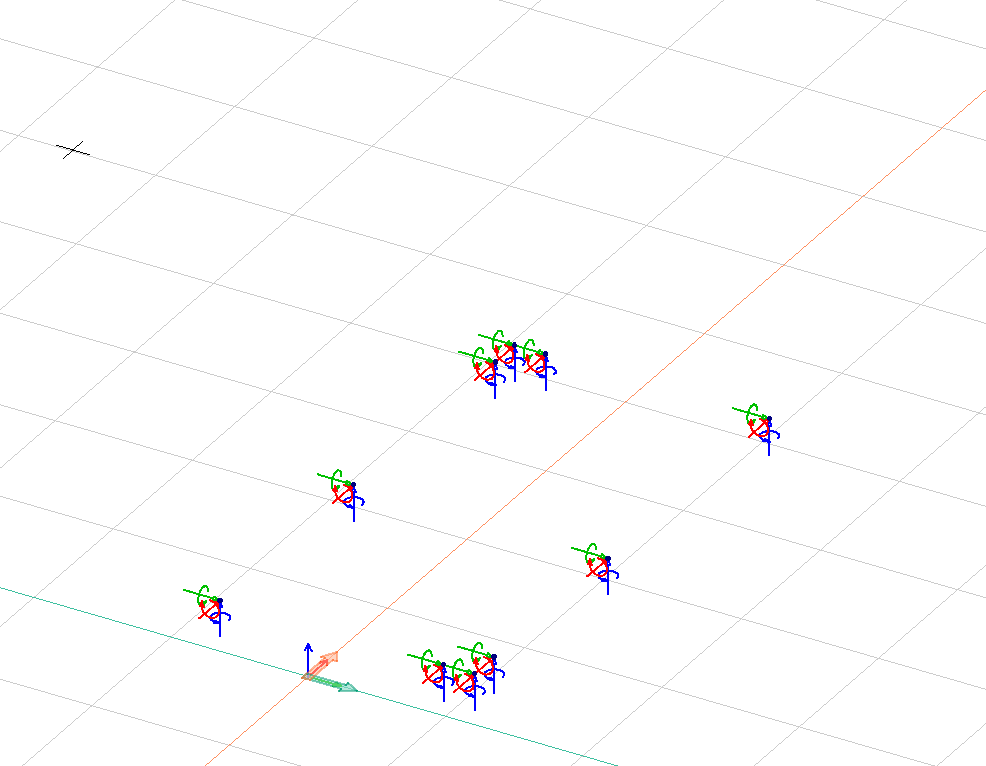
The model then looks something like this:
However, the problem can be solved by simply moving the input from one of the components to the other:
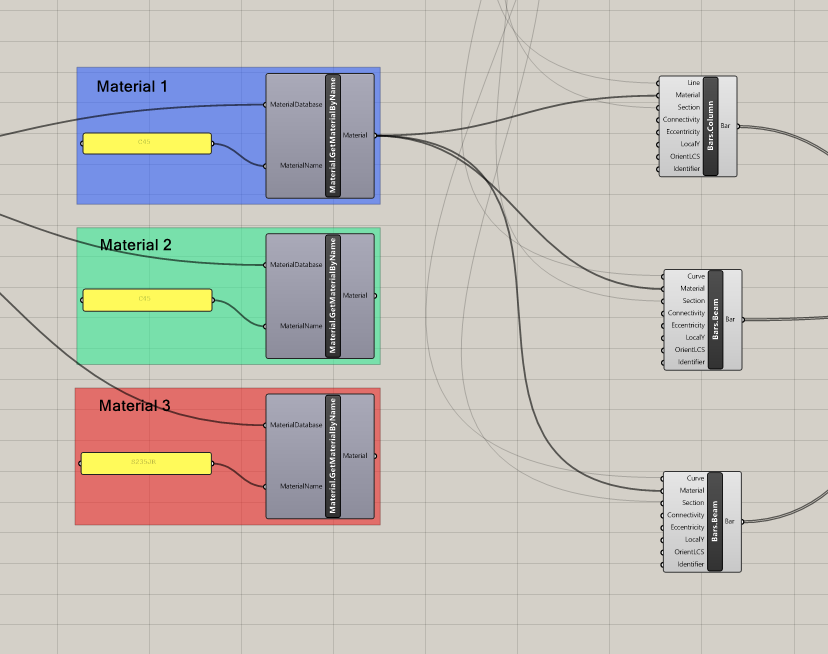
The problem can also be solved by "reconnecting" the wire between the components.
The model then loads correctly:
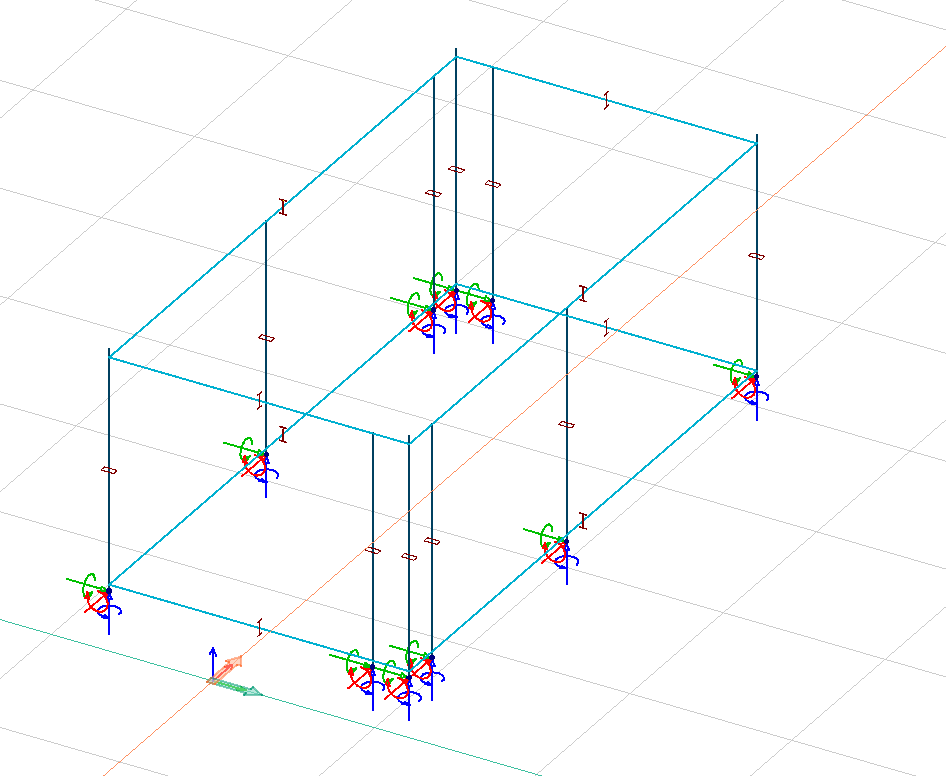
Once correctly loaded, the model works fine until the script is closed and opened again. The same error displays on every first run.
Other known behavior:
- If there are three different materials, the problem does not trigger.
- If one of the materials are changed to be a duplicate of another, the problem triggers as if it was a first run.
- If the only used component is the third, with a different material, the problem does not trigger.
- If all elements are connected to the same component, changing the material of the component used fixes the problem.
- However, changing the material of the duplicate component does not fix the problem.
- If all elements have their own component, some might be loaded correctly, but never all.
- "Reconnecting" the elements one by one fixes the problem for each element separately.
- This means that the problem is there regardless of if all duplicate components are in use or not.
A test file can be found in the appropriate folder on OneDrive.
Contributor guide
No contributing guide indexed for this repository
First steps
- Read the whole issue, then the project's contributing guide.
- Comment on the issue to say you are picking it up — it saves two people doing the same work.
- Fork the repository and make your change on a branch.
- Open a pull request that references the issue number.
Research direction
Start with the test file in the appropriate OneDrive folder and reproduce the first-open failure using duplicate Material.GetMaterialByName components. Inspect the generated .struxml material references and the materials listed at the bottom, then verify the model opens correctly in FEM-Design on the first run. Done means duplicate materials no longer produce references to nonexistent GUIDs.
Written by the indexing model from the issue text.
Assessment
- Tech stack
- csharp
- Domain
- backend-api-design
- Issue type
- Bug
- Difficulty
- 4/5
- Estimated time
- 3-5 days
- Activity status
- Stale
- Clarity
- Mostly clear
- Newbie friendliness
- 35/100