Judder when deinterlace enabled Intel UHD 620
Nobody has claimed this yet.
- Dominant language
- C
- Stars
- 37k
- Forks
- 3.5k
- Avg merge
- 1d 10h
- Merged PRs (30d)
- 22
Description
Important Information
mpv version
-
mpv 0.34.0-221-g1c49d5735d Copyright © 2000-2022 mpv/MPlayer/mplayer2 projects
built on Sun Mar 6 22:44:00 +08 2022
FFmpeg library versions:
libavutil 57.22.100
libavcodec 59.22.100
libavformat 59.17.103
libswscale 6.5.100
libavfilter 8.27.100
libswresample 4.4.100
FFmpeg version: git-2022-03-06-10c2ef1c -
Windows Version 10 21H2
-
Source of the mpv binary Windows builds by shinchiro (releases and git)
Reproduction steps
Playing any interlaced file causes the same issue on this hardware. I tried various settings in mpv.conf but all the same result there is judder or screen shake most obvious on osd like sports scores or channel logo. With deinterlaced disabled very low cpu and gpu usage.
log-file="c:\temp\mpv.log"
hwdec=auto
#profile=gpu-hq
gpu-context=d3d11
gpu-api=auto
#vf=yadif=mode=1:deint=1
interpolation=yes
video-sync=display-resample
#video-sync=display-desync
#tscale=oversample
vf=d3d11vpp=deint=yes:interlaced-only=yes
#deinterlace=yes
Expected behavior
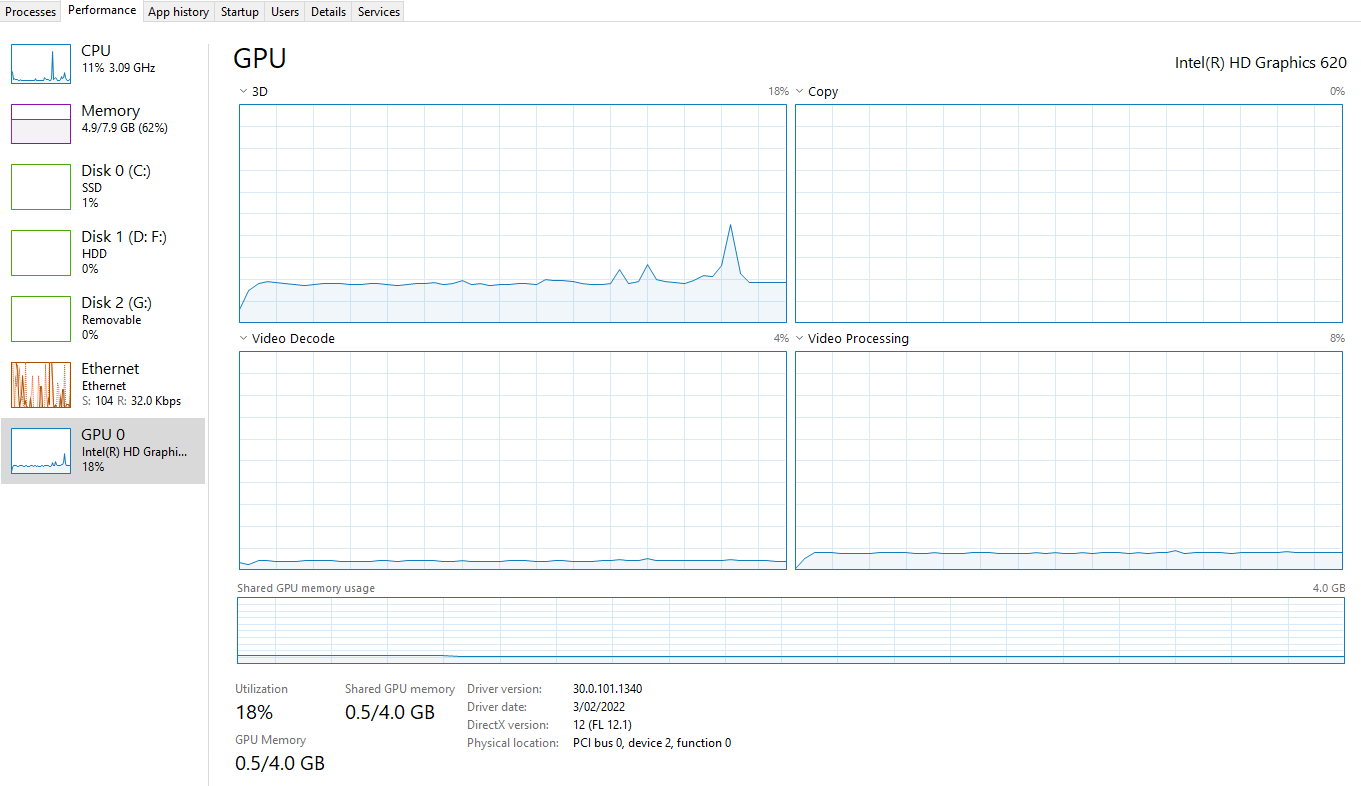
Smooth playback no judder just like VLC and windows media center. Using VLC the CPU usage is around 5% attached performance monitor for comparisons.
Actual behavior
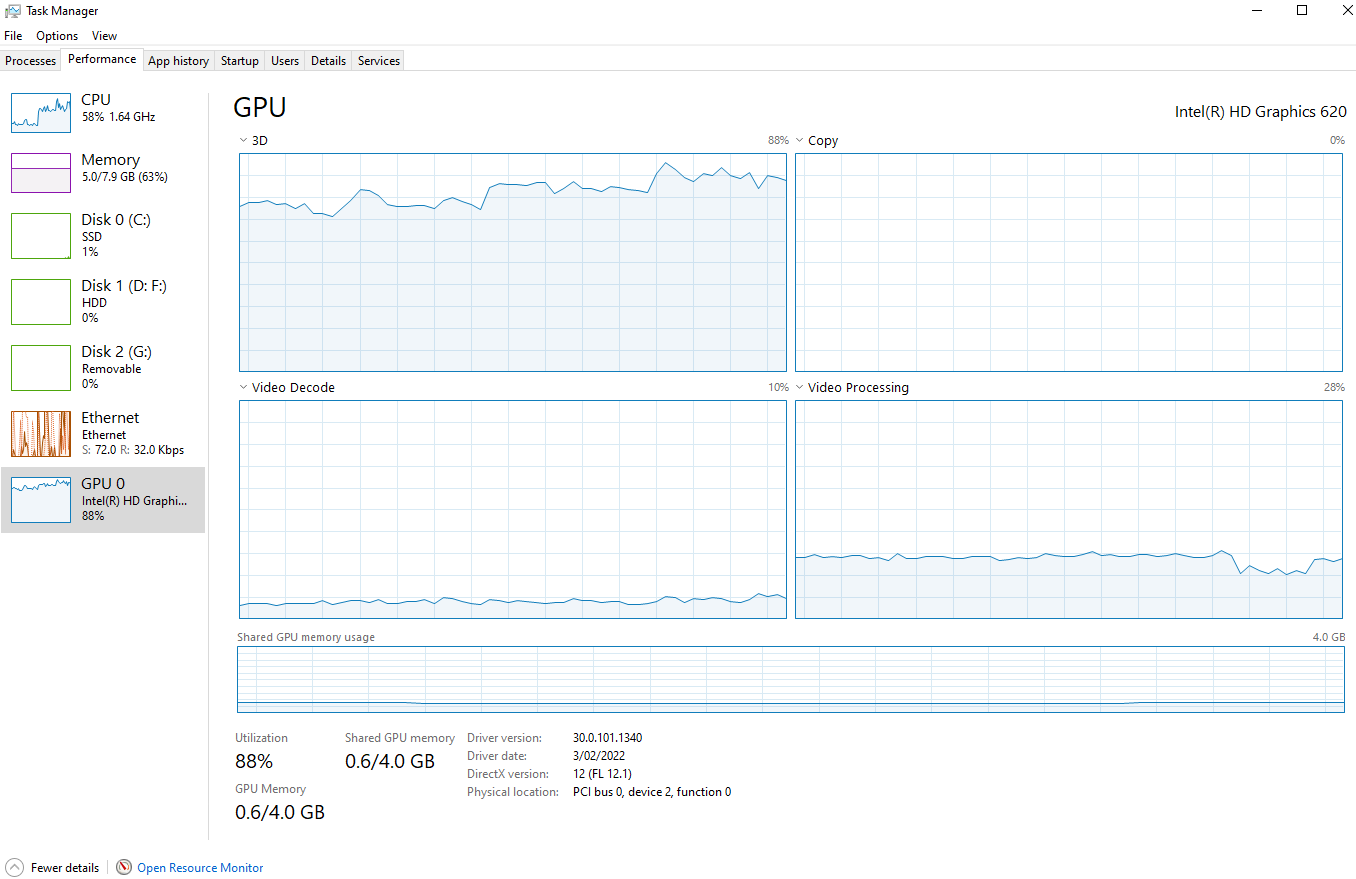
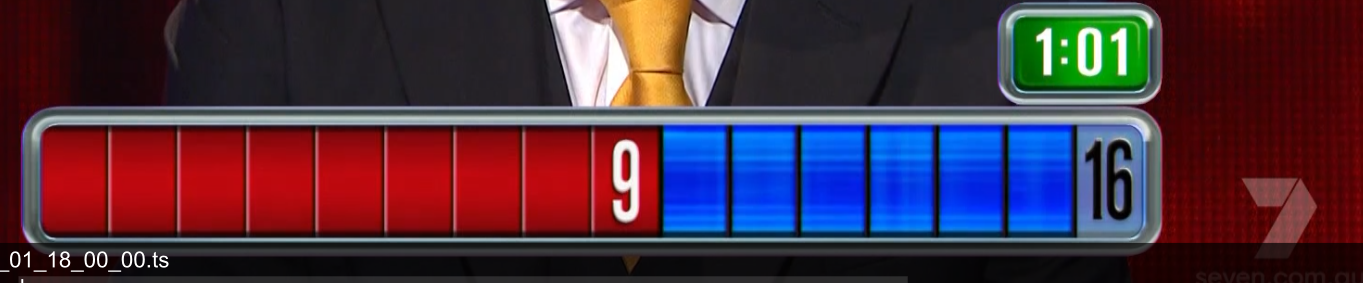
High CPU usage and screen shake it is most noticeable when you look at the osd channel logo you can see it go up and down instead of being fixed on the screen. With deinterlace disabled the cpu and gpu usage is very low.
Log file
Screen grabs of vlc and mpv performance
VLC
MPV
Screen grab of where you can see judder
If you need sample I will attach.
Thank you
Contributor guide
No contributing guide indexed for this repository
First steps
- Read the whole issue, then the project's contributing guide.
- Comment on the issue to say you are picking it up — it saves two people doing the same work.
- Fork the repository and make your change on a branch.
- Open a pull request that references the issue number.
Research direction
Start by reviewing the linked mpv.log and reproduce the issue with gpu-context=d3d11 and vf=d3d11vpp=deint=yes:interlaced-only=yes on the reported Intel UHD 620 setup. Compare deinterlacing and synchronization behavior against the supplied VLC results; done means smooth interlaced playback without OSD judder or excessive CPU usage.
Written by the indexing model from the issue text.
Assessment
- Tech stack
- c
- Domain
- computer-graphics, desktop
- Issue type
- Bug
- Difficulty
- 4/5
- Estimated time
- 3-5 days
- Activity status
- Stale
- Clarity
- Mostly clear
- Newbie friendliness
- 35/100