"Import 3D model for Asteroid" Does not work.
Nobody has claimed this yet.
- Dominant language
- C#
- Stars
- 156
- Forks
- 62
- PR merge metrics
- No merged PRs in 30d
Description
- Ensure you have installed the latest version of SEToolbox installed. Visit latest release to verify.
- Ensure that the issue is reproducible for testing. You may be requested to provide a link to a test world if we cannot reproduce it with your information.
- Retrieve the Event Log from when SEToolbox crashed. Read the following instructions on retrieving the event log.
SEToolbox Version: 1.x.xxx.xxx
SE Version: 1.xxx.xxx
Steps to Reproduce
-
How did this issue get triggered?
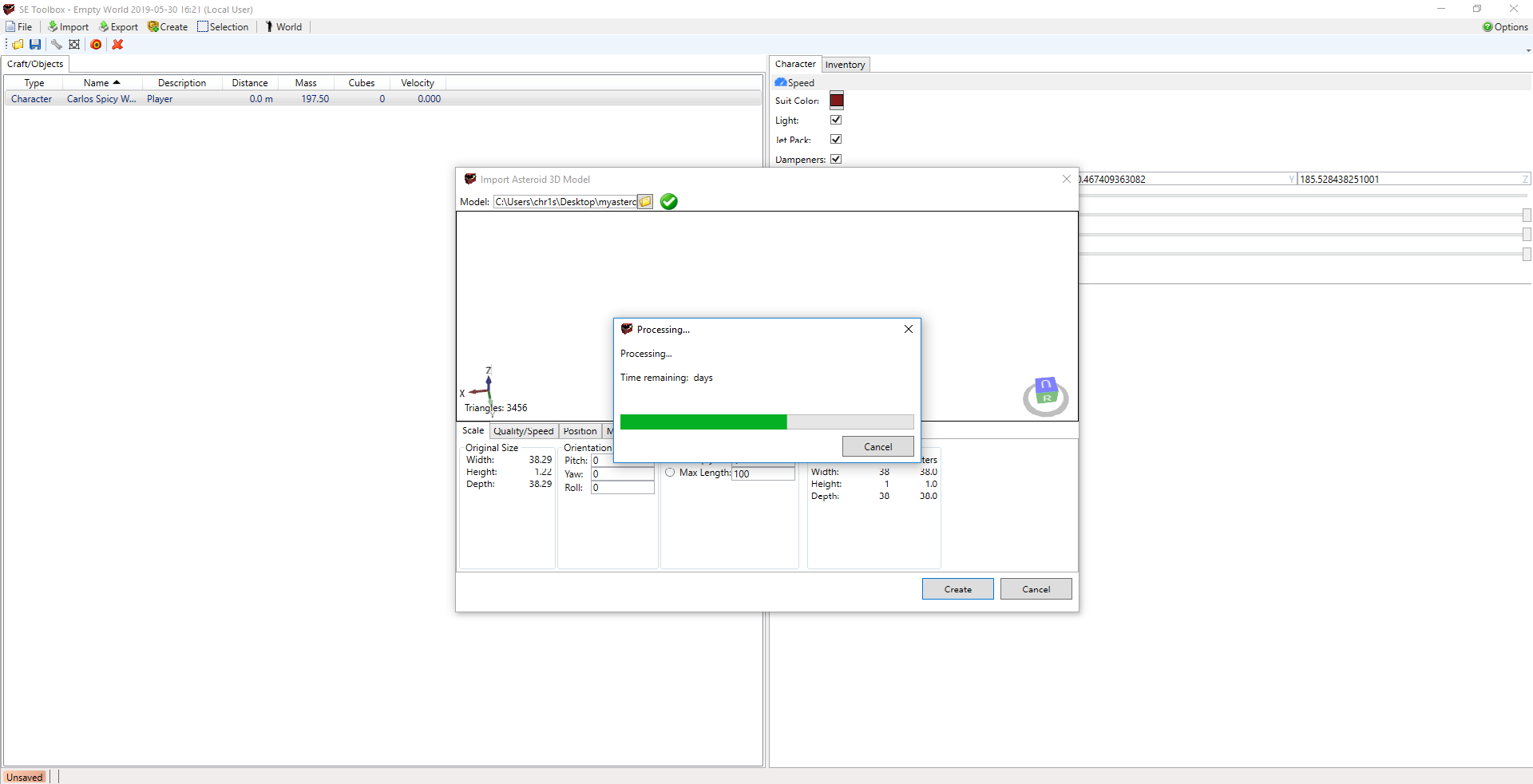
Whenever I try to import a 3D model through the "Import Asteroid 3D model" it completes the progress bar and makes the notification beep indiicating it has imported the model, but the model never imports onto the map. -
Write all of the steps here.
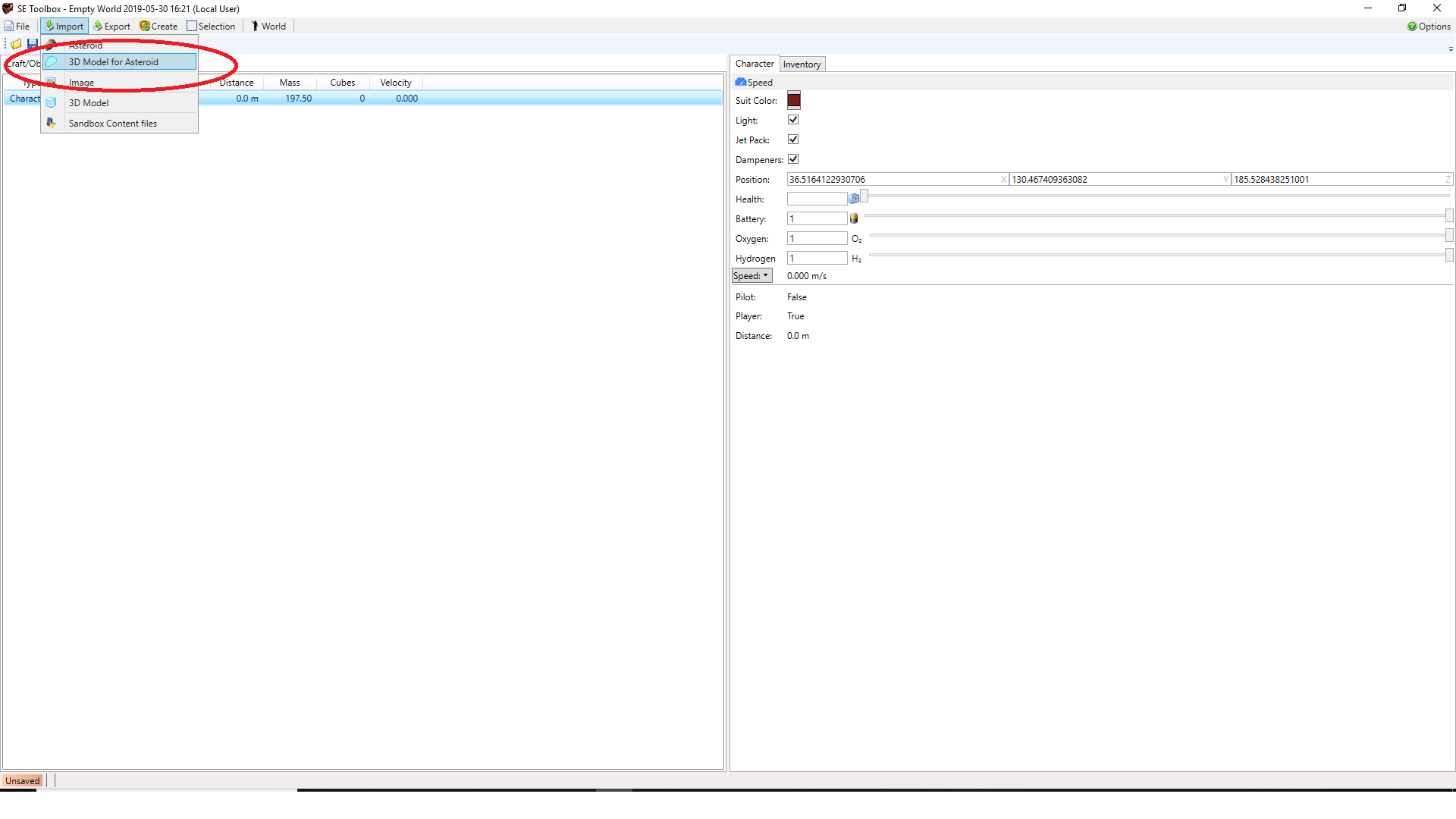
I select the import asteroid as 3D model
then it goes through the process just fine
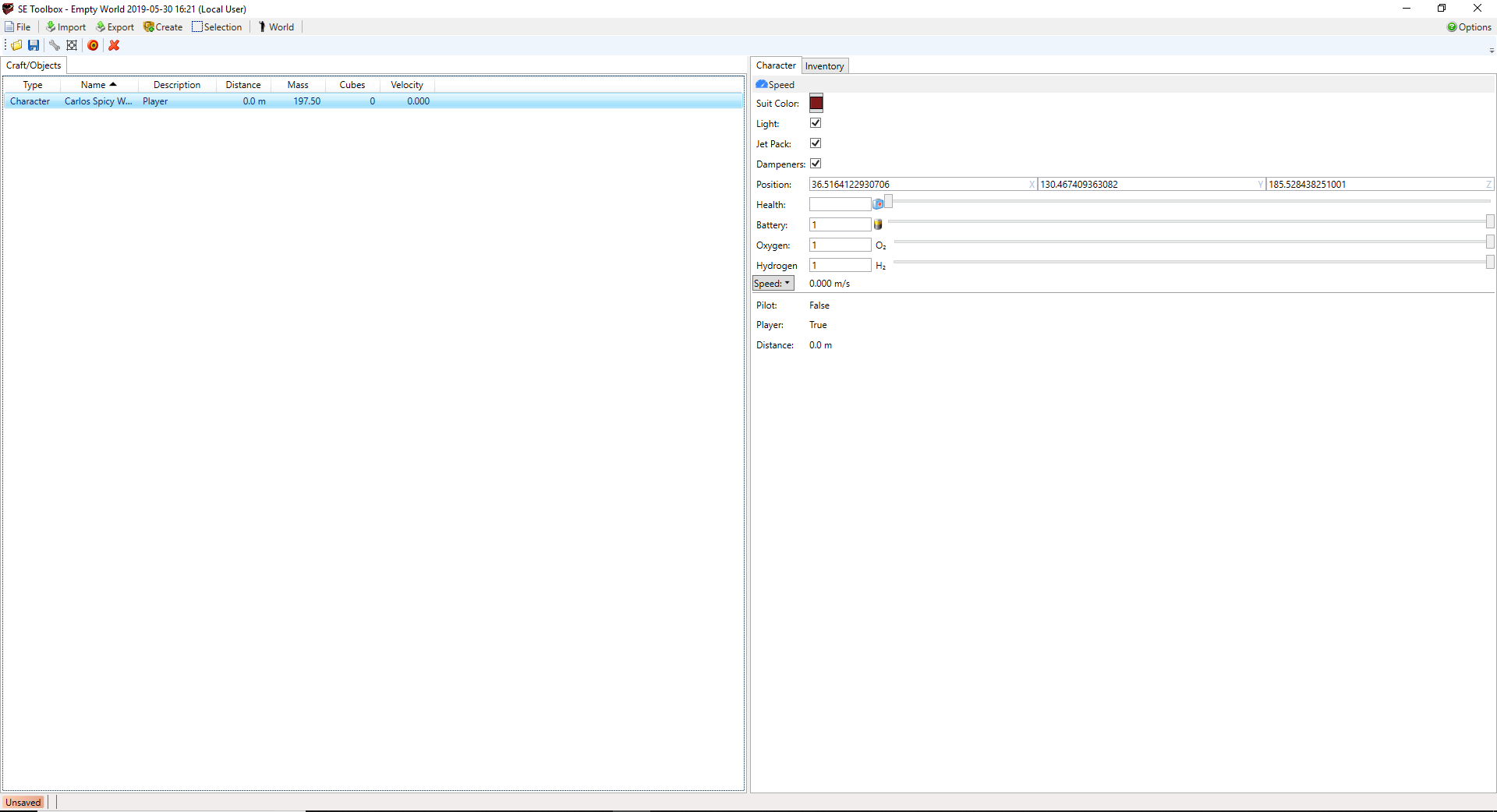
But the asteroid is never on the map
SEToolbox Event Log
Paste your event log here.
Contributor guide
No contributing guide indexed for this repository
First steps
- Read the whole issue, then the project's contributing guide.
- Comment on the issue to say you are picking it up — it saves two people doing the same work.
- Fork the repository and make your change on a branch.
- Open a pull request that references the issue number.
Research direction
Start from the “Import Asteroid 3D model” command and reproduce the reported progress-completes-but-no-asteroid behavior. Review the SEToolbox event log from the import attempt and trace the import result through to map placement. Done means a selected 3D model appears on the map after the import completes.
Written by the indexing model from the issue text.
Assessment
- Tech stack
- csharp
- Domain
- desktop, game-dev
- Issue type
- Bug
- Difficulty
- 4/5
- Estimated time
- 3-5 days
- Activity status
- Stale
- Clarity
- Needs clarification
- Newbie friendliness
- 25/100