microsoftgraph / microsoftgraph/microsoft-graph-comms-samples
Bot is not being called in teams meeting even it is running locally
Nobody has claimed this yet.
- Dominant language
- No language data
- Stars
- 253
- Forks
- 275
- Avg merge
- 1d 5h
- Merged PRs (30d)
- 1
Description
Describe the issue
A clear and concise description of what the issue is.
After providing all the required information in AzureSettings.cs after registering the bot in Azure portal, certificate binding, running Ngrok.yaml having pro license of Ngrok, Tenant admin consent as mentioned in provided docs not able to call joincall service. Getting 404 not found issue while calling through postman in meeting call.
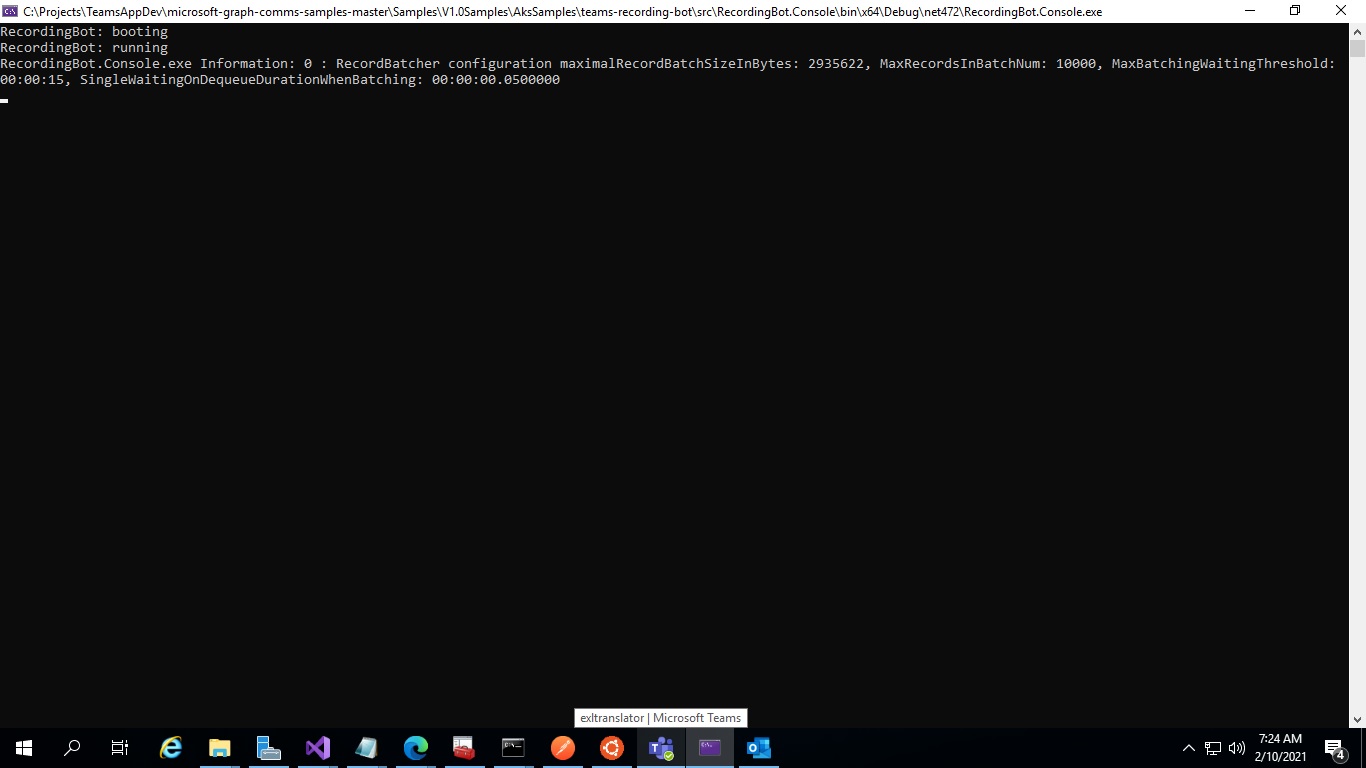
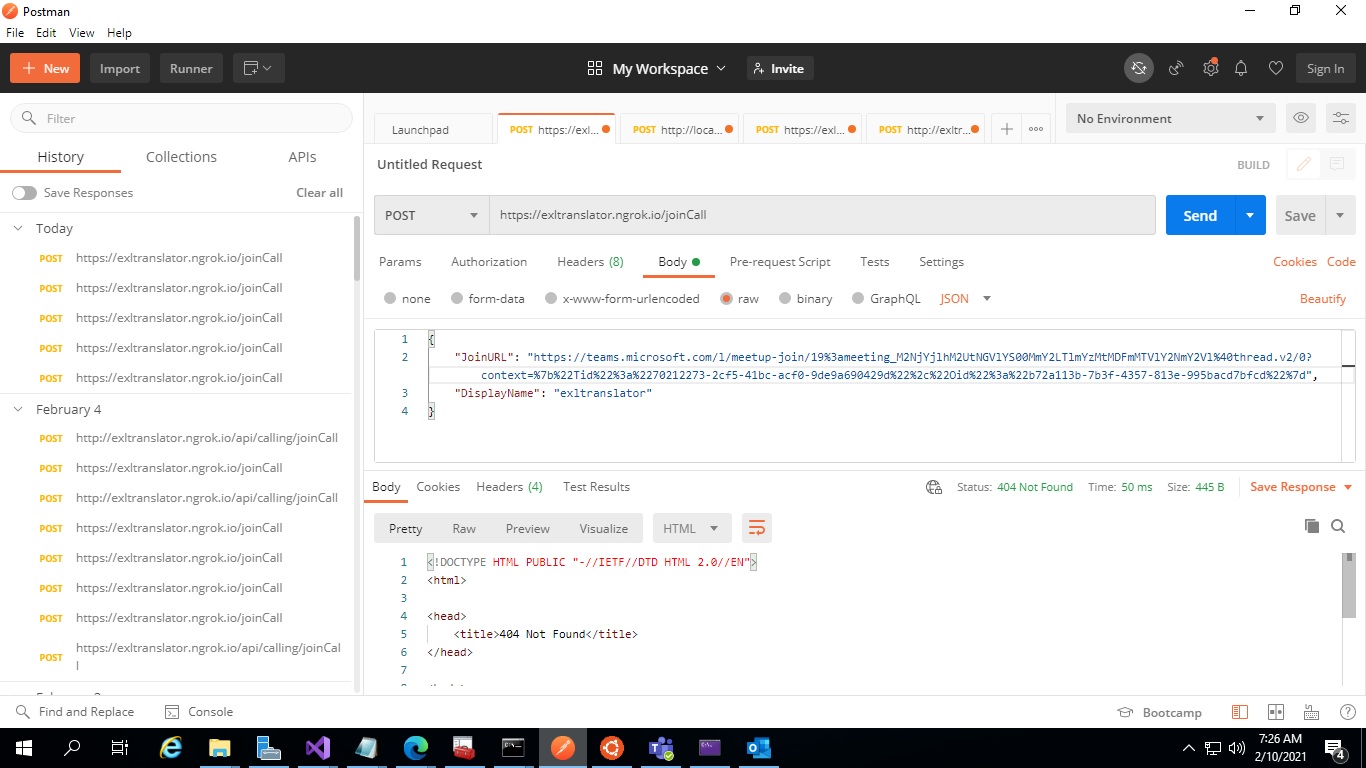
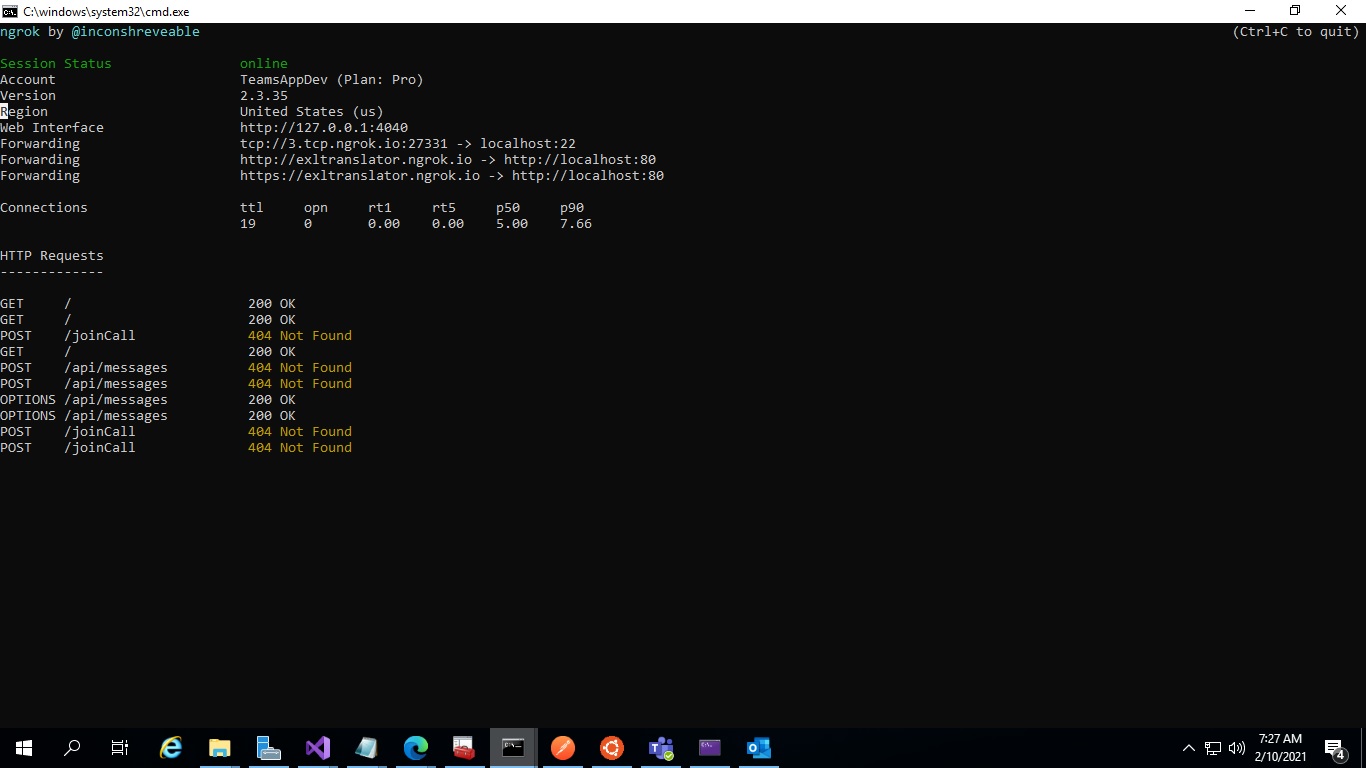
Code Snippet
Insert the code snippet if any.
Expected behavior
A clear and concise description of what you expected to happen.
Graph SDK (please complete the following information):
- Version [e.g. 22]
Call ID
Provide the list call ids that encountered this issue. Include the time in UTC/GMT when these call have occurred.
Logs
If required, please add logs from the SDK. (Please remove any PII from the logs before uploading)
Additional context
Add any other context about the problem here.
Contributor guide
No contributing guide indexed for this repository
First steps
- Read the whole issue, then the project's contributing guide.
- Comment on the issue to say you are picking it up — it saves two people doing the same work.
- Fork the repository and make your change on a branch.
- Open a pull request that references the issue number.
Research direction
Start with AzureSettings.cs, Ngrok.yaml, and the Postman request for the joincall service. Check the documented Azure and certificate configuration and reproduce the request, using the supplied screenshots as context. Done means the joincall endpoint responds without a 404 and the bot joins the Teams meeting.
Written by the indexing model from the issue text.
Assessment
- Tech stack
- azure, csharp, postman
- Domain
- api, backend, cloud
- Issue type
- Bug
- Difficulty
- 4/5
- Estimated time
- 3-5 days
- Activity status
- Stale
- Clarity
- Needs clarification
- Newbie friendliness
- 20/100