microsoft / microsoft/vscode-js-profile-visualizer
Clicking a block in the flame chart doesn't necessarily mean I want to stretch it to the whole screen
Open
Nobody has claimed this yet.
- Dominant language
- TypeScript
- Stars
- 158
- Forks
- 30
- Avg merge
- 22h 29m
- Merged PRs (30d)
- 8
Description
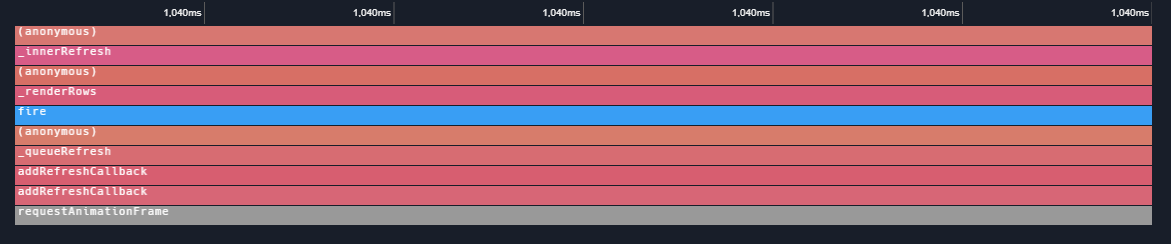
Should the gesture be double click or alt click instead? Devtools goes to the file on click.
Proposal:
- Click: focus the item, show the description on the bottom
- Ctrl+click: go to the file
- Double click: expand item to width
Contributor guide
No contributing guide indexed for this repository
First steps
- Read the whole issue, then the project's contributing guide.
- Comment on the issue to say you are picking it up — it saves two people doing the same work.
- Fork the repository and make your change on a branch.
- Open a pull request that references the issue number.
Research direction
No files or tests are named in the issue. Start by locating the flame-chart block click handling in the VS Code custom editor, then compare the current gesture with the proposed click, Ctrl+click, and double-click behavior. Done means the three interactions have distinct, consistent outcomes and the resulting item focus, file navigation, and width expansion work as described.
Written by the indexing model from the issue text.
Assessment
- Tech stack
- typescript
- Domain
- desktop, tooling
- Issue type
- Feature
- Difficulty
- 4/5
- Estimated time
- 3-5 days
- Activity status
- Stale
- Clarity
- Mostly clear
- Newbie friendliness
- 35/100