microsoft / microsoft/vscode-github-issue-notebooks
🥇 Feature Request: pane preview for issues and for PRs.
Nobody has claimed this yet.
- Dominant language
- TypeScript
- Stars
- 237
- Forks
- 37
- PR merge metrics
- No merged PRs in 30d
Description
Current Behavior
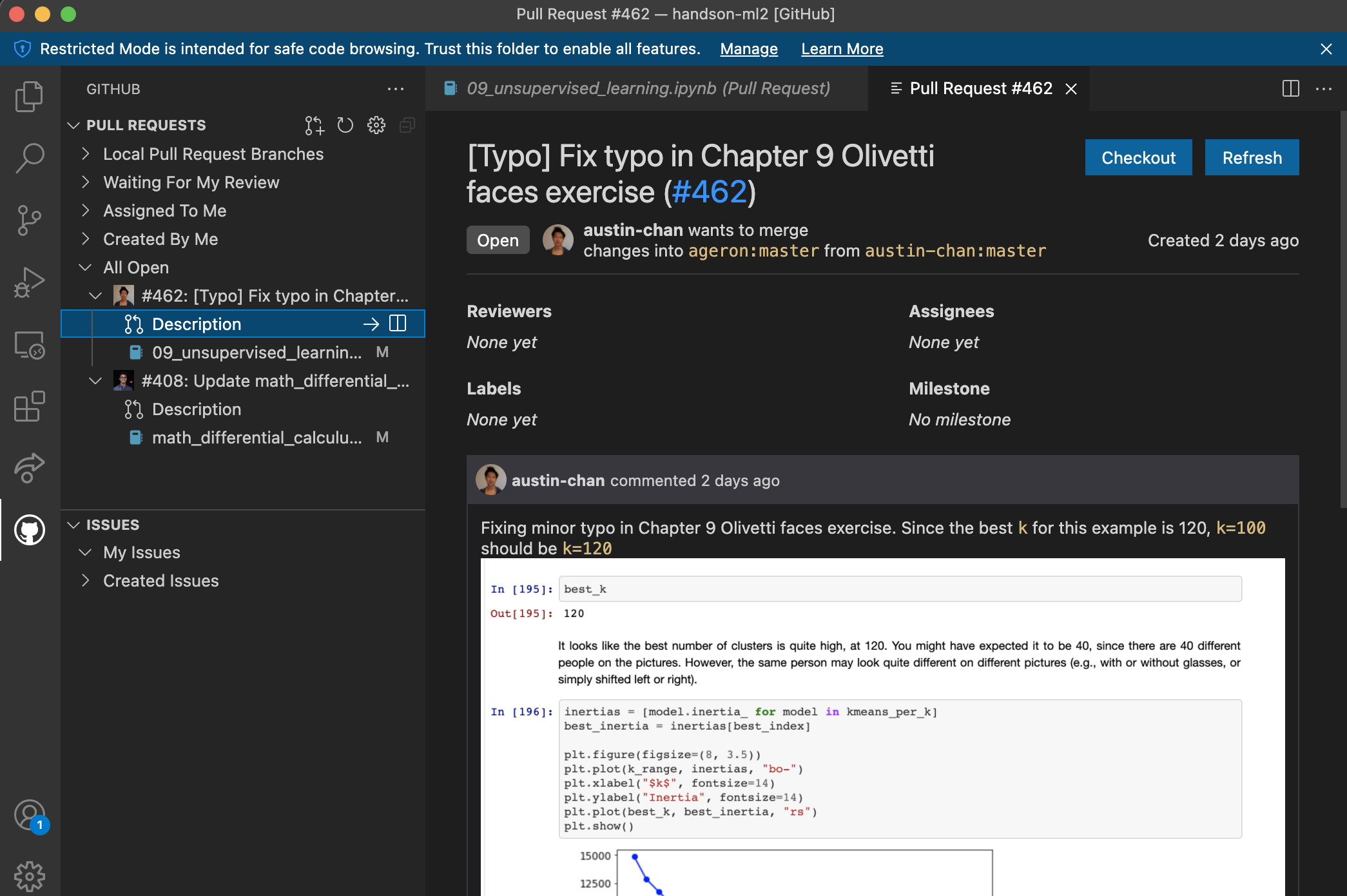
I frequently use the Github Issues notebook to view pull requests and issues for repos of interest. Filtering out a list of potentially interesting URLs based on topic, tag, author, etc. is very quick! -- but it can be quite time-consuming to click each issue, open it in a new browser tab, and then read through.
Desired Behavior
Generate a preview of a selected issue or a PR description in a new pane (similar to the markdown preview extension). Alternately, use the Github Remote Repositories extension to view the PR in a new tab.
Contributor guide
First steps
- Read the whole issue, then the project's contributing guide.
- Comment on the issue to say you are picking it up — it saves two people doing the same work.
- Fork the repository and make your change on a branch.
- Open a pull request that references the issue number.
Research direction
Start by reviewing how the GitHub Issues notebook displays selected issues and pull requests, then compare the markdown preview and GitHub Remote Repositories extensions mentioned in the request. Done means a selected issue or PR description can be previewed in a new pane, or the chosen alternative is implemented and verified.
Written by the indexing model from the issue text.
Assessment
- Tech stack
- typescript
- Domain
- desktop, developer-experience, tooling
- Issue type
- Feature
- Difficulty
- 4/5
- Estimated time
- 3-5 days
- Activity status
- Stale
- Clarity
- Mostly clear
- Newbie friendliness
- 35/100