microsoft / microsoft/vscode-github-issue-notebooks
🥇 Feature Request: open PR URLs using github.dev or the Github extension in VS Code, rather than github.com.
Nobody has claimed this yet.
- Dominant language
- TypeScript
- Stars
- 237
- Forks
- 37
- PR merge metrics
- No merged PRs in 30d
Description
Current behavior
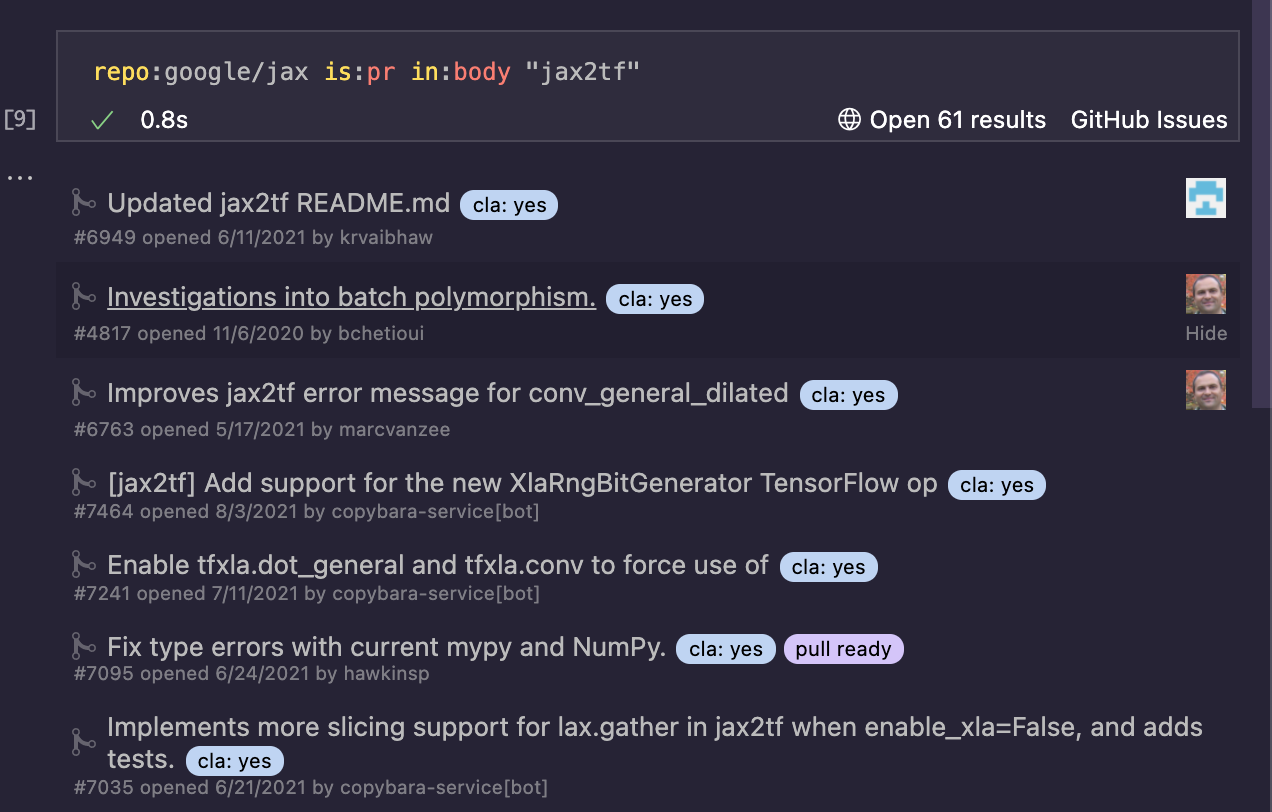
I frequently use the Github Issues notebook to list pull requests of interest. Clicking on a PR's URL link takes me to the view for the pull request on github.com -- but then, to begin reviewing or modifying the change, I have to execute an additional . or series of clicks.
Desired behavior
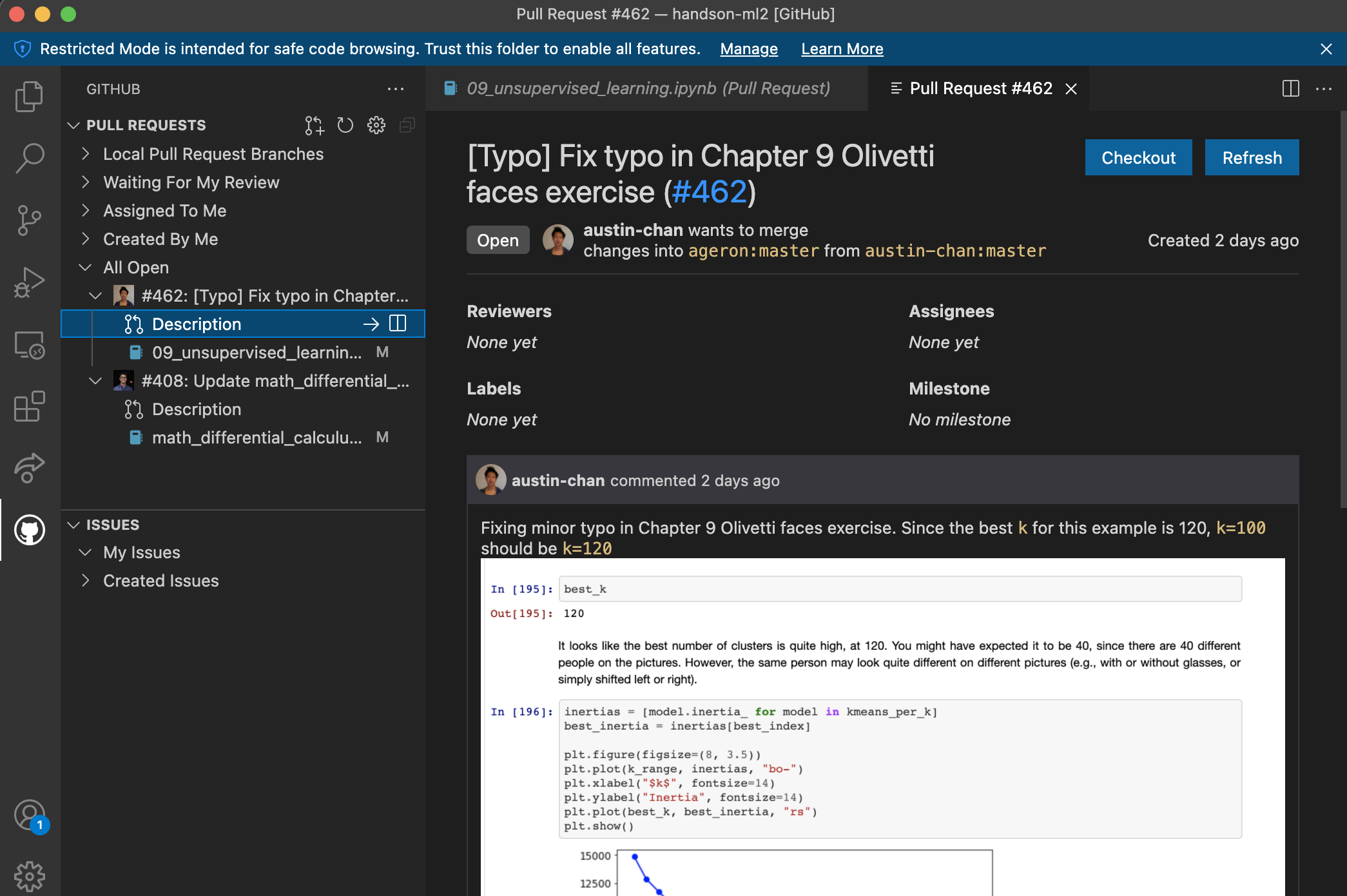
Links to PRs should redirect users to the github.dev view for that PR, or (optionally, perhaps via right-click?) to a Codespace, or the Github Remote Repositories view for that PR in VS Code.
Contributor guide
First steps
- Read the whole issue, then the project's contributing guide.
- Comment on the issue to say you are picking it up — it saves two people doing the same work.
- Fork the repository and make your change on a branch.
- Open a pull request that references the issue number.
Research direction
Start by locating the GitHub Issues notebook entry point that handles pull-request URL links; no file or test is named in the issue. Review how links currently open on github.com and determine the supported target behavior. Done means PR links open in github.dev, with any Codespace or VS Code Remote Repositories option resolved and covered by appropriate tests.
Written by the indexing model from the issue text.
Assessment
- Tech stack
- github, typescript, vscode
- Domain
- developer-experience, tooling
- Issue type
- Feature
- Difficulty
- 3/5
- Estimated time
- 1-2 days
- Activity status
- Stale
- Clarity
- Mostly clear
- Newbie friendliness
- 35/100