microsoft / microsoft/vscode-cpptools
[Windows][vsdbg] Cannot show exception message.
Open
@pieandcakes is already working on this.
Since May 22, 2018.
bug
debugger
- Dominant language
- TypeScript
- Stars
- 6.2k
- Forks
- 1.7k
- Avg merge
- 14h 46m
- Merged PRs (30d)
- 61
Description
VSCode Version: 1.22.2
OS Version: Window10 X64
Steps to Reproduce:
1.Open tests folder in attachments directly
2.Update "program" in launch.json as following:
"program": "${workspaceFolder}/Debug/ConsoleApplication1.exe"
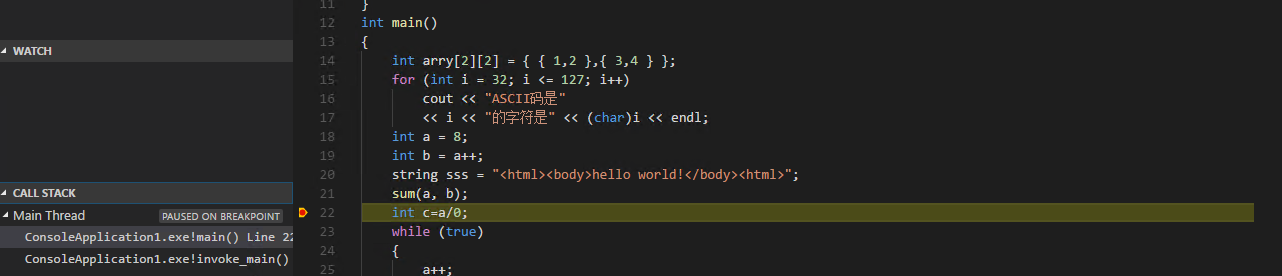
3. Add breakpoint in line "int c=a/0;"
4. F5
5. F5
Excepted:
VS can pop up an exception message.

Actual:
None message pop up.
Contributor guide
First steps
- Read the whole issue, then the project's contributing guide.
- Comment on the issue to say you are picking it up — it saves two people doing the same work.
- Fork the repository and make your change on a branch.
- Open a pull request that references the issue number.
Assessment
This issue has not been assessed yet.