microsoft / microsoft/vscode-cpptools
IntelliSense with different file system types (Windows 10)
Nobody has claimed this yet.
- Dominant language
- TypeScript
- Stars
- 6.2k
- Forks
- 1.7k
- Avg merge
- 14h 46m
- Merged PRs (30d)
- 61
Description
- VSCode Version: Code - Insiders 1.17.0-insider (128a4e3640c5375f7b0bc1cfd37f626481b1386f, 2017-09-12T05:24:19.607Z)
- OS Version: Windows_NT x64 10.0.15063
- Extensions:
| Extension | Author (truncated) | Version |
|---|---|---|
| cpptools | ms- | 0.12.4 |
IntelliSense doesn't seem to be working with SSHFS filesystem type in Windows 10 (no import errors detected and no squiggly lines). I know this is a fringe case, but I'm wondering if there is an easy fix.
IntelliSense works fine for this example in the local filesystem as well as on an exfat formatted flash drive.
Steps to Reproduce:
- Install winsshfs and mount a remote file system
- Open the a project locally from that mounted file system

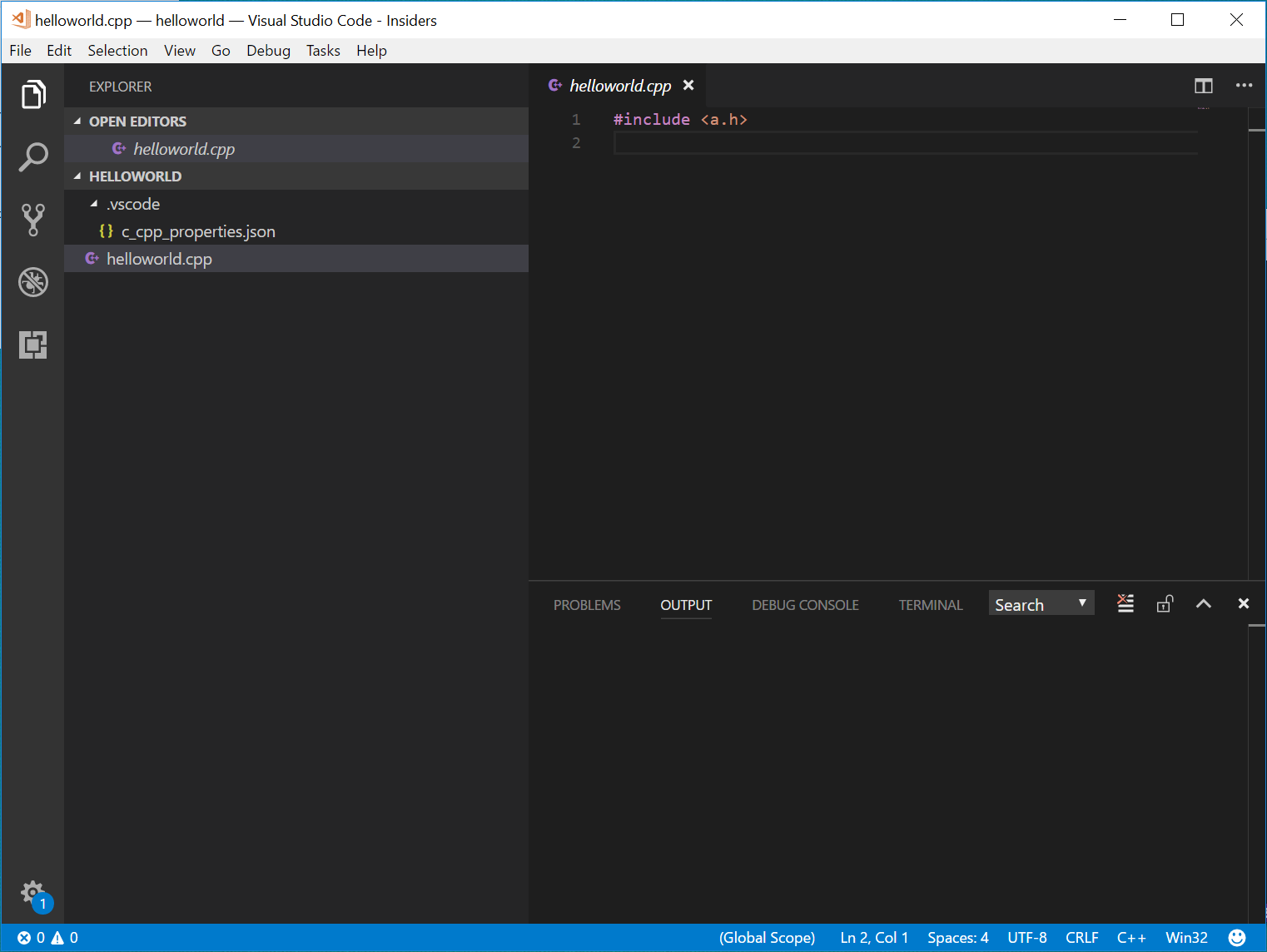
Reproduces without extensions: No (Need the C++ extension for intellisense)
Contributor guide
First steps
- Read the whole issue, then the project's contributing guide.
- Comment on the issue to say you are picking it up — it saves two people doing the same work.
- Fork the repository and make your change on a branch.
- Open a pull request that references the issue number.
Research direction
Reproduce on Windows 10 using winsshfs, the C++ extension, and the reported mounted project, then compare IntelliSense with local and exFAT filesystems. Investigate the extension's filesystem handling; done means imports and squiggles work on the SSHFS mount without regressing the working cases.
Written by the indexing model from the issue text.
Assessment
- Tech stack
- cpp, vscode
- Domain
- operating-systems, tooling
- Issue type
- Bug
- Difficulty
- 4/5
- Estimated time
- 3-5 days
- Activity status
- Stale
- Clarity
- Mostly clear
- Newbie friendliness
- 35/100