microsoft / microsoft/vscode-cmake-tools
cmake.sourceDirectory cannot be configured with ${variant:<variable>}
- Dominant language
- TypeScript
- Stars
- 1.7k
- Forks
- 546
- Avg merge
- 2d 16h
- Merged PRs (30d)
- 32
Description
### Brief Issue Summary
I have a complex code that I want to configure in a flexible way and enable only one component.
Doing so involve changing `cmake.sourceDirectory`
for example changing `settings.json` like this
```
"cmake.sourceDirectory": "${workspaceFolder}/${variant:components}",
```
`${variant:components}` contains the name of the component and directory
unfortunately `${variant:components}` is not expanded in `cmake.sourceDirectory`
I believe this is a bug
### CMake Tools Diagnostics
here is what I get from vscode:
```
[rollbar] "sourceDirectory" is not a directory {"sourceDirectory":"/${variant:components}"}
```
`"${workspaceFolder}"` is expanded properly but not `${variant:components}`
Cmake does not start because cmake tools complains that the `sourceDirectory` does not exist.
I believe this is a bug and should be easily fixed by allow expansion of `${variant:variantname}` in `cmake.sourceDirectory`.
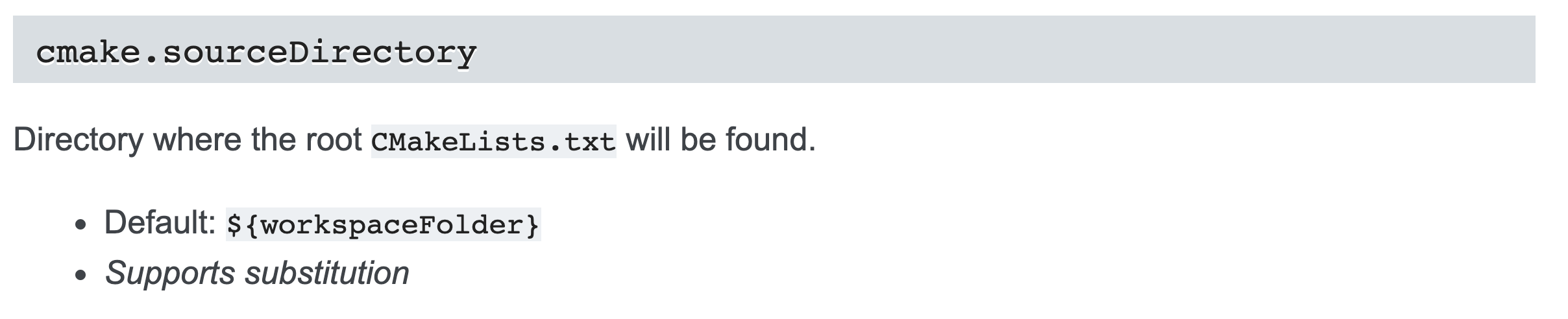
Also the doc says that `cmake.sourceDirectory` supports substitution, this seems limited to `${workspaceFolder}`
Contributor guide
Research direction
Start by reproducing the configuration with cmake.sourceDirectory set to ${workspaceFolder}/${variant:components}, then run the CMake: Log Diagnostics command and trace the sourceDirectory validation path. Done means the variant substitution is handled consistently with workspaceFolder substitution and CMake no longer rejects the resulting directory.
Written by the indexing model from the issue text.
Assessment
- Tech stack
- cmake, typescript
- Domain
- build-system, tooling
- Issue type
- Bug
- Difficulty
- 3/5
- Estimated time
- 1-2 days
- Activity status
- Stale
- Clarity
- Mostly clear
- Newbie friendliness
- 45/100