microsoft / microsoft/sql-server-samples
BUG or problem in the import database tool window
Open
Nobody has claimed this yet.
- Dominant language
- PowerShell
- Stars
- 11.2k
- Forks
- 9.1k
- Avg merge
- 2d 7h
- Merged PRs (30d)
- 14
Description
Hello,
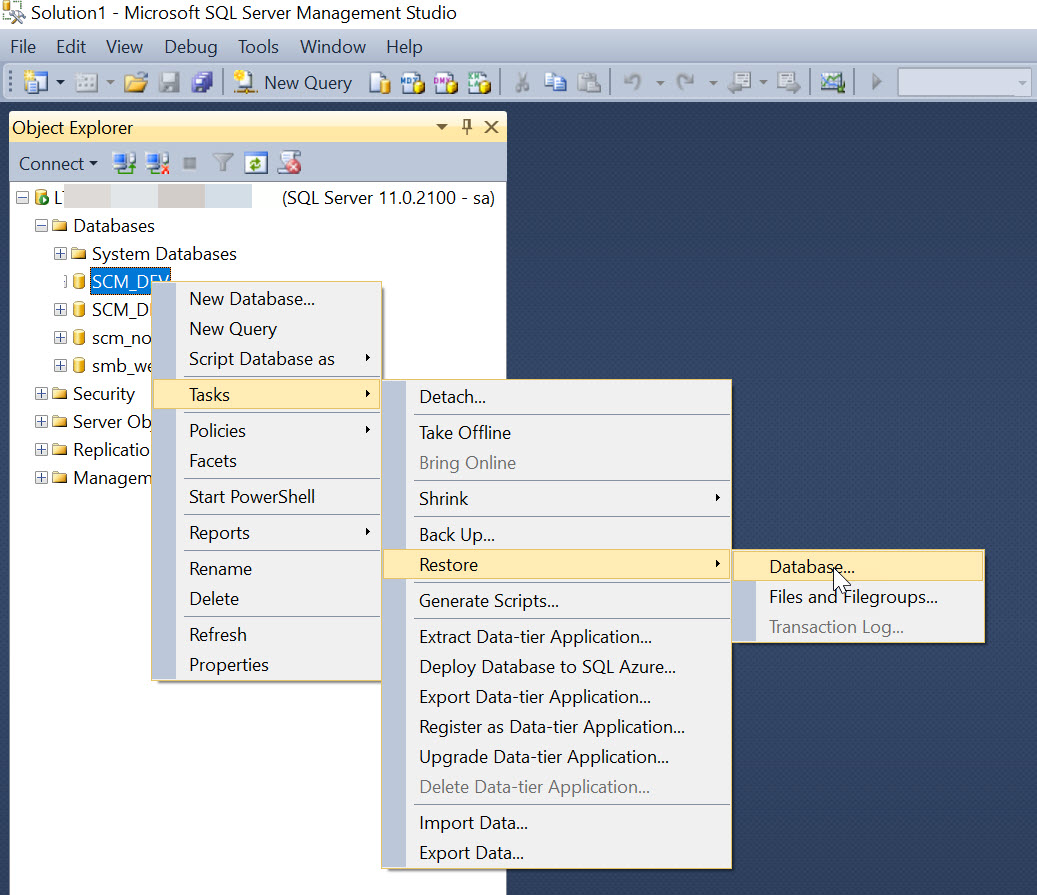
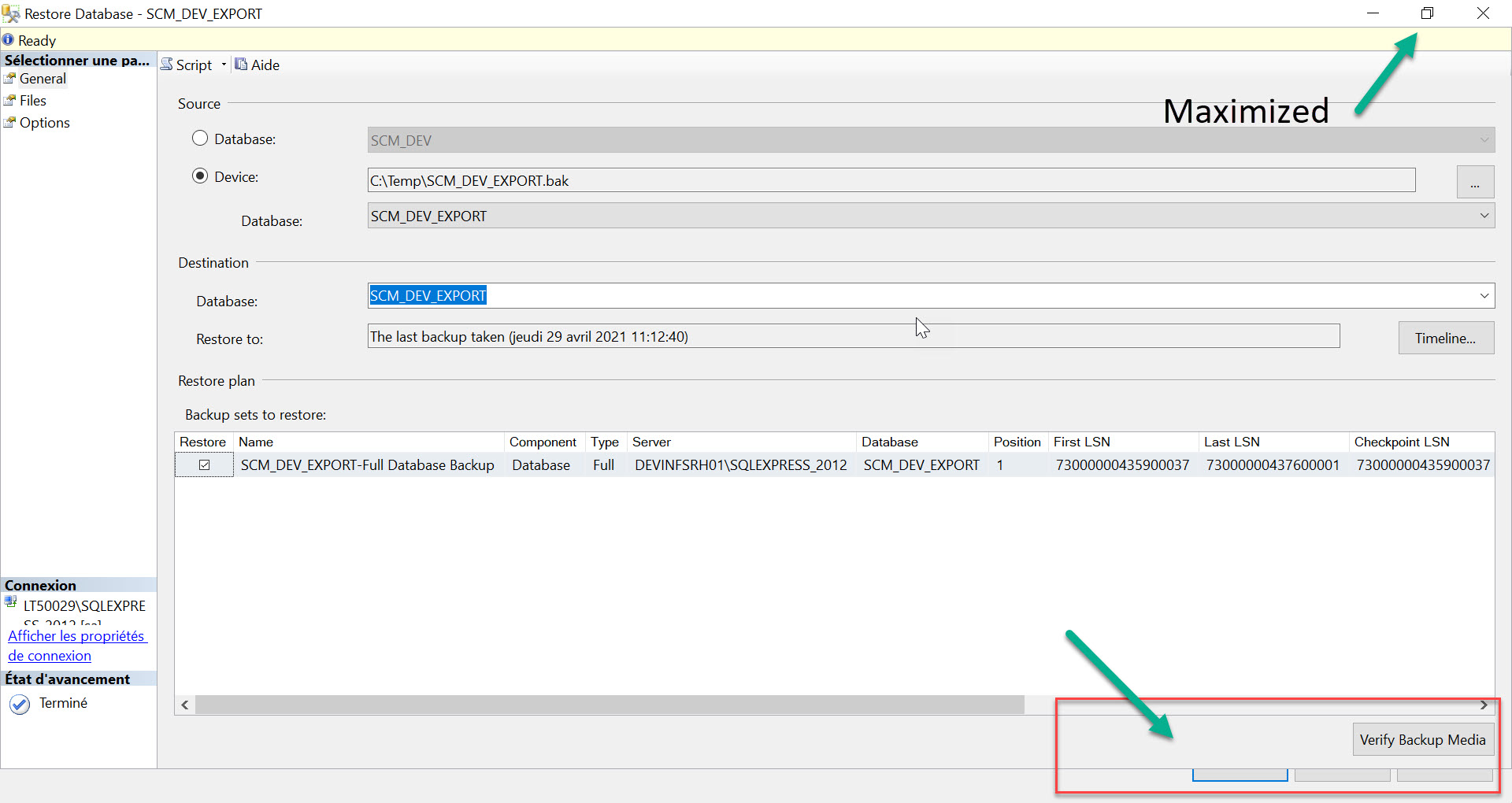
I’m using 150% zoom for my laptop screen, the problem, “OK” “cancel” buttons are no longer visible dur to window size, it has a min size!!, is should be sizable and all controls inside must fit with inside it, please take a look to screenshot below
Contributor guide
No contributing guide indexed for this repository
First steps
- Read the whole issue, then the project's contributing guide.
- Comment on the issue to say you are picking it up — it saves two people doing the same work.
- Fork the repository and make your change on a branch.
- Open a pull request that references the issue number.
Research direction
Start with the import database tool window and reproduce the layout at 150% zoom using the screenshots as the reference. Inspect how the window minimum size and controls are laid out; done means the window can be resized and the OK and Cancel buttons remain visible.
Written by the indexing model from the issue text.
Assessment
- Tech stack
- sql
- Domain
- databases, desktop
- Issue type
- Bug
- Difficulty
- 3/5
- Estimated time
- 1-2 days
- Activity status
- Stale
- Clarity
- Needs clarification
- Newbie friendliness
- 35/100