microsoft / microsoft/monaco-editor
"…" and "‥" written twice under Firefox and Japanese Input Methods
@rebornix is already working on this.
Since Feb 26, 2020.
- Dominant language
- JavaScript
- Stars
- 46.8k
- Forks
- 4.1k
- Avg merge
- 17h 58m
- Merged PRs (30d)
- 1
Description
Environments
monaco-editor version: 0.20.0
Browser: Firefox 73.0.1 (64bit)
OS: macOS Catalina 10.15.3 and Windows 10 1909 (in VMware Fusion)
Note: It couldn't be reproduced in https://vscode-web-test-playground.azurewebsites.net/ , but could be reproduced in https://microsoft.github.io/monaco-editor/ , https://microsoft.github.io/monaco-editor/playground.html and my private project (using react-monaco-editor).
Note: It couldn't reproduce in Chrome, Safari, and EdgeHTML.
Related Issues?: #876
Reproduce Steps
- Enable Japanese IME
- Input
…with IME.
- in Windows + Microsoft IME, press . key three times. you will show
。。。with under line. next, press space key and select…conversion candidate and press Enter key twice to confirm selected candidate.
- Input
…twice… 😢
GIF
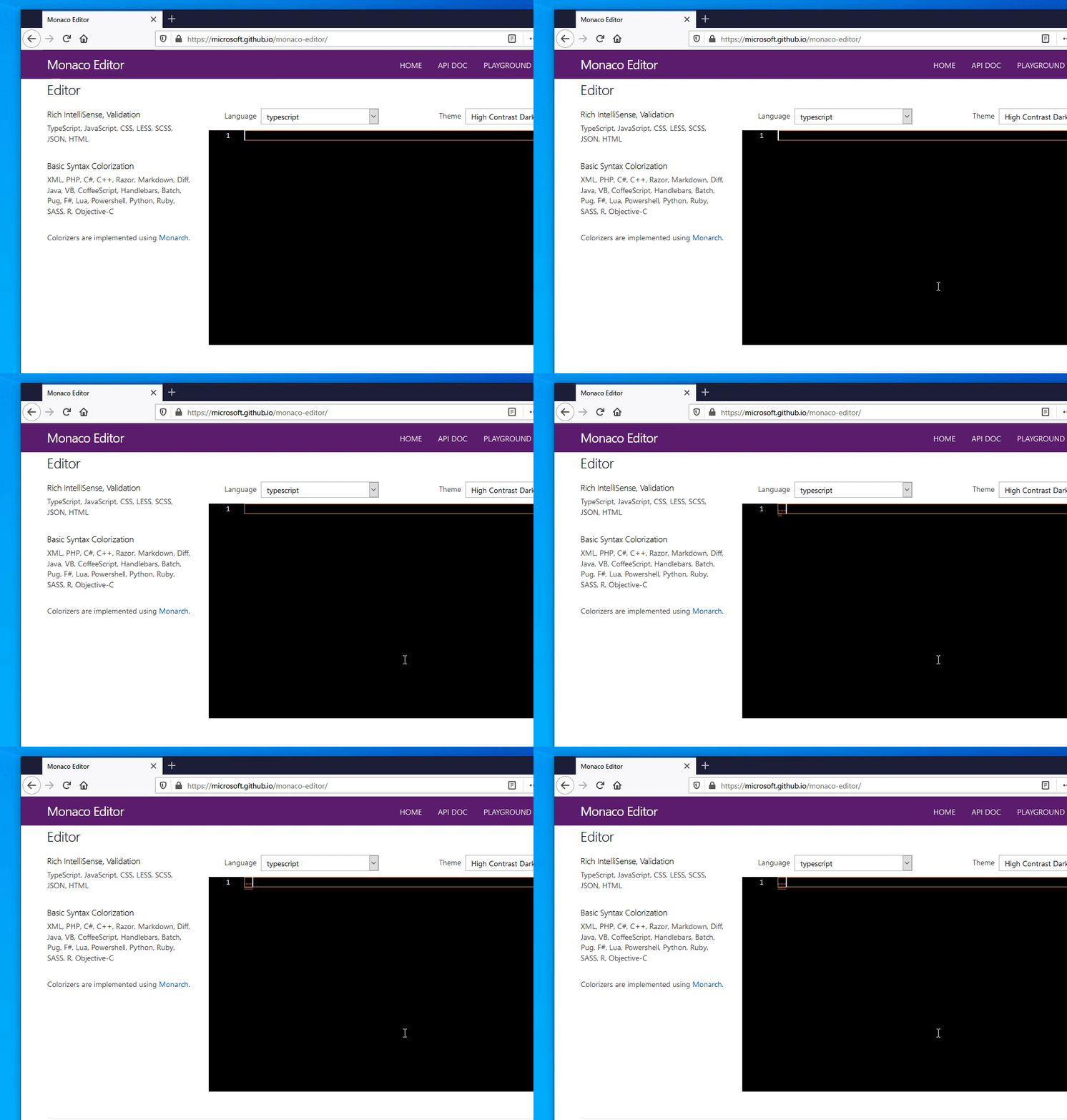
If my explanation is incomplete and you can't reproduce the problem, please comment so. I will explain in more detail.
Contributor guide
First steps
- Read the whole issue, then the project's contributing guide.
- Comment on the issue to say you are picking it up — it saves two people doing the same work.
- Fork the repository and make your change on a branch.
- Open a pull request that references the issue number.
Assessment
This issue has not been assessed yet.