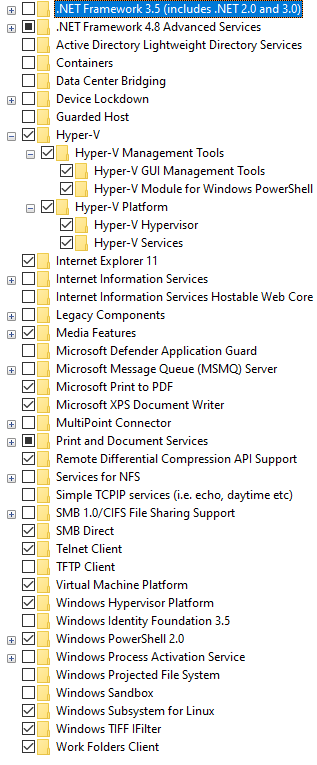
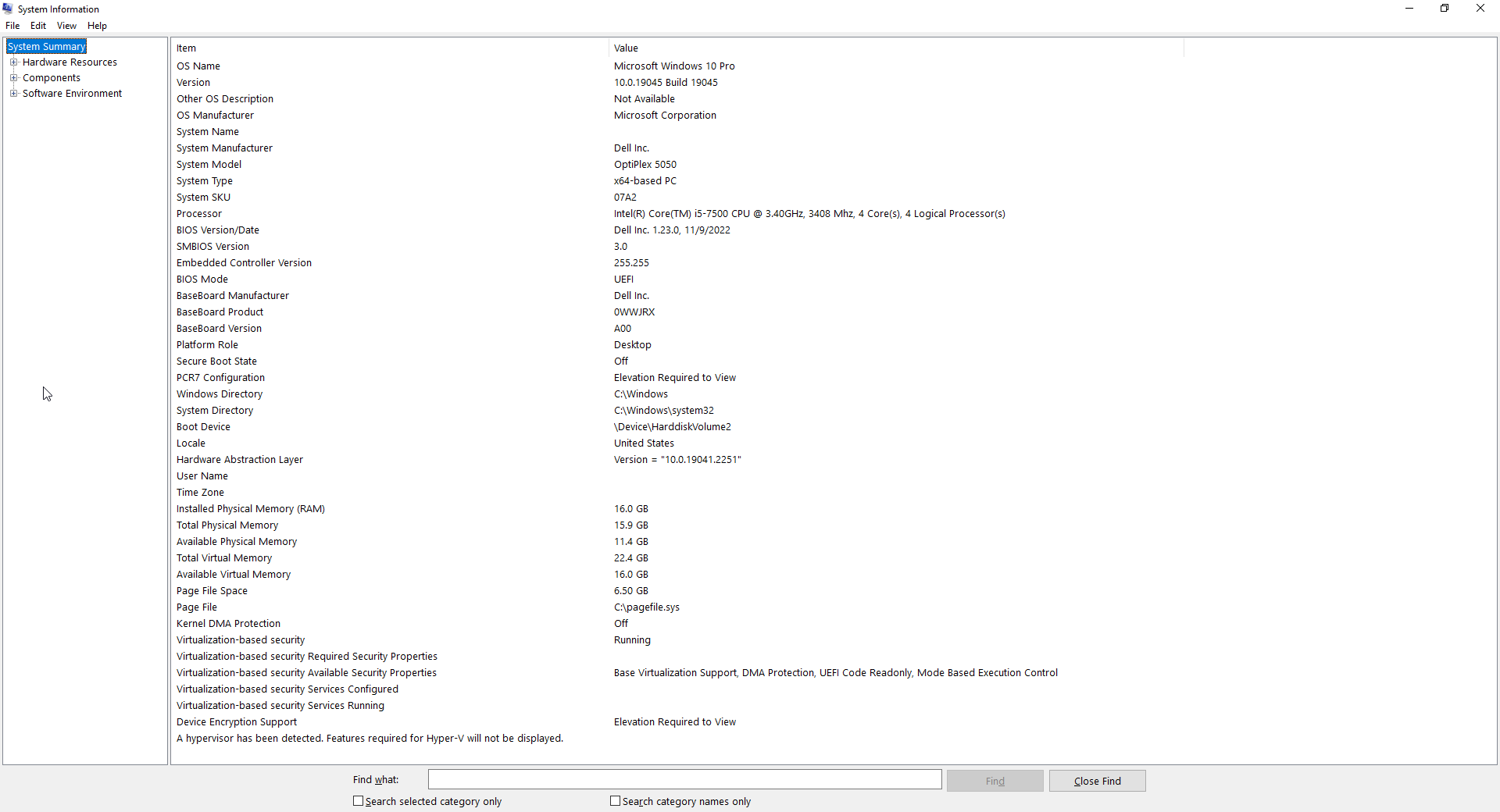
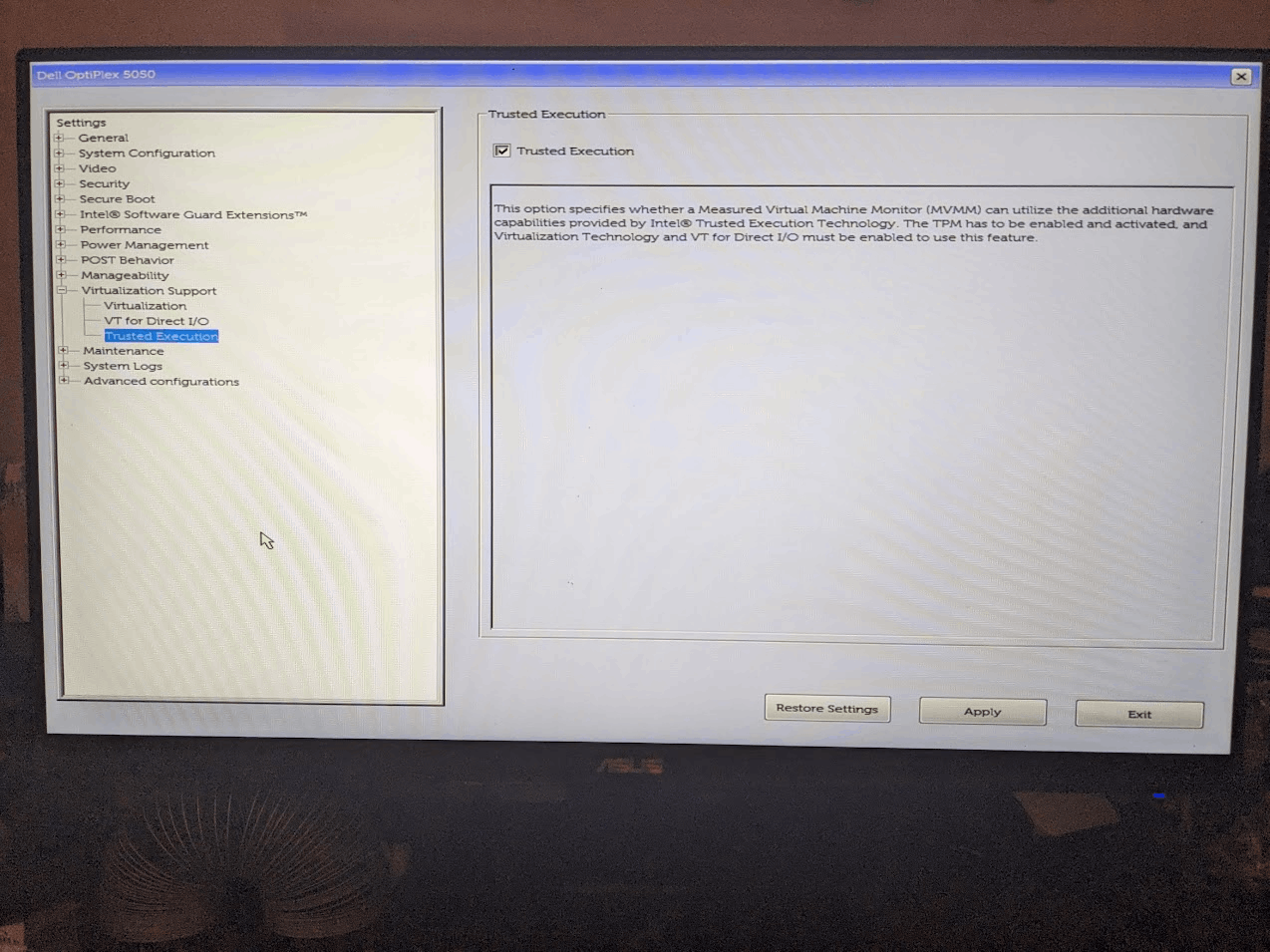
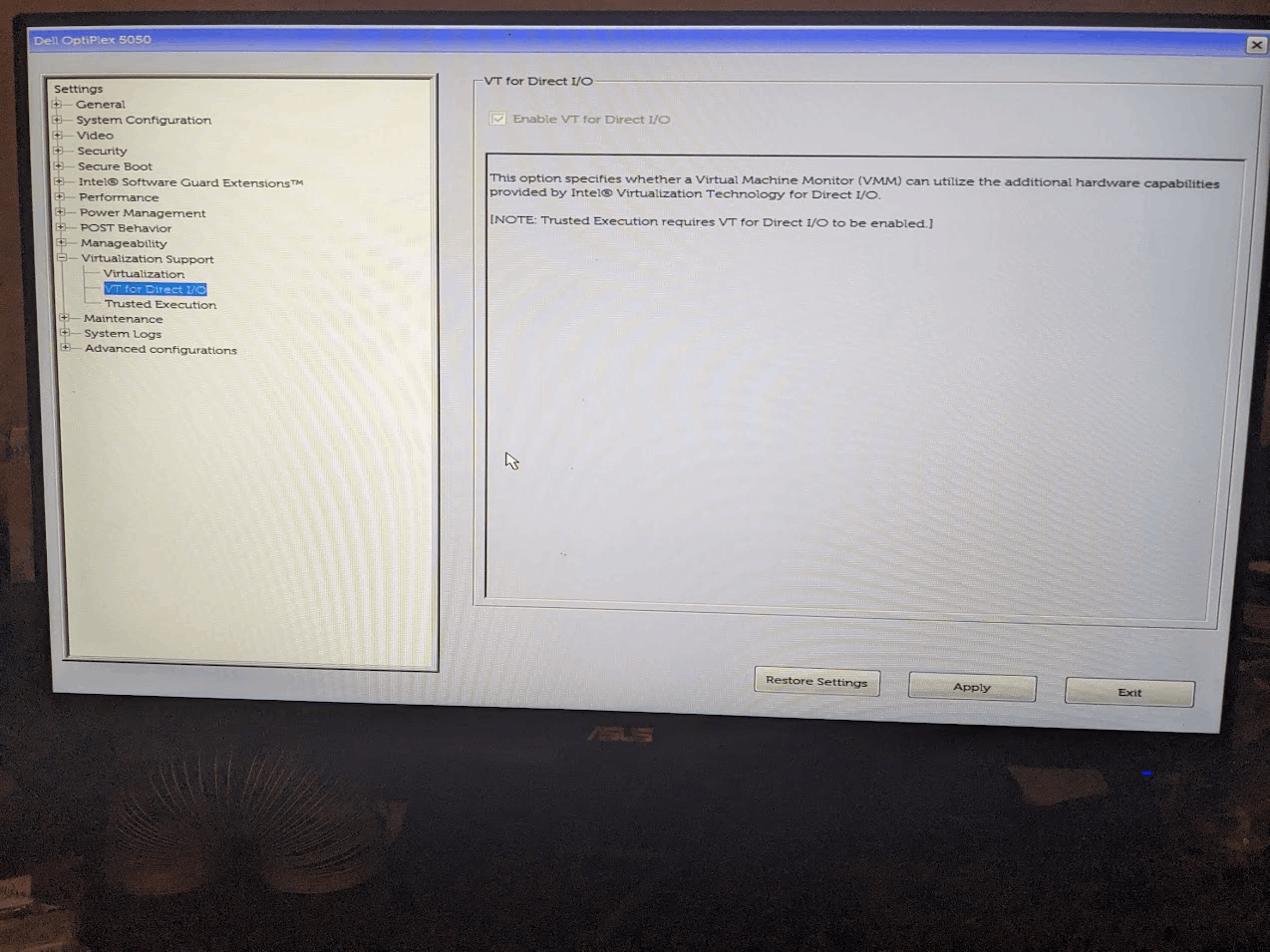
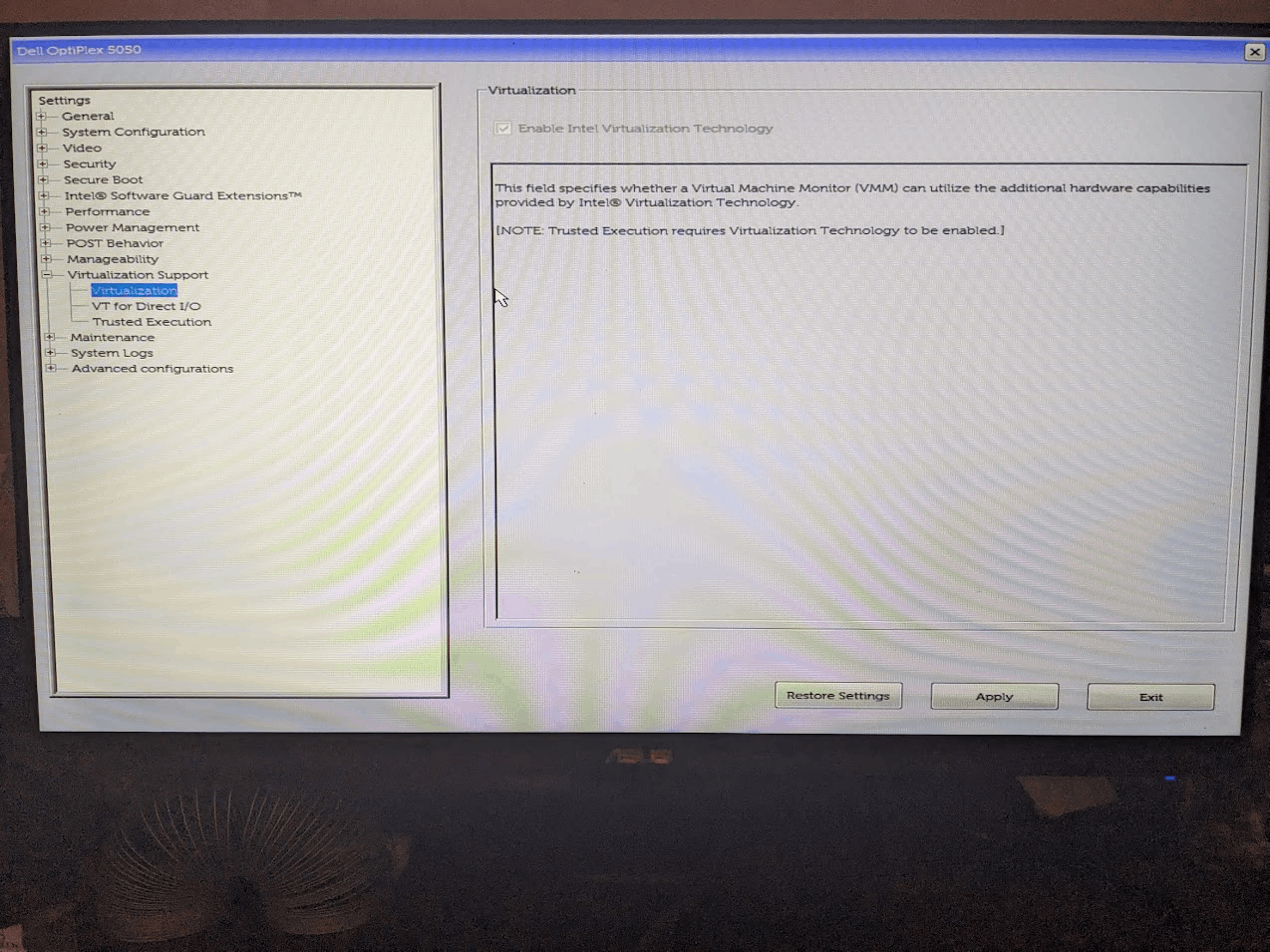
"WSL2 is not supported with your current machine configuration" after enabling Hyper-V, Virtual Machine Platform, Windows Subsystem for Linux, Hypervisor Platform and virtualization in up-to-date bios.
Nobody has claimed this yet.
- Dominant language
- C++
- Stars
- 33.7k
- Forks
- 1.8k
- Avg merge
- 3d 17h
- Merged PRs (30d)
- 116
Description
### Version
Microsoft Windows [Version 10.0.19045.2604]
### WSL Version
- [X] WSL 2
- [ ] WSL 1
### Kernel Version
Default Distribution: docker-desktop-data Default Version: 2
### Distro Version
Ubuntu (cannot run lsb_release -r)
### Other Software
Docker Desktop for Windows
Client:
Cloud integration: v1.0.29
Version: 20.10.21
API version: 1.41
Go version: go1.18.7
Git commit: baeda1f
Built: Tue Oct 25 18:08:16 2022
OS/Arch: windows/amd64
Context: default
Experimental: true
### Repro Steps
I installed WSL sometime around fall of 2022. I had installed Docker some time before that but had never done anything with it. WSL was working fine for me in the fall, but I didn't use it for several months until around mid January, when I discovered this problem. Here are all the screenshots I posted on my Microsoft support thread, before the support person directed me here.
### Expected Behavior
Working WSL and Docker
### Actual Behavior
`WSL2 is not supported with your current machine configuration.
Please enable the "Virtual Machine Platform" optional component and ensure virtualization is enabled in the BIOS.
For information please visit https://aka.ms/enablevirtualization
Error code: Wsl/Service/CreateInstance/CreateVm/0x80370102`
after running most wsl commands in Command Prompt (both elevated and non-elevated).
### Diagnostic Logs
_No response_
Contributor guide
First steps
- Read the whole issue, then the project's contributing guide.
- Comment on the issue to say you are picking it up — it saves two people doing the same work.
- Fork the repository and make your change on a branch.
- Open a pull request that references the issue number.
Research direction
Start by reproducing the WSL 2 failure on Windows 10.0.19045.2604 with the listed optional features, BIOS virtualization, Ubuntu, and Docker Desktop enabled, then review the linked screenshots and the 0x80370102 error. Done means WSL commands run successfully and Docker works; diagnostic logs are still needed to narrow the cause.
Written by the indexing model from the issue text.
Assessment
- Tech stack
- docker
- Domain
- operating-systems
- Issue type
- Bug
- Difficulty
- 4/5
- Estimated time
- 3-5 days
- Activity status
- Quiet
- Clarity
- Needs clarification
- Newbie friendliness
- 25/100