microsoft / microsoft/TypeScript
unclear how to make function argument check produce the same errors as variable assignment
Open
@sandersn is already working on this.
Since Jan 25, 2019.
Needs Investigation
- Dominant language
- Go
- Stars
- 111k
- Forks
- 14.3k
- Avg merge
- 2d 4h
- Merged PRs (30d)
- 132
Description
in the following code
type A = {
  a?: number
  b?: number
}

type B = {
  a?: number
  knownField?: number
}

type C = {
  a?: A,
  knownField?: number | [A, B] | A
}

const c: C = {
  a: {
    a: 1,
    b: 1,
  },
  knownField: [{ a: 1 }, {
    knownField: 1,
    unknownField: 1,
  }],
}

const fn = (c: C) => {}

fn({
  a: {
    a: 1,
    b: 1,
  },
  knownField: [{ a: 1 }, {
    knownField: 1,
    unknownField: 1,
  }],
})
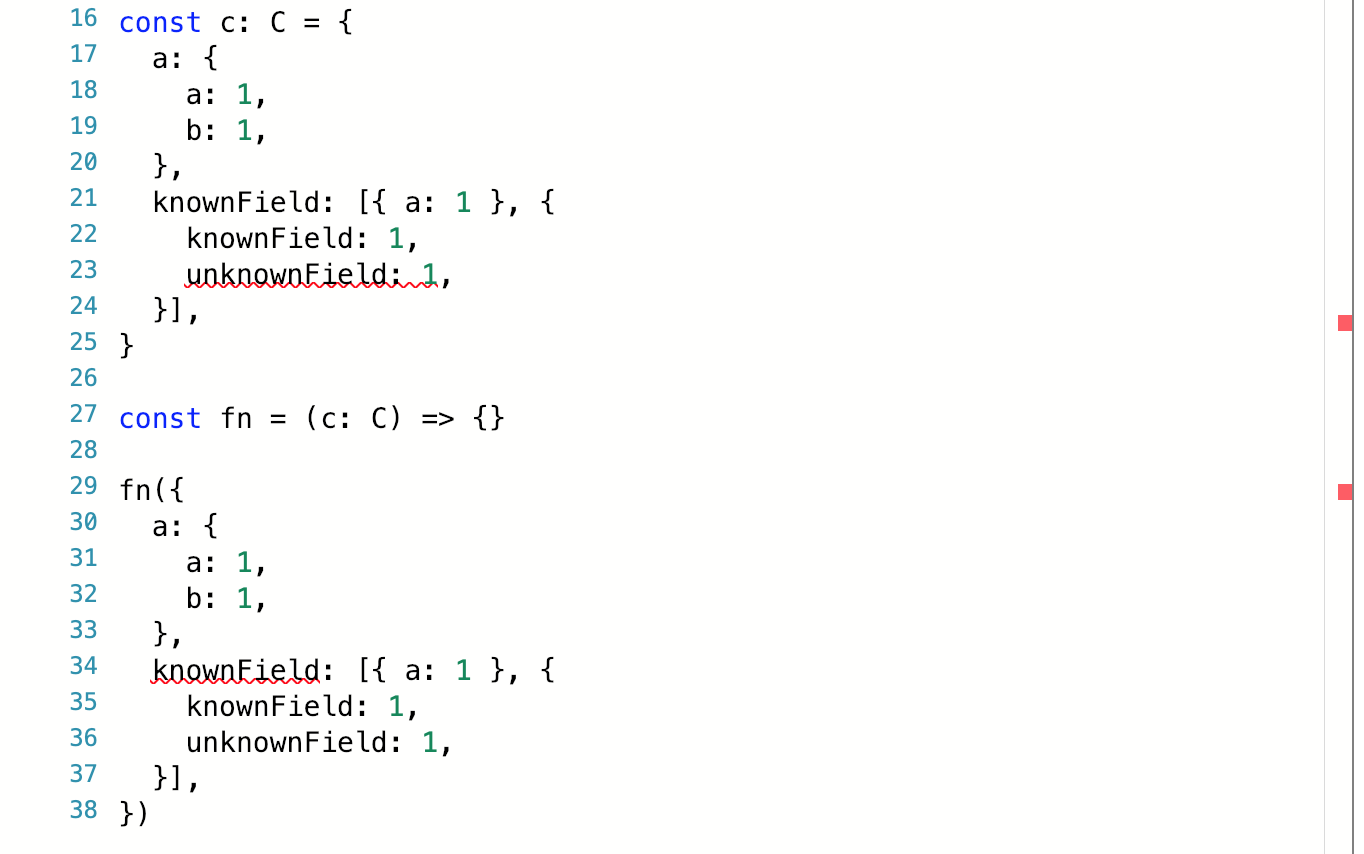
- in the case of variable assignment it correctly highlights the
unknownFieldand produces a nice error that saysObject literal may only specify known properties, and 'unknownField' does not exist in type 'B'. - but in the case of the same value passed as a function argument (of the same type) it highlights the top-level field and a different, less readable error
Type '({ a: number; } | { b: number; unknownField: number; })[]' is missing the following properties from type '[A, B]': 0, 1
am I missing something? is there a way to make sure I get the same error and highlighting in both cases?
in typescript playground:
Contributor guide
First steps
- Read the whole issue, then the project's contributing guide.
- Comment on the issue to say you are picking it up — it saves two people doing the same work.
- Fork the repository and make your change on a branch.
- Open a pull request that references the issue number.
Assessment
This issue has not been assessed yet.