microsoft / microsoft/AzureStorageExplorer
Copy direct link for account,blob container,table, queque cannot locate the resource correctly in the ADFS and Global Env.
Nobody has claimed this yet.
- Dominant language
- No language data
- Stars
- 452
- Forks
- 92
- Avg merge
- 15h 20m
- Merged PRs (30d)
- 3
Description
Storage Explorer Version: 1.7.0
Platform/OS Version: win10
build number:MAS_Release_1.1901.0.95_staged
Steps to Reproduce:
1.Prepare the Environment:
Install the 1.7.0 version Storage Explorer ,Import the certificate , Target to the AZURE Stack, log in the AAD admin/tenant accounts and ADFS admin/tenant account;
2. Pick up one account/blob container/table/queue randomly, right click , select the "Copy Direct Link To Table".
3.Open the URL in the browser
Expected Experience:
In the storage explorer you can see the previous selected item directly.
Actual Experience:
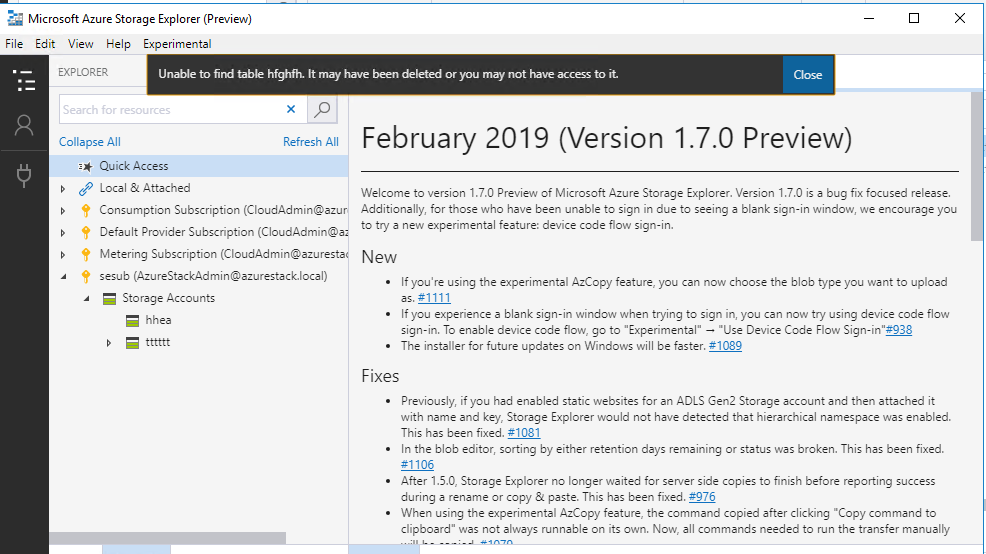
In the ADFS: Web browser will launch a new storage explorer, then will locate the previous item's account but the account cannot list its' item; For table/blob container/queue it will additionally alert message that "Unable to find "item type+ item name". it may have been deleted or you may not have access to it.".
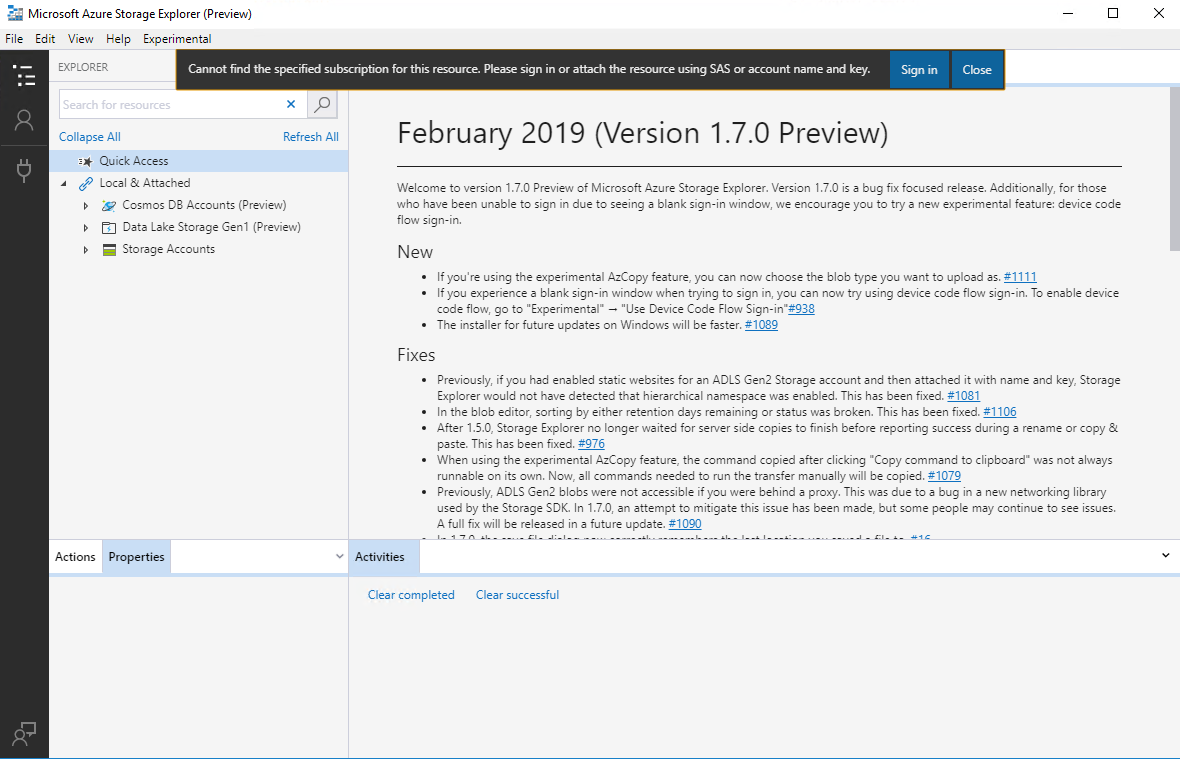
In the Global:Web browser will launch a new storage explorer and alert message that "Cannot find the specified subscription for this resource. Please sign in or attach the resource using SAS or account name and key." .
Contributor guide
No contributing guide indexed for this repository
First steps
- Read the whole issue, then the project's contributing guide.
- Comment on the issue to say you are picking it up — it saves two people doing the same work.
- Fork the repository and make your change on a branch.
- Open a pull request that references the issue number.
Research direction
Start by reproducing the direct-link flow described for accounts, blob containers, tables, and queues in both ADFS and Global environments on Windows 10 with Storage Explorer 1.7.0. Trace how the copied URL identifies the selected resource after Storage Explorer launches, then verify that the resource opens and lists its items without the reported subscription or access errors.
Written by the indexing model from the issue text.
Assessment
- Tech stack
- azure
- Domain
- cloud
- Issue type
- Bug
- Difficulty
- 4/5
- Estimated time
- 3-5 days
- Activity status
- Stale
- Clarity
- Mostly clear
- Newbie friendliness
- 35/100