microsoft / microsoft/AdaptiveCards
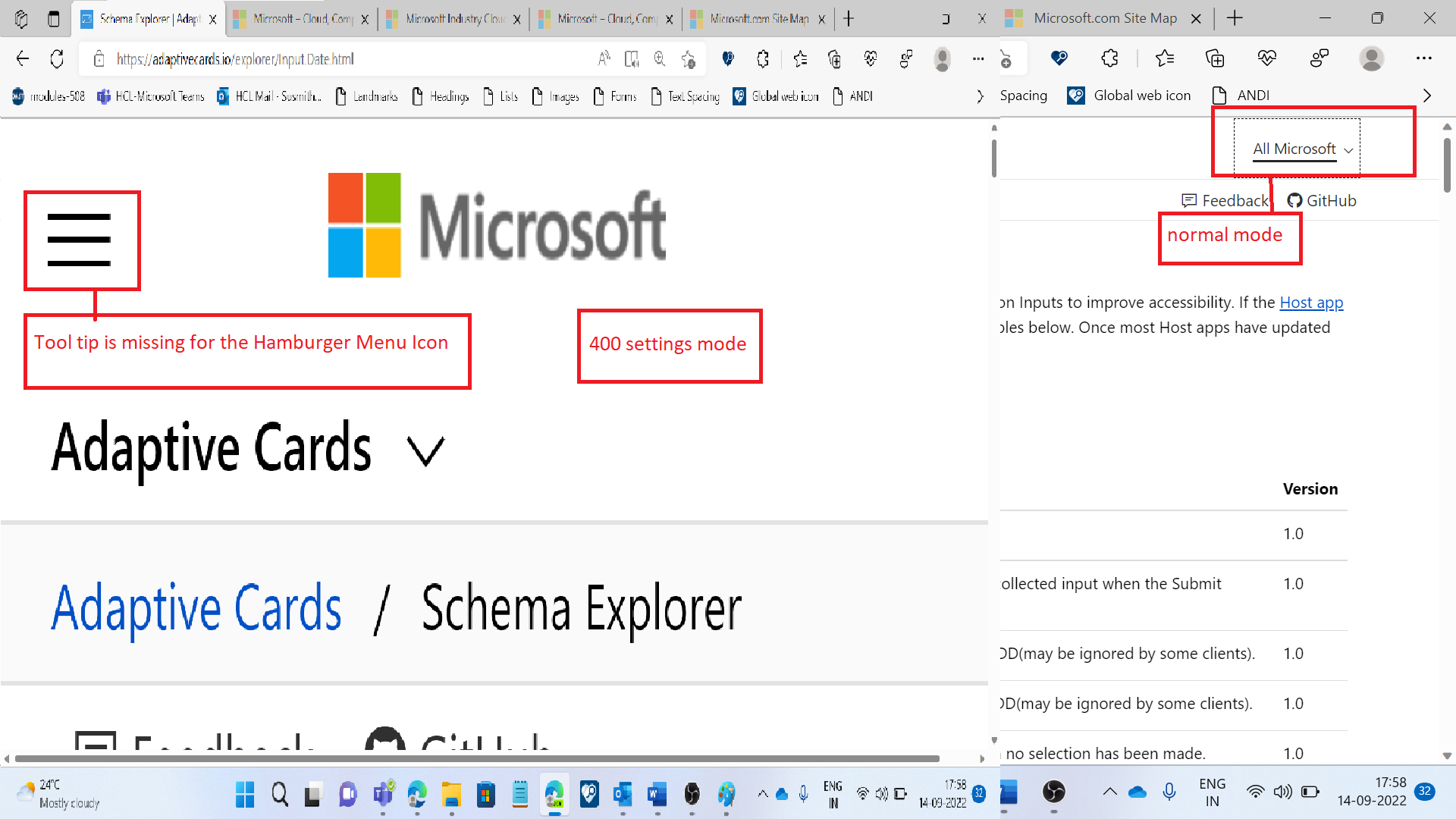
[Adapter Cards-Schema Explorer]: Tool tip is missing for the Hamburger menu icon in the 400% Settings.
Nobody has claimed this yet.
- Dominant language
- C#
- Stars
- 2k
- Forks
- 595
- Avg merge
- 1d 19h
- Merged PRs (30d)
- 1
Description
Target Platforms
Other
SDK Version
1.5
Application Name
Adaptive Cards
Problem Description
Test Environment:
OS: Version 22H2 (OS Build 25197.1000)
Edge Dev: version 107.0.1379.1 (Official build) dev (64-bit)
Application URL: [[https://adaptivecards.io/](https://adaptivecards.io/explorer/)](https://adaptivecards.io/)
Pre-Requisites:
Change Display Resolution to 1024* 768.
Zoom the page to 400%
Repro Steps:
1.Open above URL with V- credential.
2.Navigate to 'Schema Explorer' link using tab key and press enter key to activate it.
3.Navigate to 'All Microsoft' link using tab key and observe the issue.
Actual Result:
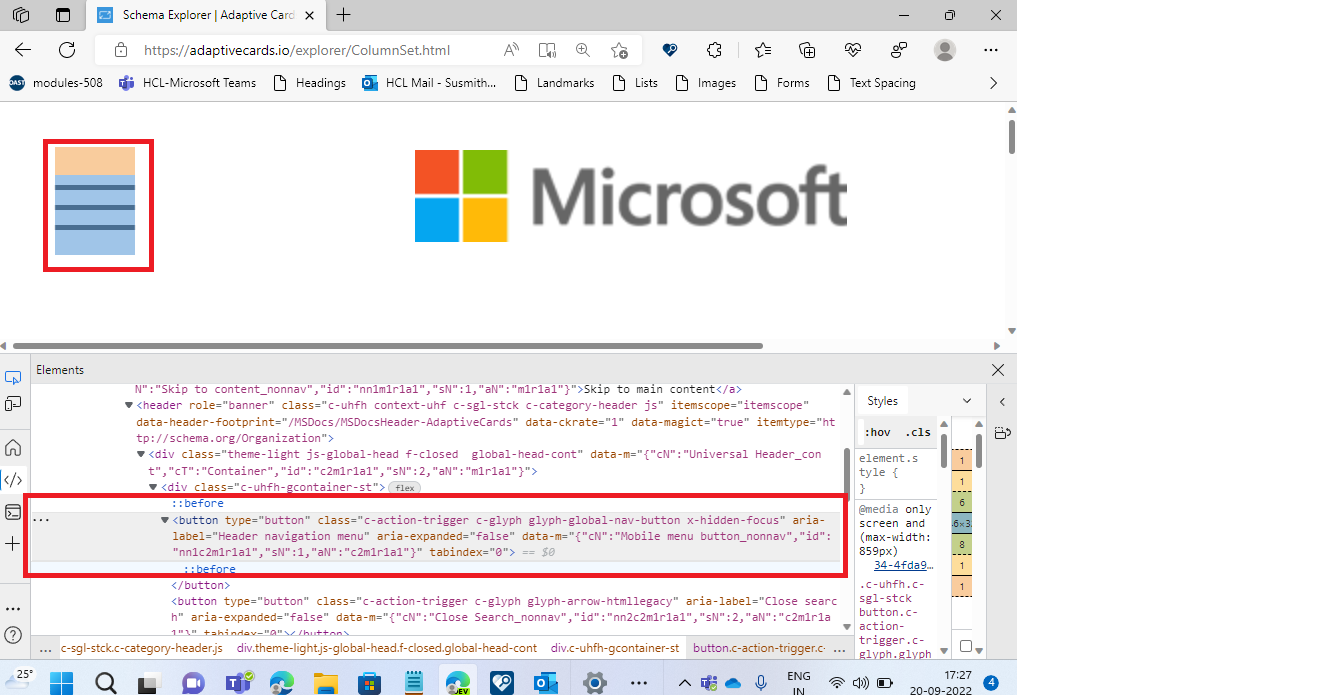
There is no Tool tip for the Hamburger Menu icon in 400% settings.
Expected Result:
There should be a tool tip for the Hamburger Menu icon like "All Microsoft" Menu.
Observation:
Same issue exists in 200% settings also.
Note:
Path: Schema Explorer-->Media(Card Elements)-->Adaptive Card video.
Tool tip is missing for Play and forward and Full screen and mute buttons.
PFA: Tool tip is missing on video buttons.mp4
User Experience:
It will impact the low vision users. if tool tip is not present on the Hamburger Menu icon, users will get confused, if alt text label is not given for this menu icon.
MAS Reference:
https://liquid.microsoft.com/Web/Object/Read/MS.Accessibility/Requirements/01.03.03
"Have feedback to share on Bugs ? Please help fill Trusted Tester Bug Feedback (office.com) “.
Screenshots
Card JSON
NA
Sample Code Language
NA
Sample Code
NA
Contributor guide
First steps
- Read the whole issue, then the project's contributing guide.
- Comment on the issue to say you are picking it up — it saves two people doing the same work.
- Fork the repository and make your change on a branch.
- Open a pull request that references the issue number.
Research direction
Start in the Schema Explorer at the hamburger menu and the video controls under Media > Card Elements > Adaptive Card video. Reproduce the page at 200% and 400% zoom, then verify that the hamburger, play, forward, fullscreen, and mute controls expose tooltips or labels describing their actions.
Written by the indexing model from the issue text.
Assessment
- Domain
- accessibility, frontend
- Issue type
- Bug
- Difficulty
- 3/5
- Estimated time
- 1-2 days
- Activity status
- Stale
- Clarity
- Mostly clear
- Newbie friendliness
- 30/100