Android Studio Doesn't Import microG Emulator
Nobody has claimed this yet.
- Dominant language
- Java
- Stars
- 14.6k
- Forks
- 3.2k
- Avg merge
- 12d 11h
- Merged PRs (30d)
- 4
Description
Describe the bug
I'm using the version of Android Studio below:
Android Studio Dolphin 2021.3.1 Patch 1
Build #AI-213.7172.25.2113.9123335
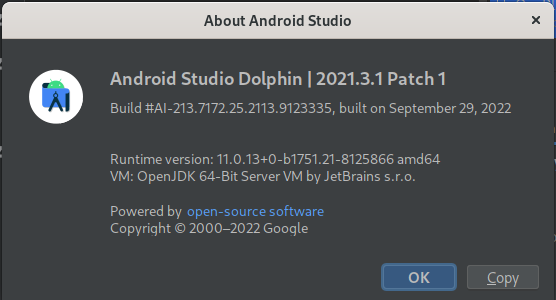
When I add the SDK URL as described in the WikiPage (https://github.com/microg/GmsCore/wiki/Development-Tools), the repository adds, but is not listed after closing and reopening the SDK Manager to check for updates.
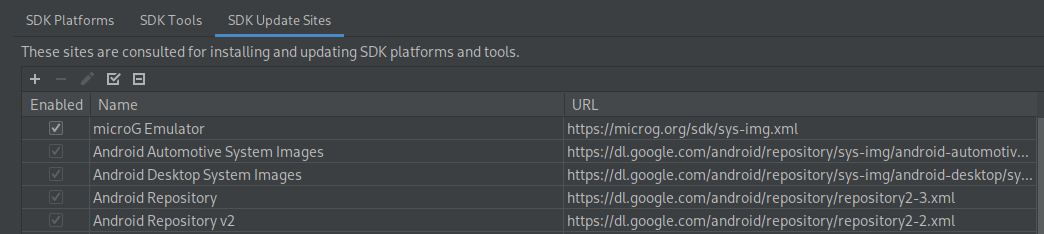
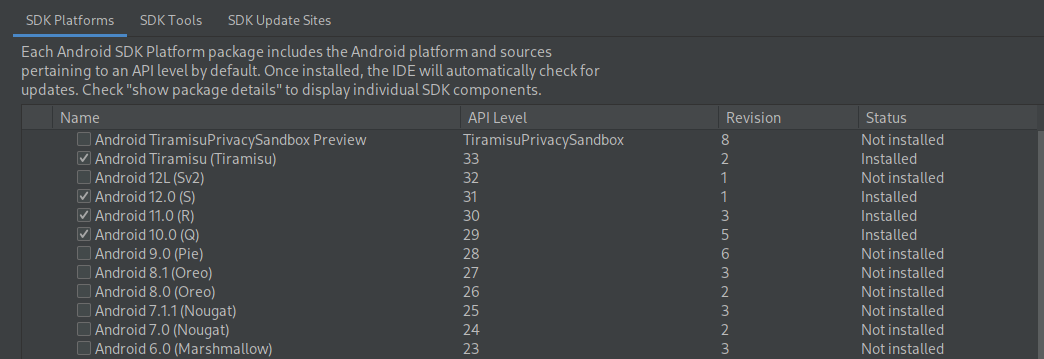
Troubleshooting
I wanted to see if Android Studio would pick up a local XML file using the file:/// protocol, so I compared differences between Google's official repository XML files and the microG repository XML files. The only difference so far was that XML header tag at the top of the Google official XML, so I added it into a local copy of the microG repository, but that didn't work:
<?xml version="1.0" ?>
Contributor guide
No contributing guide indexed for this repository
First steps
- Read the whole issue, then the project's contributing guide.
- Comment on the issue to say you are picking it up — it saves two people doing the same work.
- Fork the repository and make your change on a branch.
- Open a pull request that references the issue number.
Research direction
Start with the Development Tools WikiPage and reproduce the problem in Android Studio Dolphin's SDK Manager. Compare the microG repository XML with the Google repository XML and verify whether the microG repository remains listed after reopening the manager; done means it can be imported and checked for updates.
Written by the indexing model from the issue text.
Assessment
- Tech stack
- android, java
- Domain
- mobile
- Issue type
- Bug
- Difficulty
- 4/5
- Estimated time
- 3-5 days
- Activity status
- Stale
- Clarity
- Needs clarification
- Newbie friendliness
- 32/100