Cloud Messaging does not work with wifi
Nobody has claimed this yet.
- Dominant language
- Java
- Stars
- 14.6k
- Forks
- 3.2k
- Avg merge
- 12d 11h
- Merged PRs (30d)
- 4
Description
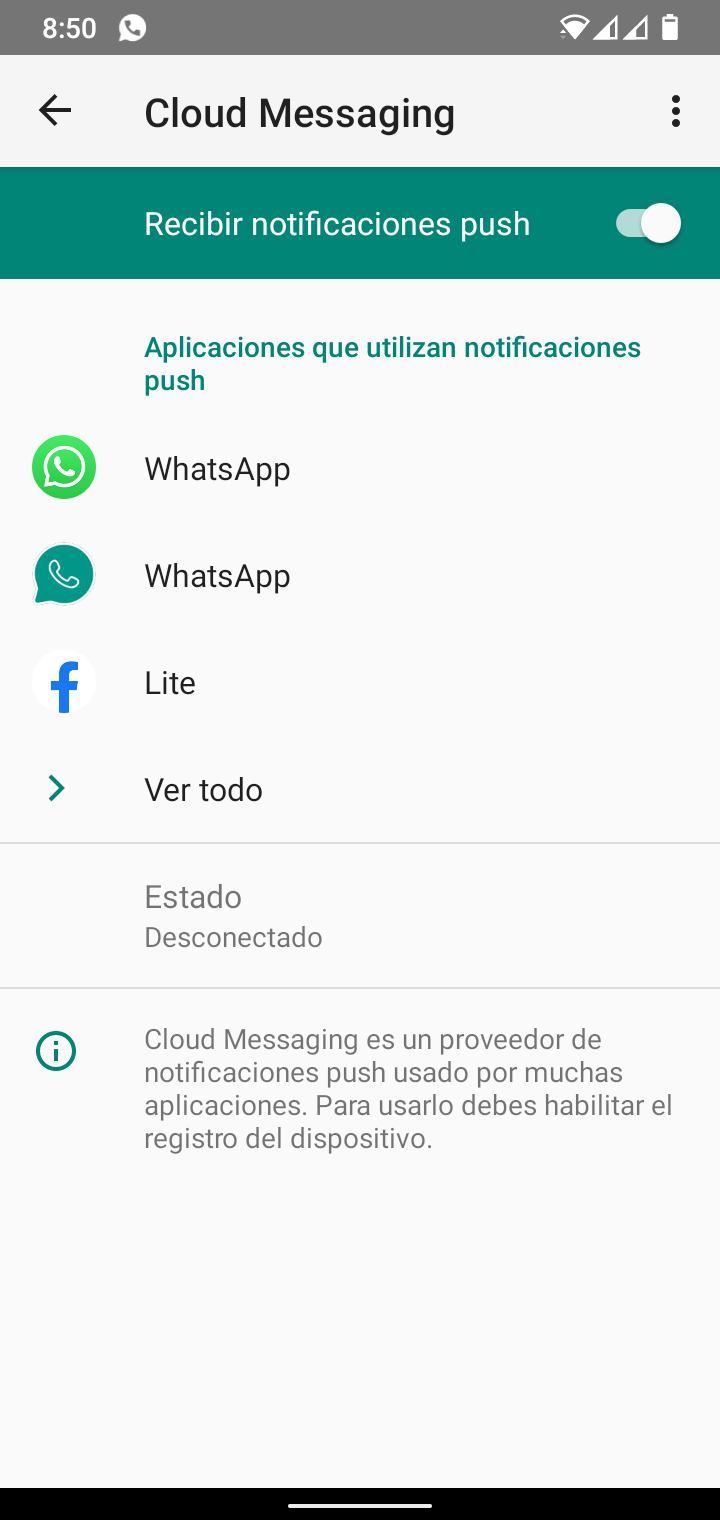
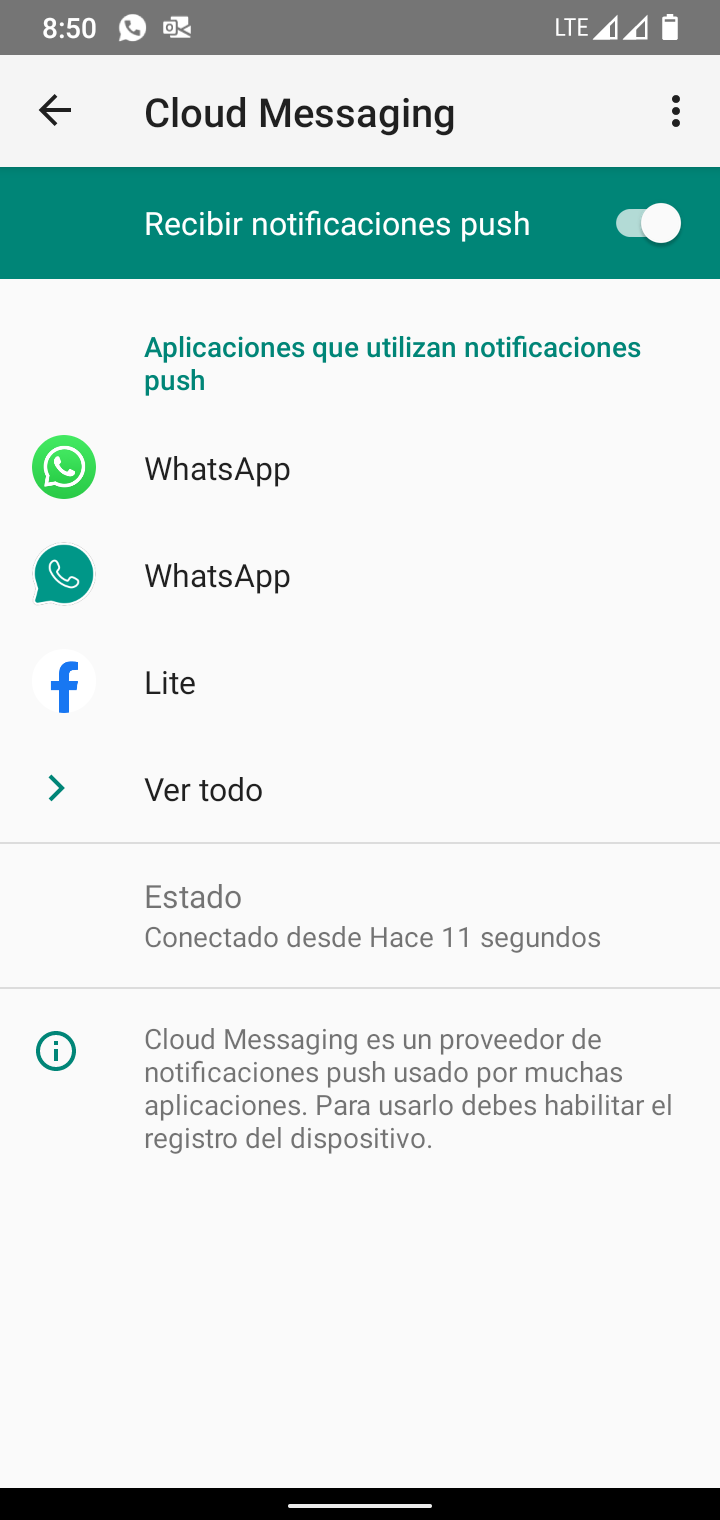
Cloud Messaging does not connect to WiFi, or it connects but remains for a very short time, approximately 30 seconds and stops working again.
With mobile data the service is connected and all push notifications work, But when I turn on the WiFi, it disconnects again and push does not work.
I have rebooted, I have used the code in the phone dialer, reinstall the rom and format, Change the ping interval to 60 secs and all time, but with WiFi it does not keep the connection with Cloud Messaging.
With WiFi:
Without WiFi
Contributor guide
No contributing guide indexed for this repository
First steps
- Read the whole issue, then the project's contributing guide.
- Comment on the issue to say you are picking it up — it saves two people doing the same work.
- Fork the repository and make your change on a branch.
- Open a pull request that references the issue number.
Research direction
No source file, test, or entry point is identified. Start by reproducing the Cloud Messaging connection failure on WiFi versus mobile data and trace the relevant connection handling; done means push notifications remain connected and functional over WiFi.
Written by the indexing model from the issue text.
Assessment
- Tech stack
- android, java
- Domain
- mobile
- Issue type
- Bug
- Difficulty
- 4/5
- Estimated time
- 3-5 days
- Activity status
- Stale
- Clarity
- Needs clarification
- Newbie friendliness
- 24/100