micro-editor / micro-editor/micro
Git Bash: cursor disappears after running micro with winpty
Open
Nobody has claimed this yet.
- Dominant language
- Go
- Stars
- 29.6k
- Forks
- 1.4k
- Avg merge
- 2d 18h
- Merged PRs (30d)
- 10
Description
Description of the problem or steps to reproduce
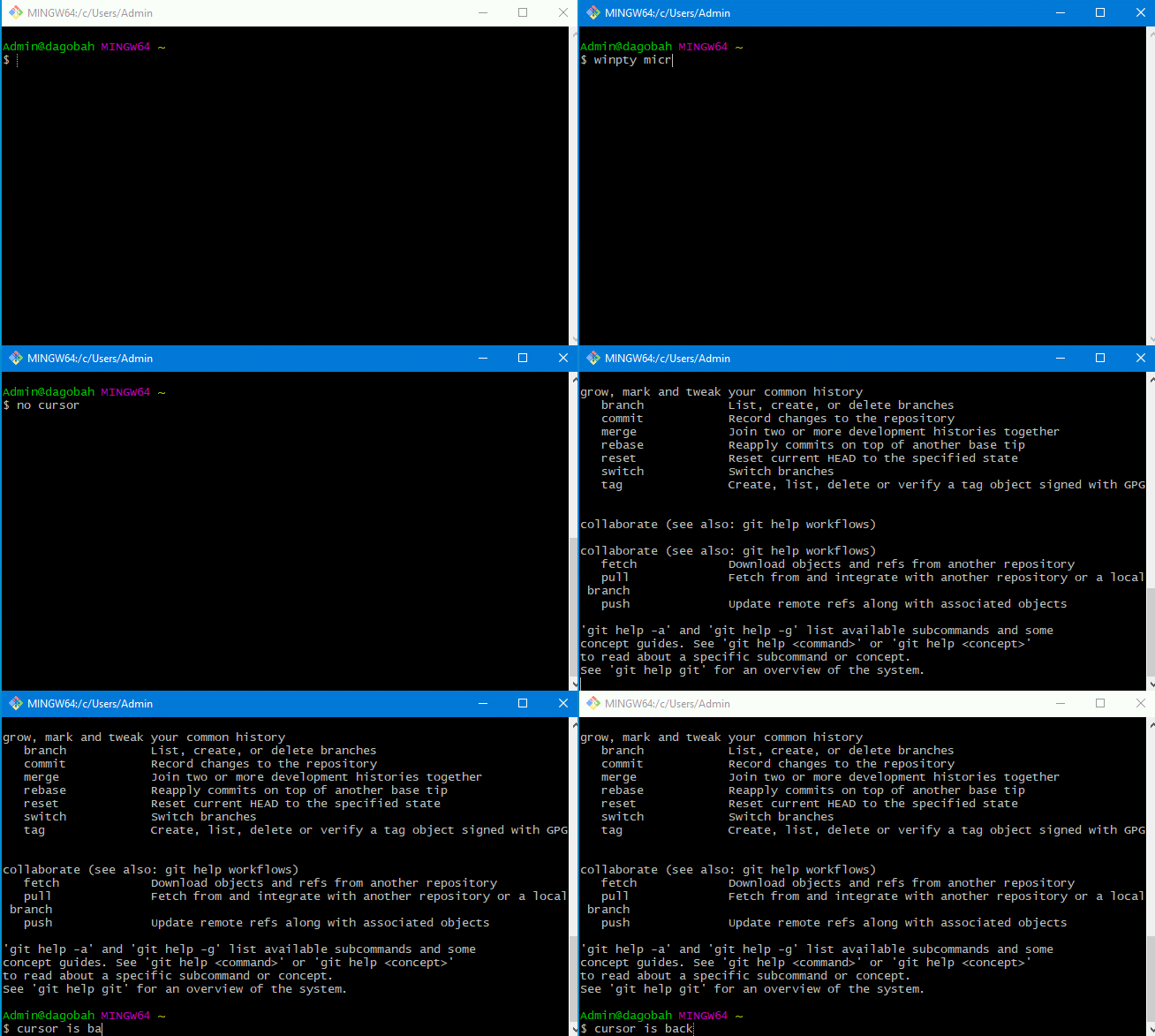
- Open Git Bash, cursor is visible
- Run micro with 'winpty micro'
- Quit from micro using Ctrl + Q
- Back to Git Bash, but now cursor is not visible
I also noticed that after running any other program using winpty, like 'winpty git', cursor becomes visible again
Specifications
Commit hash: b9763856
OS: Windows 10
Terminal: Git Bash
Contributor guide
No contributing guide indexed for this repository
First steps
- Read the whole issue, then the project's contributing guide.
- Comment on the issue to say you are picking it up — it saves two people doing the same work.
- Fork the repository and make your change on a branch.
- Open a pull request that references the issue number.
Research direction
Reproduce the sequence in Git Bash on Windows 10: run winpty micro, quit with Ctrl+Q, and observe the cursor state. Compare it with running another winpty program such as winpty git; done means the cursor is visible again after leaving micro without regressing terminal behavior.
Written by the indexing model from the issue text.
Assessment
- Tech stack
- bash, git, go
- Domain
- cli
- Issue type
- Bug
- Difficulty
- 4/5
- Estimated time
- 3-5 days
- Activity status
- Stale
- Clarity
- Mostly clear
- Newbie friendliness
- 45/100