meliorence / meliorence/react-native-snap-carousel
Left aligned / offcentred Items
Nobody has claimed this yet.
- Dominant language
- JavaScript
- Stars
- 10.5k
- Forks
- 2.3k
- PR merge metrics
- No merged PRs in 30d
Description
Question/feature request
I would like to Left align the focused image of the carousel while also keeping the carousel full width, I cant find an obvious solution to this in the plugin. Below is an image representing what i am trying to achieve with the left image being in focus and the right the next image in the carousel, previous images will not be visible, but can be returned to. All the examples I can find the primary image is centred in the carousel view. It looks like the styling options don't provide a way to do this as far as i can tell.
This may be currently possible, I may just not know how. It may be a feature not yet implemented and if so it seems like a pretty simple fairly reasonable use case.
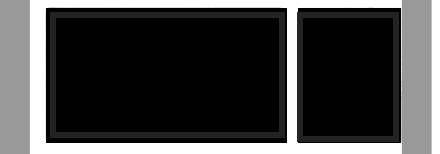
Thanks for your help.
Contributor guide
First steps
- Read the whole issue, then the project's contributing guide.
- Comment on the issue to say you are picking it up — it saves two people doing the same work.
- Fork the repository and make your change on a branch.
- Open a pull request that references the issue number.
Research direction
Start by reproducing the full-width carousel layout described in the issue and inspect the component's available styling and alignment options. Determine whether left-aligning the focused image is supported or requires a new option; done means the focused image is left-aligned while the carousel remains full width, with adjacent navigation still working.
Written by the indexing model from the issue text.
Assessment
- Tech stack
- javascript, react-native
- Domain
- mobile
- Issue type
- Feature
- Difficulty
- 4/5
- Estimated time
- 3-5 days
- Activity status
- Stale
- Clarity
- Needs clarification
- Newbie friendliness
- 25/100