matomo-org / matomo-org/docker
Login SAML Plugin - admin settings page is not showing
Nobody has claimed this yet.
- Dominant language
- Shell
- Stars
- 1k
- Forks
- 384
- PR merge metrics
- No merged PRs in 30d
Description
We purchased the Login SAML Plugin and are now on the 30-day trial: https://plugins.matomo.org/LoginSaml
Unfortunately, we are currently experiencing some issues with the installation/set up of the SAML Plugin.
We are running Matomo in an Azure Web App Container that pulls the Image from an Azure Container Registry. This contains our custom Image (DockerFile) build with a base Image of Matomo (version 4.13.3) from DockerHub.
After purchasing the SAML Plugin and entering the license key in our Matomo Account, we downloaded the zip File and built it to our Dockerfile. This means, we have now an Image of Matomo running in a Azure Web App Container with the SAML Plugin installed, activated and license key set (double checked in database).
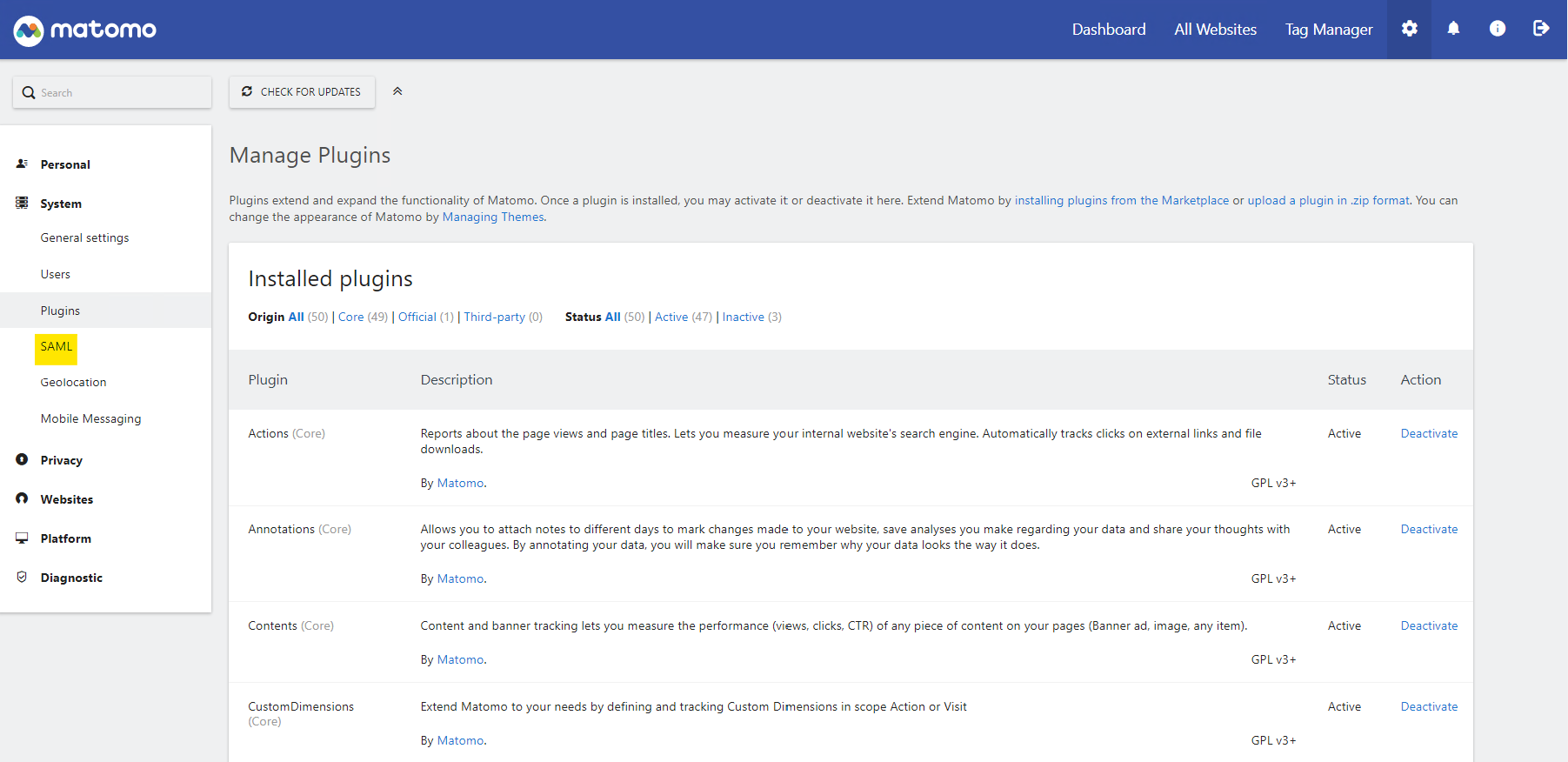
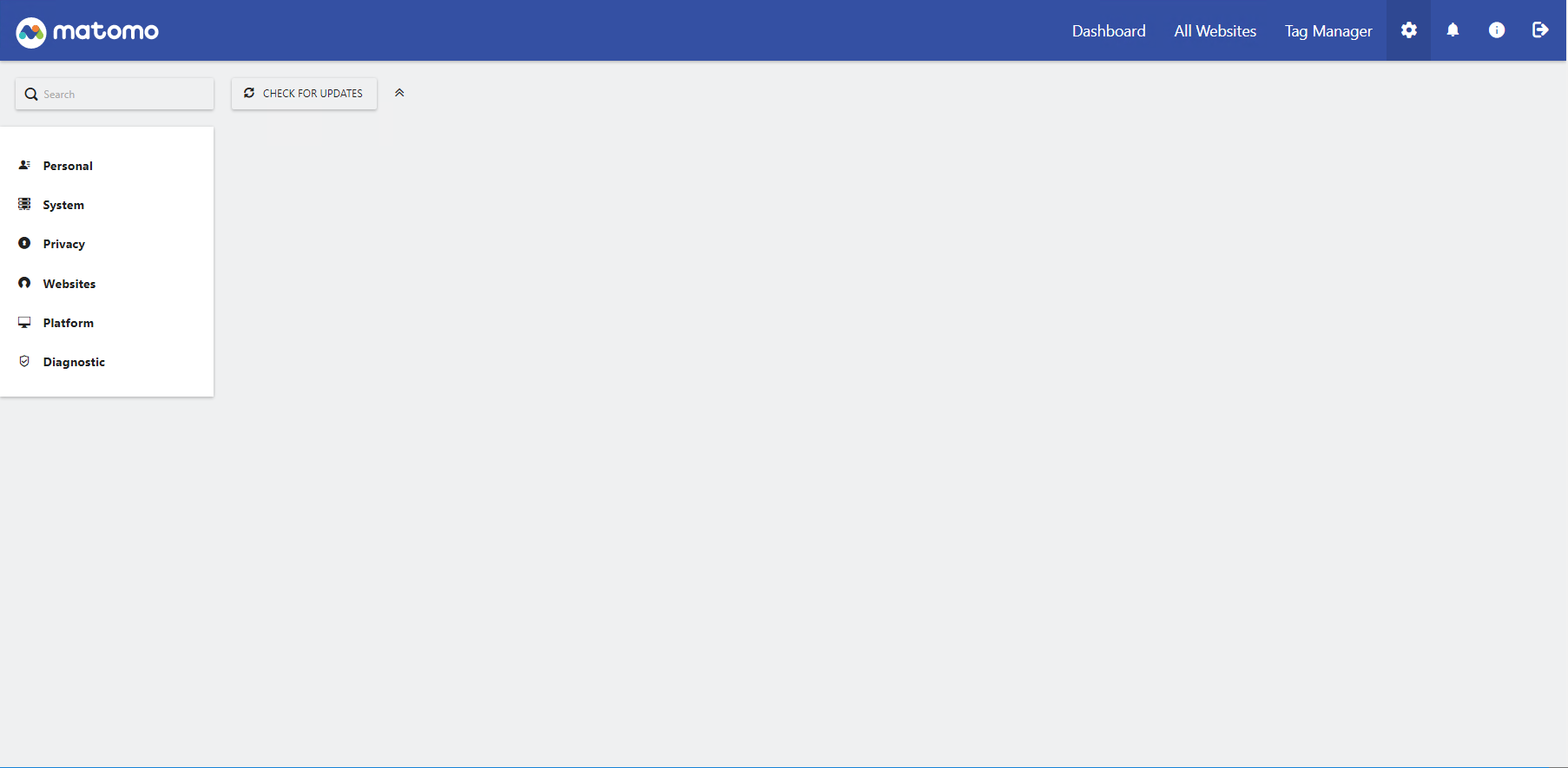
However, in the Matomo GUI when trying to access the admin settings panel of the SAML Plugin, we get an empty site (no settings panel is showing). We click on System - SAML but no LoginSaml admin page is showing. See screenshot attached.
Do you have any idea what can be causing this issue?
Contributor guide
No contributing guide indexed for this repository
First steps
- Read the whole issue, then the project's contributing guide.
- Comment on the issue to say you are picking it up — it saves two people doing the same work.
- Fork the repository and make your change on a branch.
- Open a pull request that references the issue number.
Research direction
Start by reproducing the empty System - SAML admin page in the Azure Web App Container built from the custom Dockerfile, confirming that LoginSaml is installed, activated, and licensed. Compare the container setup with the Matomo 4.13.3 and Login SAML Plugin configuration; done means identifying the deployment or plugin cause and restoring the SAML settings panel.
Written by the indexing model from the issue text.
Assessment
- Tech stack
- azure, docker
- Domain
- cloud, devops
- Issue type
- Bug
- Difficulty
- 4/5
- Estimated time
- 3-5 days
- Activity status
- Stale
- Clarity
- Needs clarification
- Newbie friendliness
- 25/100