material-components / material-components/material-components-android
[TextInputLayout] PasswordToggle should only trigger TextWatcher methods if text size > 0
Nobody has claimed this yet.
- Dominant language
- Java
- Stars
- 17.4k
- Forks
- 3.2k
- PR merge metrics
- No merged PRs in 30d
Description
**Is your feature request related to a problem? Please describe.**
I'm trying to validate an input upon text change via TextWatcher but noticed that the password toggle triggers the TextWatcher methods as well, even when the textfield is empty.
**Describe the solution you'd like**
I would like the password toggle to only trigger TextWatcher methods when text size > 0, or only when there's a text change in the textfield.
**Describe alternatives you've considered**
Here's a bit of a hacky way that works for me for now: https://stackoverflow.com/questions/47096989/textinputlayout-passwordtoggle-handle-click-event/47097367#47097367
**Additional context**
##### Sample:
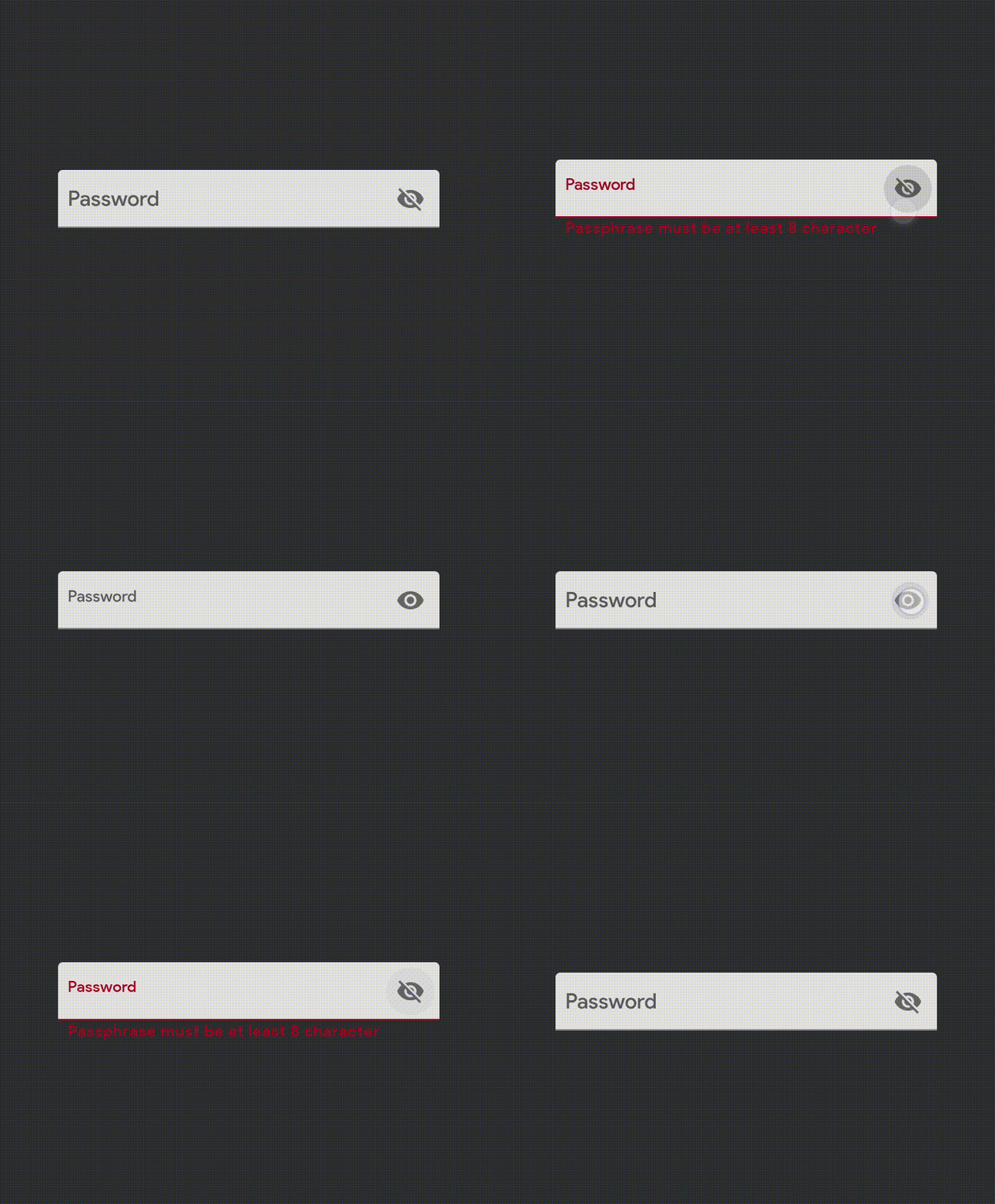
##### Discussion:
https://twitter.com/waseefakhtar/status/1333858485445009413
Let me know if this is something you'd like to add and I can happily open a PR.
Contributor guide
First steps
- Read the whole issue, then the project's contributing guide.
- Comment on the issue to say you are picking it up — it saves two people doing the same work.
- Fork the repository and make your change on a branch.
- Open a pull request that references the issue number.
Research direction
The issue names TextInputLayout, PasswordToggle, and TextWatcher but provides no file or test location. Reproduce the empty-field toggle behavior, trace how the toggle invokes TextWatcher callbacks, and add coverage showing callbacks occur only when the text actually changes or is non-empty.
Written by the indexing model from the issue text.
Assessment
- Tech stack
- android, java
- Domain
- mobile-dev
- Issue type
- Feature
- Difficulty
- 3/5
- Estimated time
- 1-2 days
- Activity status
- Stale
- Clarity
- Mostly clear
- Newbie friendliness
- 35/100