Project Folder Behavior
- Dominant language
- C++
- Stars
- 12.9k
- Forks
- 2k
- Avg merge
- 4h 27m
- Merged PRs (30d)
- 8
Description
As a preface, I'm currently using Windows 10.
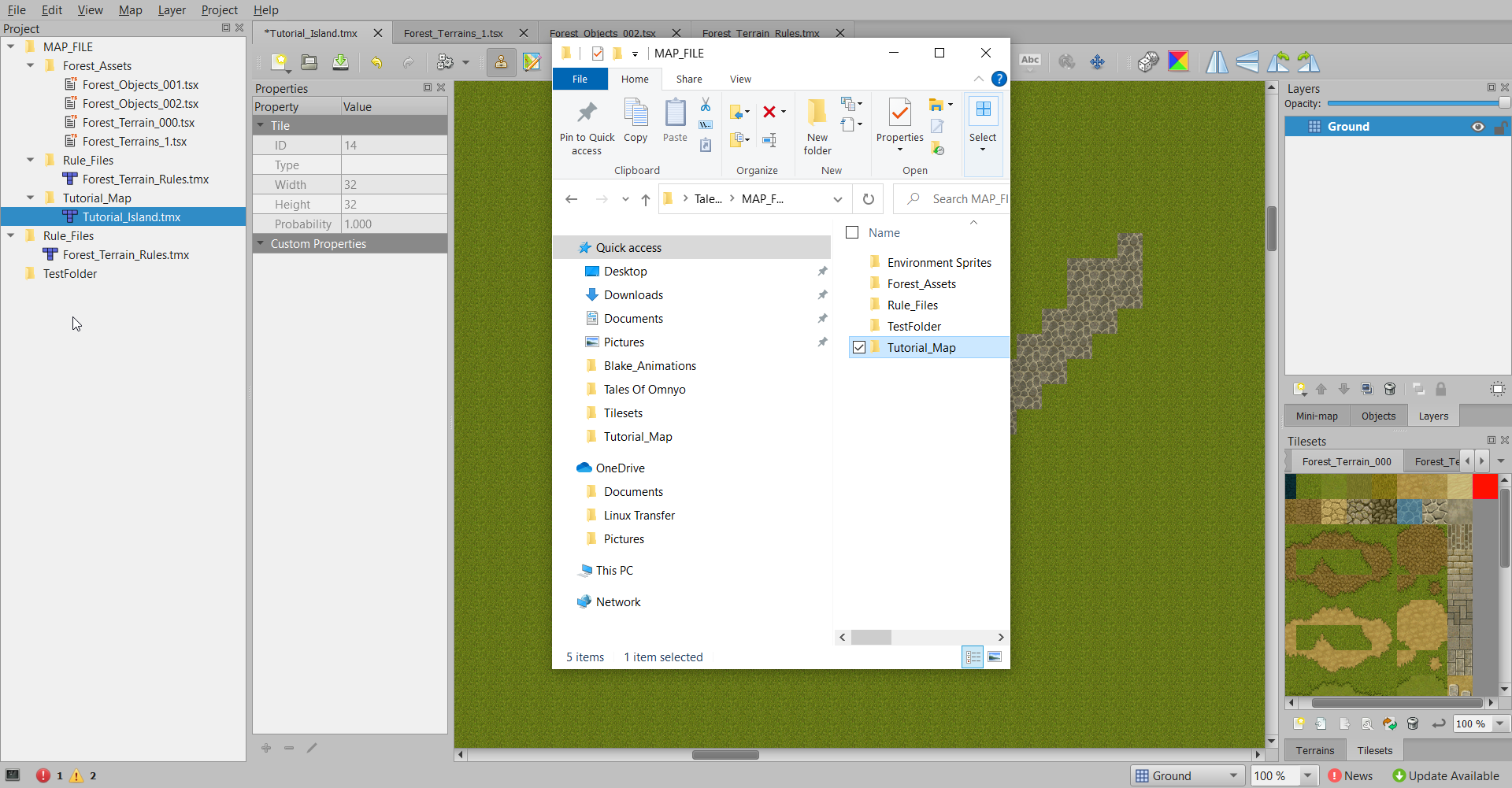
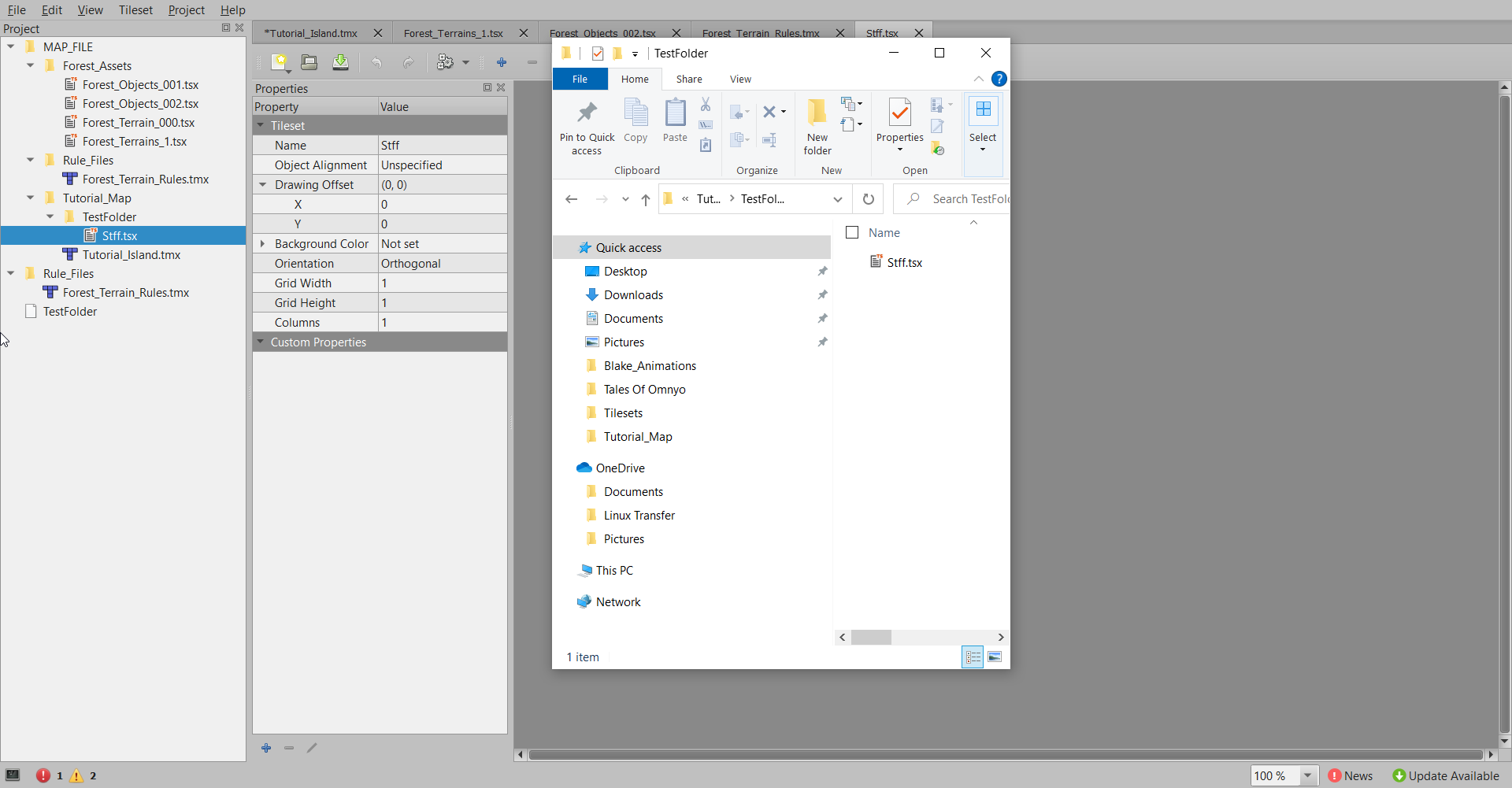
Modifying the location of a folder after adding it to a Project can lead to strange behaviors. In my test case, I created a new subdirectory within my project folder, and moved a previously established folder to that location.
Despite the change in location, the GUI for Tiled Projects will keep a file in the same position on side panel, and it will not longer be accessible by the project even if the icon remains. In addition, the new location the relocated-folder is not visible unless you add a new map/tileset.
**Summary:**
- Create a project
- Add a folder to that project
- Move the folder to a new directory (preferably a subdirectory)
- Click refresh
I've attached images below.
Contributor guide
Research direction
Reproduce the issue on Windows 10 using the listed project-folder and refresh steps, then trace the project tree refresh behavior in the desktop application. Verify the moved folder remains accessible at its new location and appears without adding a new map or tileset.
Written by the indexing model from the issue text.
Assessment
- Tech stack
- cpp
- Domain
- desktop
- Issue type
- Bug
- Difficulty
- 4/5
- Estimated time
- 3-5 days
- Activity status
- Stale
- Clarity
- Mostly clear
- Newbie friendliness
- 35/100