Location Dot In Wrong Location (Note 9)
Nobody has claimed this yet.
- Dominant language
- TypeScript
- Stars
- 12.4k
- Forks
- 2.4k
- PR merge metrics
- No merged PRs in 30d
Description
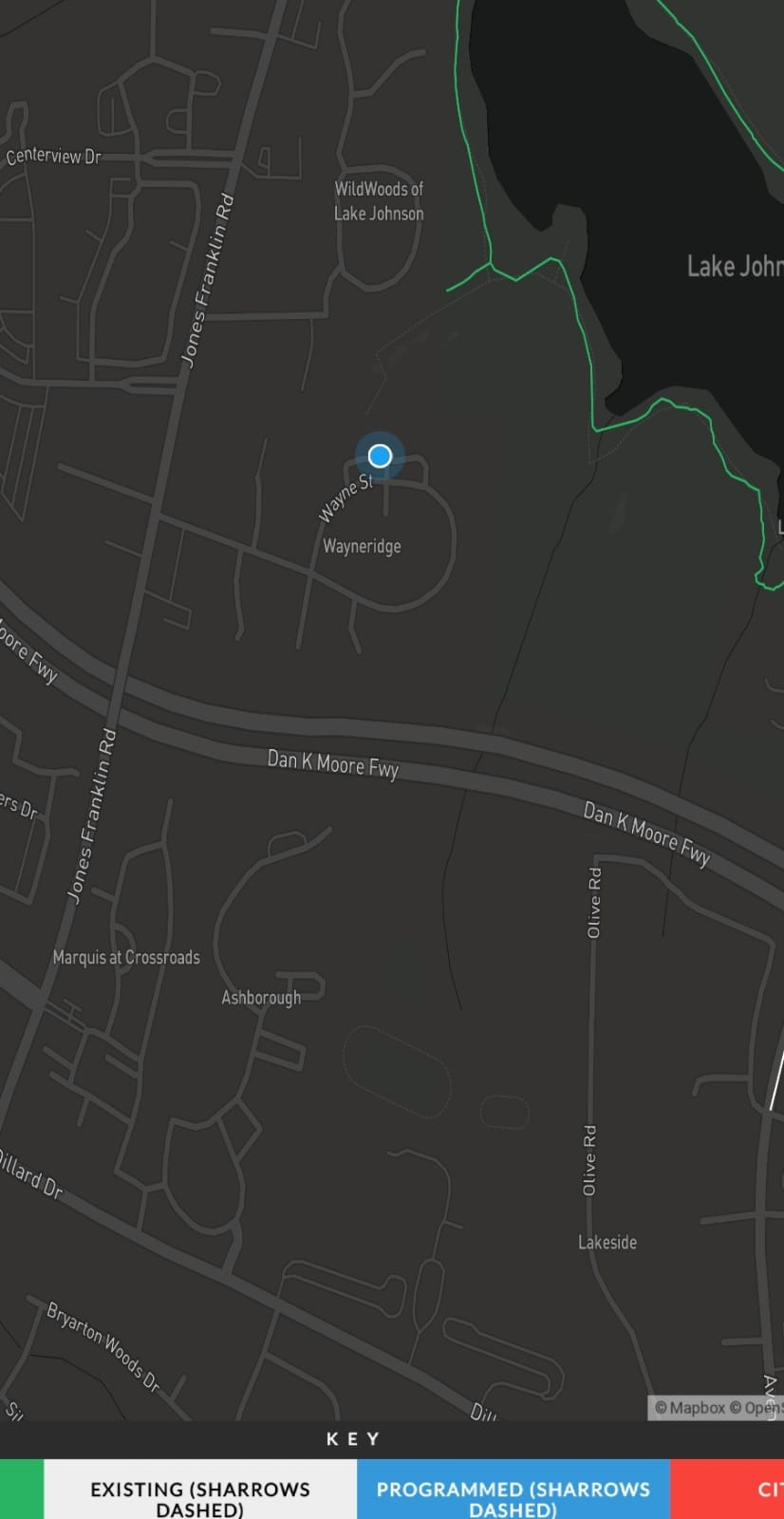
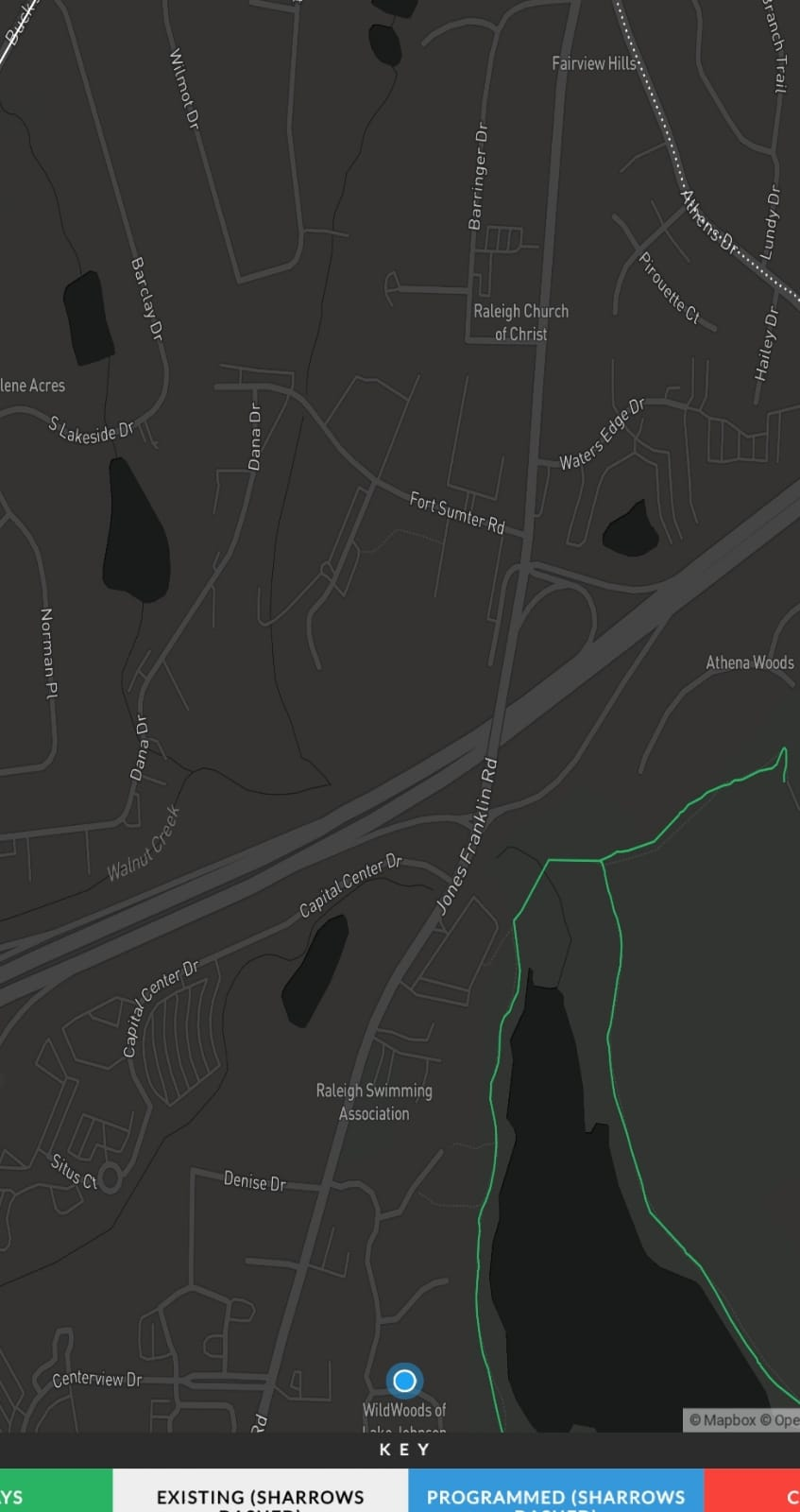
When I am on a Note 9 in portrait mode, the location dot moves North-South as a I scroll up & down or zoom in / out. I have tested it on other phones and this does not happen. See the two photos below where all I did between the two was scroll up
**mapbox-gl-js version**:
1.6.0
**browser**:
Chrome 78.0.3904.108 on Android 9
### Steps to Trigger Behavior
1. Open up Map (On a Samsung Note 9, in portrait mode)
2. Trigger Location
3.scroll up and down
### Link to Demonstration
Running Code:
https://5df4385ba58d08000918246a--adoring-wing-48a930.netlify.com/
Source:
https://github.com/jonathonwpowell/raleighbikeways/tree/add-map-controls
### Expected Behavior
The location dot will stay in the same location if I do not move
### Actual Behavior
the location dot moves north-south
### FOLLOW-UP NOTE
I was able to stop the problem by adding `` to the header. My understanding is that this should not be needed, so I will leave the bug open
Contributor guide
First steps
- Read the whole issue, then the project's contributing guide.
- Comment on the issue to say you are picking it up — it saves two people doing the same work.
- Fork the repository and make your change on a branch.
- Open a pull request that references the issue number.
Research direction
Start with the linked demonstration and the add-map-controls source on a Samsung Note 9 in portrait mode, using Mapbox GL JS 1.6.0 and Chrome 78. Compare scrolling and zooming with and without the reported viewport meta tag. Done means the location dot stays fixed when the device has not moved, without requiring that workaround.
Written by the indexing model from the issue text.
Assessment
- Tech stack
- javascript, typescript
- Domain
- frontend
- Issue type
- Bug
- Difficulty
- 4/5
- Estimated time
- 3-5 days
- Activity status
- Stale
- Clarity
- Mostly clear
- Newbie friendliness
- 35/100