`map.updateImage` on globe view does not update "fill-pattern" until zoom level change
Nobody has claimed this yet.
- Dominant language
- TypeScript
- Stars
- 12.4k
- Forks
- 2.4k
- PR merge metrics
- No merged PRs in 30d
Description
**mapbox-gl-js version**: main
**browser**: Firefox + Chrome
In Mercator, calling "updateImage" does not trigger a visual update, but all images will update on the next map interaction.
In Globe, we see the same behavior for
### Steps to Trigger Behavior
1. Create a map with a polygon styled with "fill-pattern":
```js
map.addLayer({
'id': 'pattern-layer',
'type': 'fill',
'source': 'polygons',
'paint': {
"fill-pattern": "rocket-15"
}
});
```
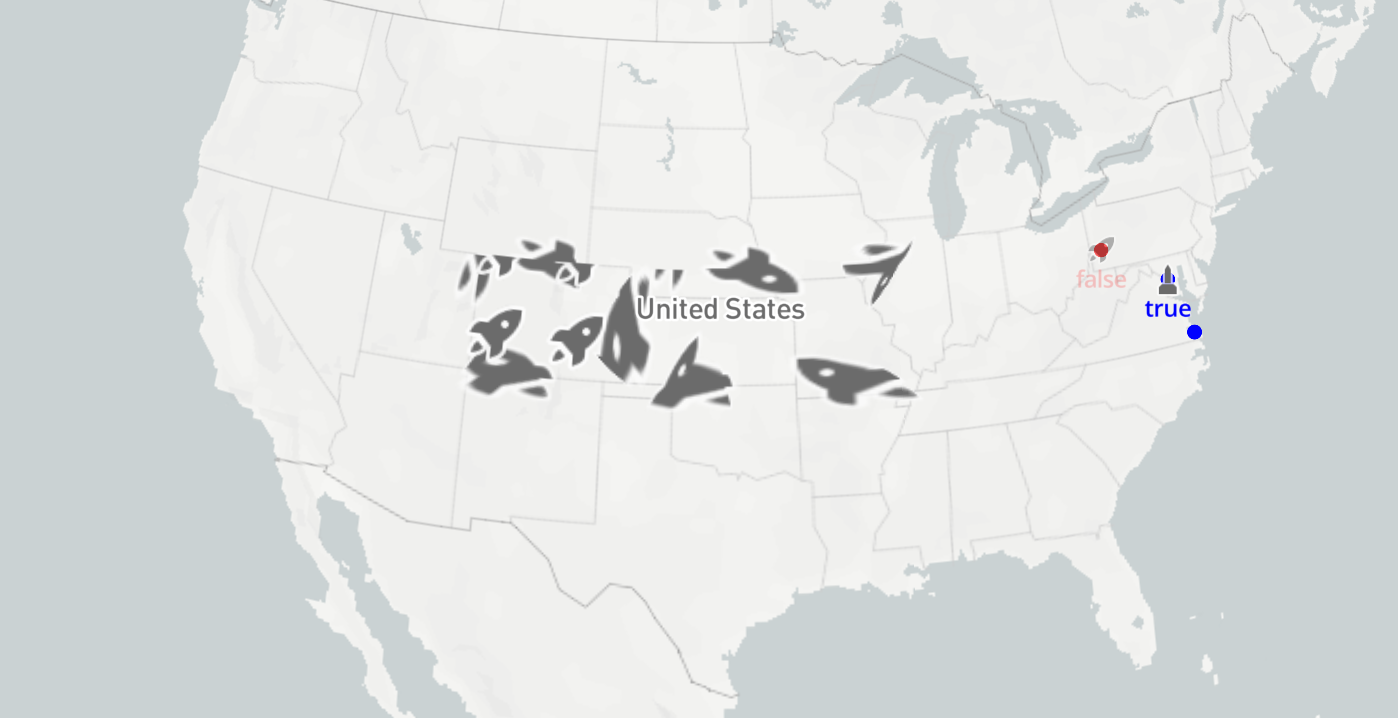
2. Run the following command to transformrockets to cats:
```js
map.loadImage('http://placekitten.com/42/42', (error, image) => {
if (error) throw error;
map.updateImage('rocket-15', image);
});
```
4. Move the map slightly.
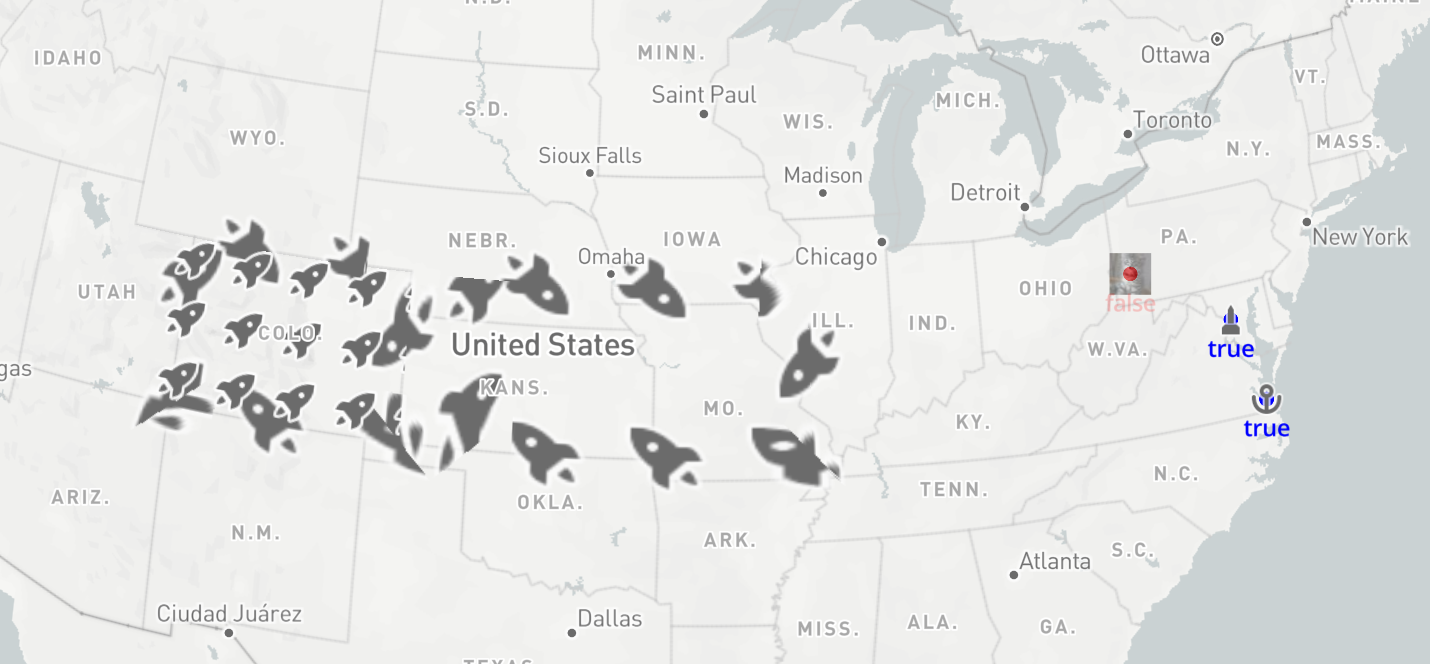
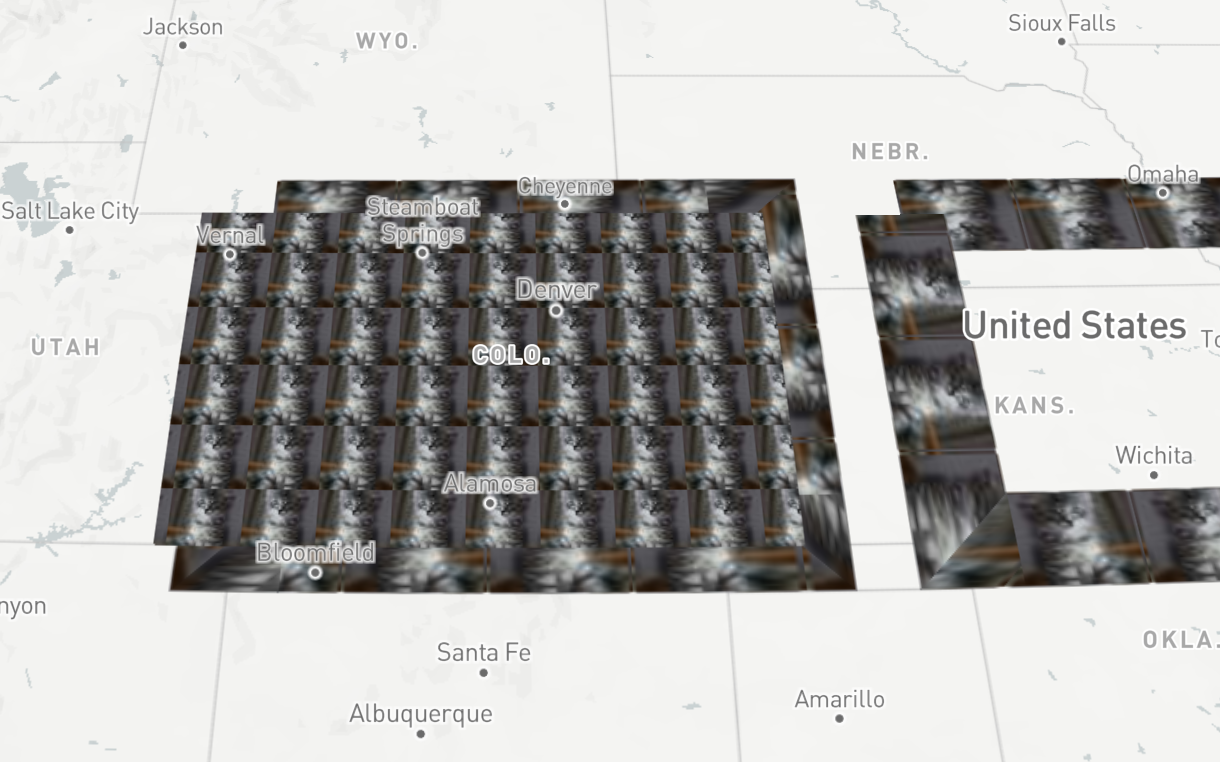
Note that the icon in the right has updated, but "line-pattern" and "fill-pattern" have not, and don't seem to update until we reach a new zoom level.
After zooming:
I discovered this issue through an attempt to create a render test, described below:
1. Copy the ['image-update-pattern' ](https://github.com/mapbox/mapbox-gl-js/tree/main/test/integration/render-tests/runtime-styling/image-update-pattern)render test
5. Add either:
``` js
["setProjection", "globe"],
```
or
```js
"projection": {
"name": "globe"
},
```
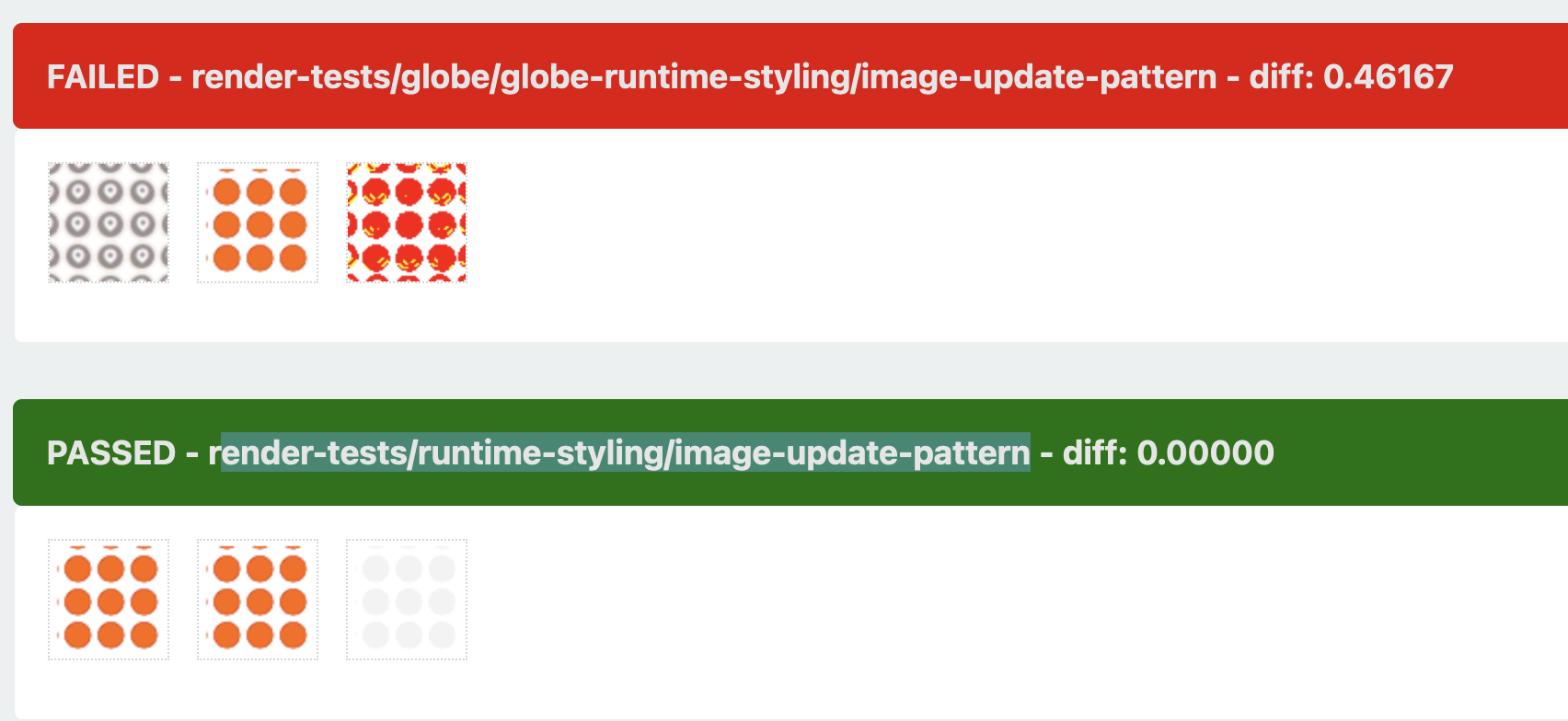
6. Run test, note that the pattern has not updated.
Result:
Contributor guide
First steps
- Read the whole issue, then the project's contributing guide.
- Comment on the issue to say you are picking it up — it saves two people doing the same work.
- Fork the repository and make your change on a branch.
- Open a pull request that references the issue number.
Research direction
Start with the image-update-pattern render test under test/integration/render-tests/runtime-styling and reproduce it with the globe projection using setProjection or the projection option. Trace the map.updateImage behavior for fill-pattern and line-pattern, then make the render test show the updated pattern without requiring a zoom change.
Written by the indexing model from the issue text.
Assessment
- Tech stack
- javascript, typescript
- Domain
- frontend, testing-qa, web-dev
- Issue type
- Bug
- Difficulty
- 4/5
- Estimated time
- 3-5 days
- Activity status
- Stale
- Clarity
- Clearly specified
- Newbie friendliness
- 45/100