magento / magento/magento2-phpstorm-plugin
Context menu not opening in ntfs junctions consistently
- Dominant language
- Java
- Stars
- 463
- Forks
- 98
- Avg merge
- 1h 6m
- Merged PRs (30d)
- 3
Description
**Describe the bug** (*)
I want to create a new DataModel or a Console Command so I right click on the module's folder which is an ntfs junction to a different directory.
In some projects it works, in some it doesn't
**To Reproduce** (*)
1. Store your module in a different directory
2. Create Vendor folder in `app/code/Vendor`
3. Create a junction with powershell for the module
`New-Item -ItemType Junction -Path ".\app\code\Vendor\Extension -Target "YourPath\extension\"`
4. Right click on the directory in the project view
5. The context menu won't open
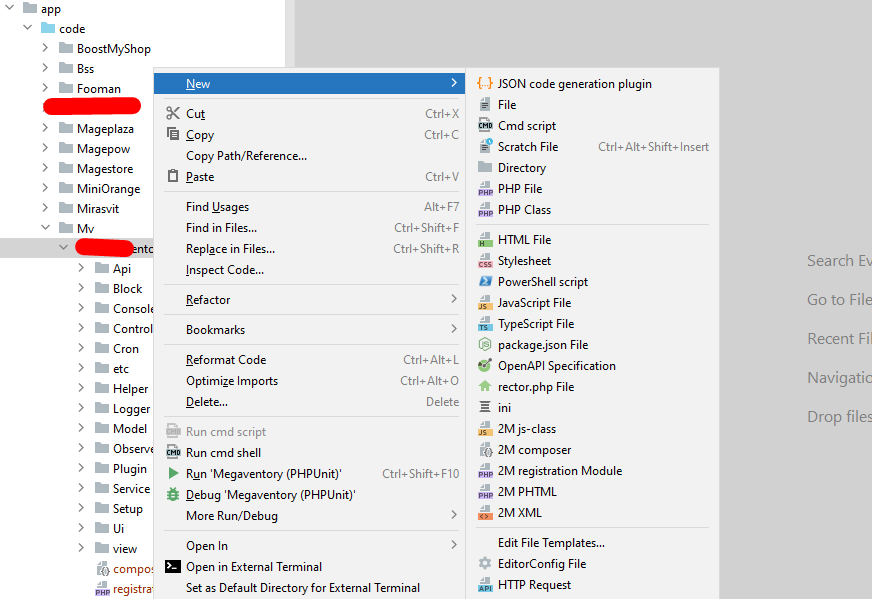
However if I right click on `etc` directory it will open correctly
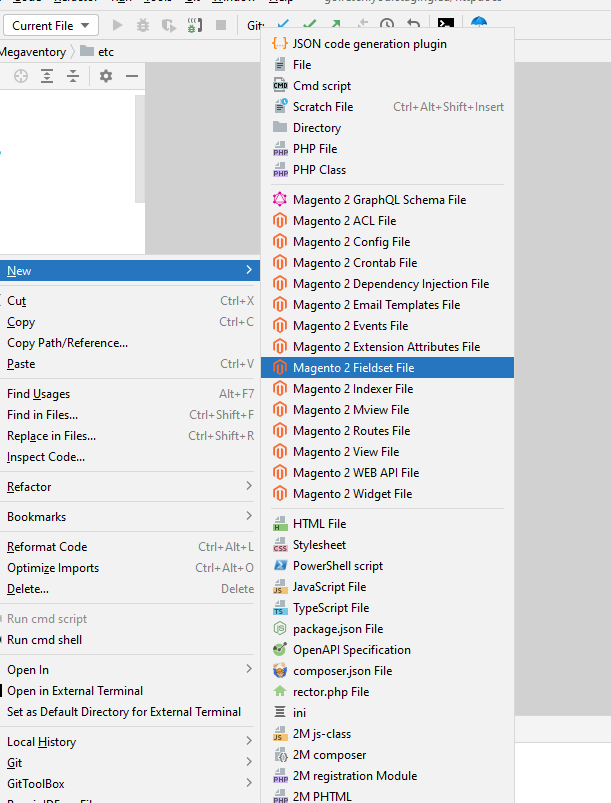
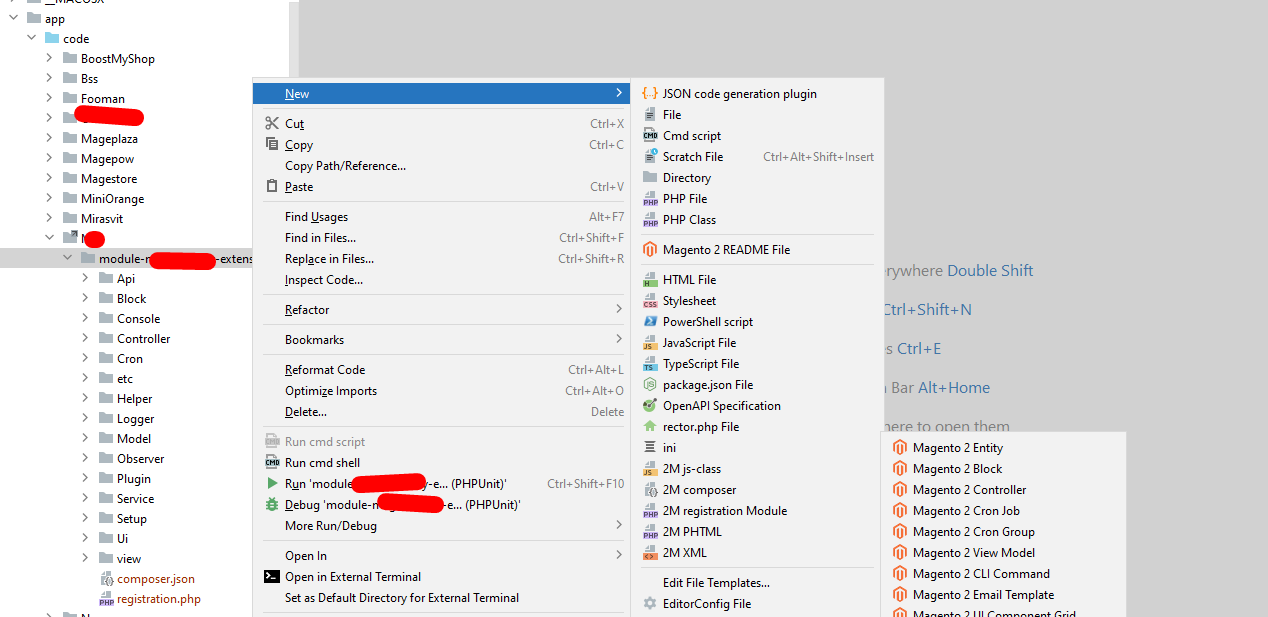
But if I put the junction one level above it works fine
**Expected behavior** (*)
The context menu works and options apear.
**Screenshots**
**Please complete the following information:** (*)
- OS: Windows 11 x64 For Workstations
- PhpStorm/Intellij version: PhpStorm 2022.3.2
- Plugin Version: com.magento.idea.magento2plugin (5.0.1)
**Additional context**
Add any other context about the problem here.
Contributor guide
Research direction
No source file or test is identified. Start by reproducing the context-menu failure in the PhpStorm project view with the Windows junction layout described, comparing junctions at different directory levels on PhpStorm 2022.3.2. Done means the context menu opens reliably for the affected module directory and its expected options appear.
Written by the indexing model from the issue text.
Assessment
- Tech stack
- java, powershell
- Domain
- tooling
- Issue type
- Bug
- Difficulty
- 4/5
- Estimated time
- 3-5 days
- Activity status
- Stale
- Clarity
- Mostly clear
- Newbie friendliness
- 35/100