Install Eclipse/Java development Kit
Open
@lund2 is already working on this.
Since Nov 10, 2020.
good first issue
- Dominant language
- Java
- Stars
- 0
- Forks
- 0
- PR merge metrics
- No merged PRs in 30d
Description
Install Enterprise version of Eclipse IDE to be able to connect to a server.
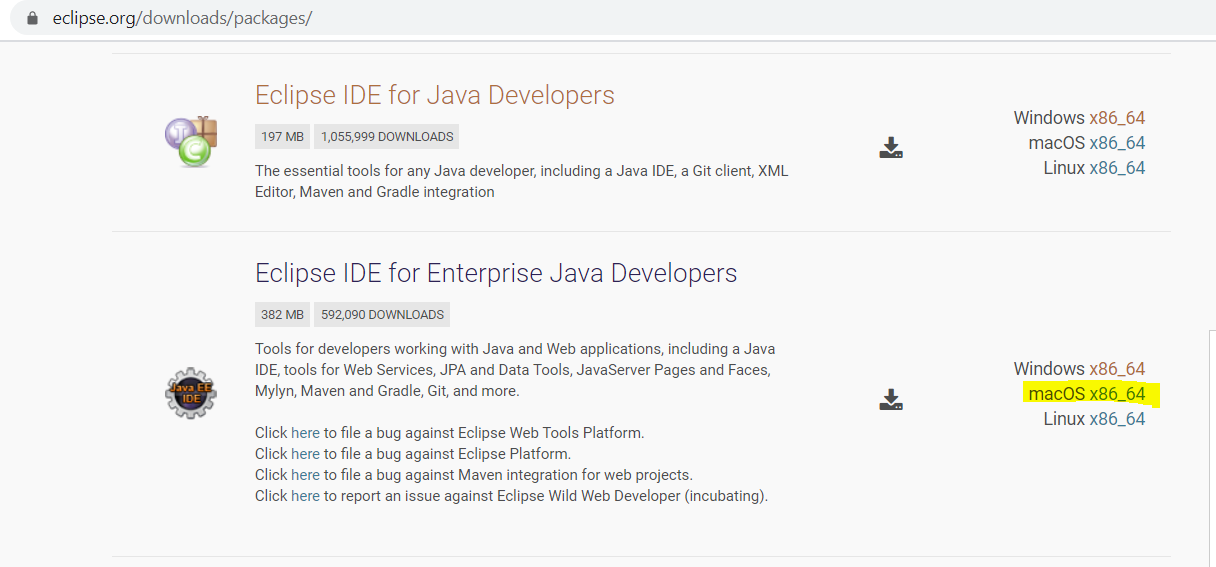
Here is the eclipse link: https://www.eclipse.org/downloads/packages/
Next you need to install the java development kit. Oracle owns the proprietary version so you need to install open jkd which is the open source version. JDK 11 will be the next version with LTS (Long time support) so that is the version that should be downloaded.
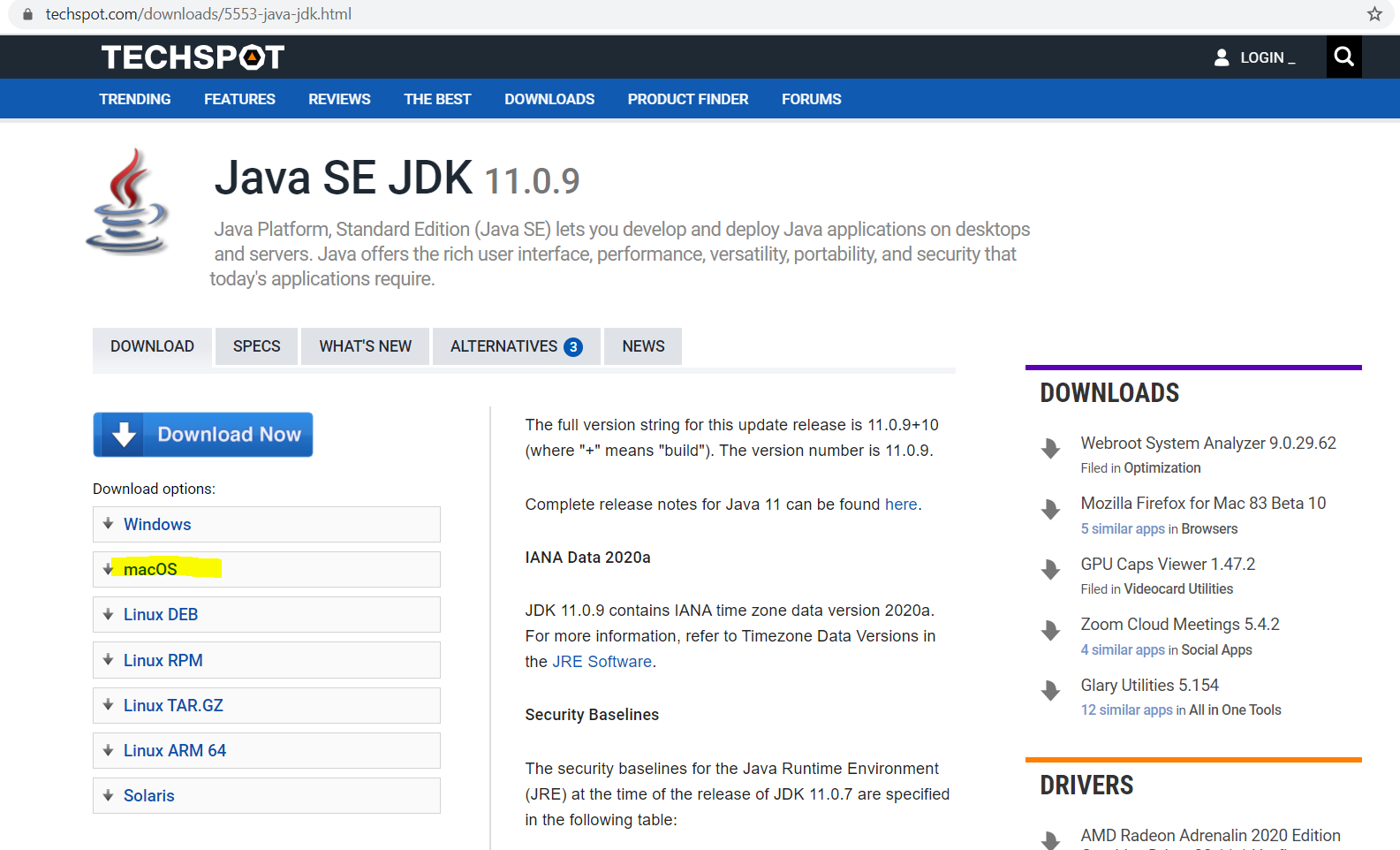
Here is the open jdk 11 link: https://www.techspot.com/downloads/5553-java-jdk.html
Contributor guide
No contributing guide indexed for this repository
First steps
- Read the whole issue, then the project's contributing guide.
- Comment on the issue to say you are picking it up — it saves two people doing the same work.
- Fork the repository and make your change on a branch.
- Open a pull request that references the issue number.
Assessment
This issue has not been assessed yet.