It's very difficult/inconsistent to paste longform text into a single text block
Nobody has claimed this yet.
- Dominant language
- Clojure
- Stars
- 45k
- Forks
- 2.8k
- Avg merge
- 1d 22h
- Merged PRs (30d)
- 105
Description
### What happened?
Let's say I have some longform text, like the text of this that I'm typing here right now..
If I copy this into a block in Logseq, it will generally create a single block per paragraph of text.
However, if I have a header of a section:
### → Like this ←
Then if whatever is copied includes that title, then after the header, each section gets its own block, starting with the header from that section.
This behavior is kinda funky and inconsistent. What I want is to be able to paste a poem I found into a single text block, to keep it in the original form that it was. Ideally, I'd like to keep the formatting.
How this should be fixed is very non-obvious. `cmd-shift-v` is already being used by "paste without formatting", which may not be what I want — I may want to keep any italics and bolds and links that the longform text has. As far as I can tell, there is no direct way to do this right now. Perhaps there should be a new keyboard shortcut, like `cmd-alt-v` (which is not currently used), then `cmd-alt-shift-v` can do both at once (longform and strip formatting). Right now `cmd-alt-shift-v` seems to be just the same as `cmd-shift-v`, but I could be wrong about them being identical.
I was thinking perhaps this could be context-dependent, like if you start a block with a `>` (to indicate a quote) then it could accept longform text as one block. I think that definitely should be the case, as right now it just destroys the `>` that you typed and makes none of what you pasted a quote, which is definitely the worst option for what that could do. But I think requiring a quote block is still not ideal; you may want to paste something without marking it as a quote.
This could also be added as a context menu, along with "Paste" and "Select All". That context menu is currently *very* short. I'm sure those options feel lonely.
### Reproduce the Bug
1. Copy part the contents of any github ticket's description, including a header.
2. Paste it into logseq
Result: You will get one block per header, with the paragraphs for each header entered as part of the block
But, sometimes it will only group some of the content together under a header, and not other content.
1. Copy part the contents of any github ticket's description, copying just some paragraphs.
2. Paste it into logseq
Result: You will get one block per paragraph.
If you hold `shift` while doing this, it will always do the second (paragraph) version and strip out the formatting as well. No combination of modifiers results in the text being just pasted into the single text block, whole.
Additionally:
1. Copy part of the contents of a github ticket's description
1. Type `>` into a block
2. Paste
Result: The `>` vanishes, and it does the behavior from scenario 1 or 2 above.
### Expected Behavior
At the very least, `>` you've typed should not get deleted when you paste text after it.
Ideally, pasting text after `>` or with some yet-to-be-determined keyboard shortcut should paste the text long-form (with formatting kept by default) into a single block.
Additionally, the behavior should be consistent between when you do or don't have a header included in what you've copied, at least when you're purposefully trying to paste longform into one block.
### Screenshots
Examples from pasting various subsets of this other recent ticket:
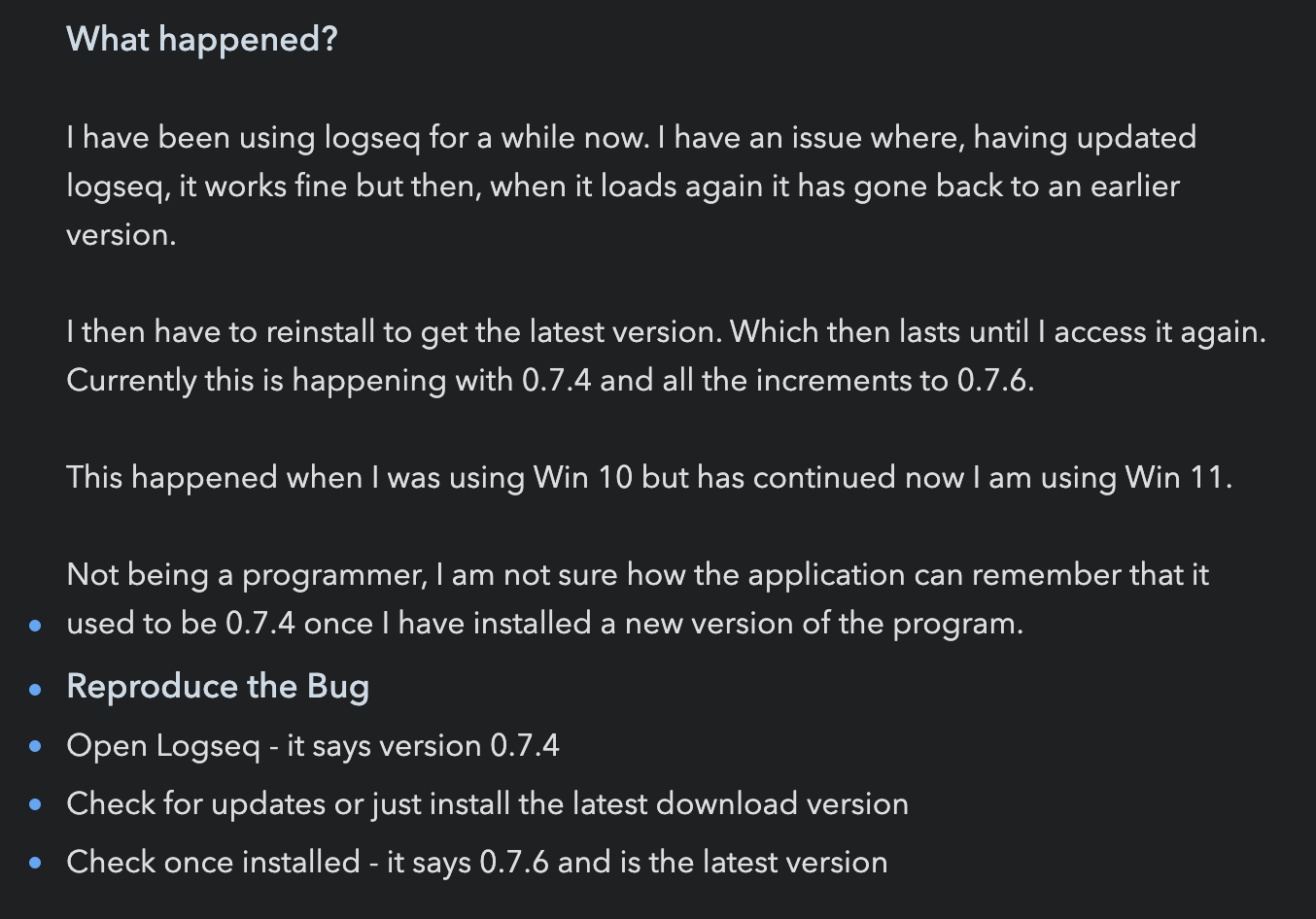
With an h2 and h3:
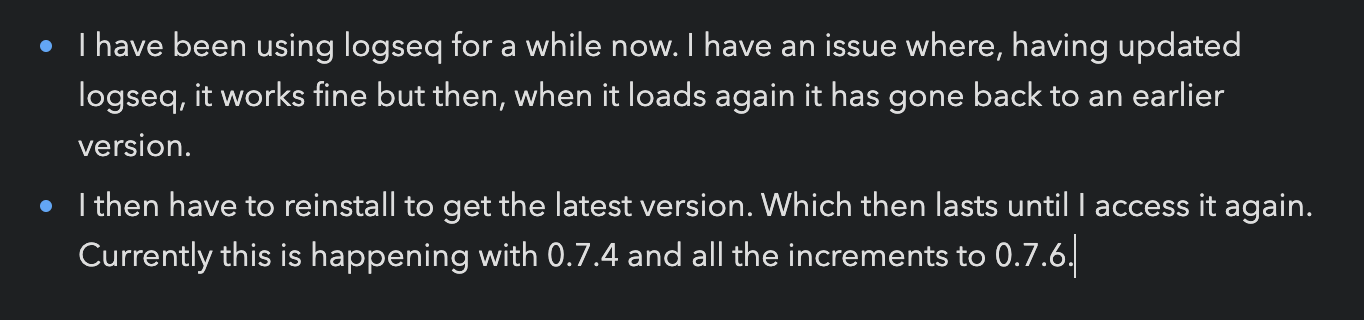
With just paragraphs:
### Desktop Platform Information
Mac, App, 0.7.6
### Mobile Platform Information
_No response_
### Additional Context
_No response_
Contributor guide
First steps
- Read the whole issue, then the project's contributing guide.
- Comment on the issue to say you are picking it up — it saves two people doing the same work.
- Fork the repository and make your change on a branch.
- Open a pull request that references the issue number.
Research direction
Start by reproducing the described paste scenarios in the Logseq desktop app: text containing headers, paragraphs, formatting, and a leading `>` quote marker. Compare normal paste and modifier-key behavior; done means longform text has a consistent single-block option, formatting behavior is explicit, and a typed `>` is not deleted.
Written by the indexing model from the issue text.
Assessment
- Domain
- frontend
- Issue type
- Bug
- Difficulty
- 5/5
- Estimated time
- Over a week
- Activity status
- Stale
- Clarity
- Mostly clear
- Newbie friendliness
- 28/100