Core Presets which can be toggled in game with hotkeys
Nobody has claimed this yet.
- Dominant language
- C
- Stars
- 14.1k
- Forks
- 2.2k
- Avg merge
- 7h 35m
- Merged PRs (30d)
- 51
Description
Existing similar features
input_overlay_next and input_shader_next are customizable hotkeys which allow you to cycle through the respective overlays and shaders while being in the game. Fast and fun!
Proposal for a new feature
Analog to the forementioned hotkeys I propose to create the hotkey input_corepreset_next to cycle through core option presets.
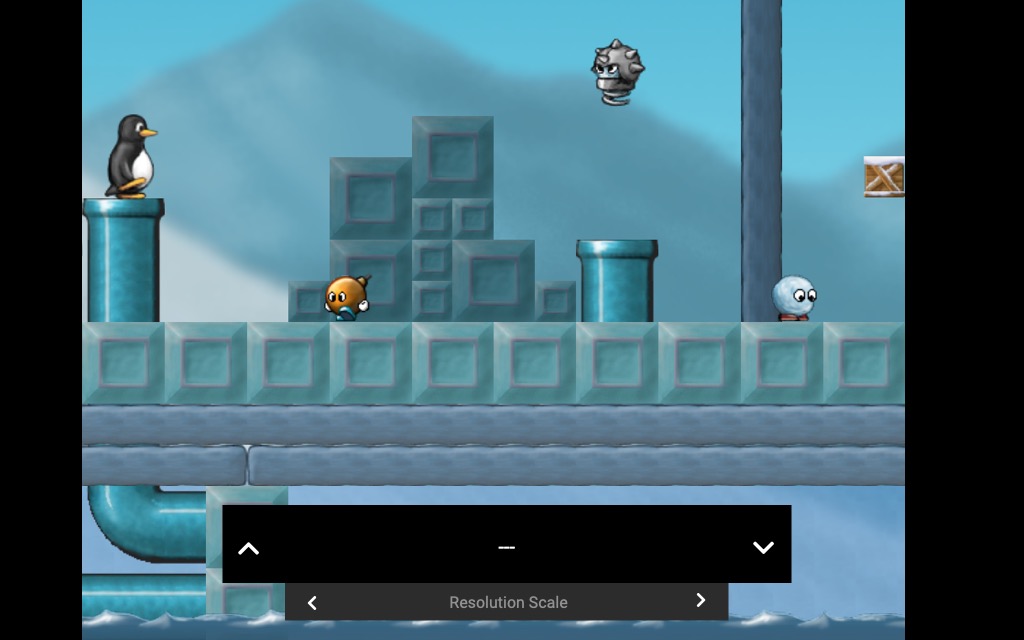
What's the purpose of such core presets?
Quickly toggle certain core options on the fly while being in game. Get the immediate impression of the change, a clear before/after comparison of audio/video/gameplay.
How would it work?
Per each core you have live presets. Structured in groups (e.g. "Resolution Scale") and within groups the single presets (e.g. "x2", "x3" "x4").
During gameplay hotkey(s) allow you to quickly cycle through your presets.
- A preset file is just a list of variables with values which works as an override.
- The user is responsible how many variable s/he packs into such an override.
- This is an advanced feature.
In essence it is just a shortcut which mimicks:
- Open quick menu
- Navigate into core options (potentially many levels deep)
- Change one or more options (potentially in many different menu branches, each option potentially with many possible values you need to cycle through)
- Resume content
File / Folder Structure
I would like to go with RetroArch's modular way. In that spirit it would be something like this:
└── config
    ├── Gambatte
    │   └── livepresets
    │       ├── 01 Play Speed
    │       │   ├── 01 125.opt
    │       │   ├── 02 150.opt
    │       │   ├── 03 70.opt
    │       │   ├── 04 80.opt
    │       │   └── 05 90.opt
    │       └── 02 Audio FX
    │           ├── 01 Reroute to virtual enhanced SoundChip.opt
    │           ├── 02 Bass Distorter.opt
    │           ├── 03 Main Synth Channel gets Vocalizer.opt
    │           └── 04 Hall FX on all but Drum Channel.opt
    └── DuckStation
        └── livepresets
            ├── 01 Resolution Scale
            │   ├── 01 x1.opt
            │   ├── 02 x2.opt
            │   ├── 03 x3.opt
            │   └── 04 x4.opt
            └── 02 Special Hacks
                ├── 01 None.opt
                └── 02 16-9 Widescreen.opt
Why groups AND presets and not just simply flat presets?
There are good reasons for making this two dimensional:
- You may want to change "Aspect A" between values 1-7 and "Aspect B" between values 1-5 independently of each other.
- Having only a single dimension would require to create all or many permutations of "Aspect A" and "Aspect B" beforehand (7*5=35 as opposed to 7+5=12). Much work. Error prone.
- Two-dimensional is way much more effective to both manage and call up the presets.
Hotkey(s)
I see these two main possibilities:
Single hotkey to open and close 2-dimensional minimal OSD
- Press the single
input_corepresethotkey. (alternative: press and hold hotkey) - The game keeps running (unless you paused it with in game controls) and receives no input temporarily
- A small overlay menu opens:
- Left/right cycles group
- Up/down cycles presets
- By default the selected preset in each group is "---" (=no override)
- As you see in the example file structure above, your strategy about whether to have an explicit "baseline" preset in your group (e.g. /02 Special Hacks/None.opt) or not (e.g. 01 /Play Speed/ has no "100 percent.opt" preset) is up to the user.
- If you say the baseline config in that regard is stable in the main core option files, then you do not need an explicit baseline preset. Whereas if the core options are more dynamic, you may prefer to have it explicitly as a core preset too which in doubt you can call on demand on the fly by name and be sure. The worst which can happen then is that while cycling your presets you may have one ad-hoc config twice in your cycle.
- As soon as you cycle presets with left/right, this is effective immediately.
- Should this take some time: Further menu input is dropped until core is responsive again.
- Another press of the hotkey closes the menu (alternatively: release hotkey)
- During the running core session the last chosen group and preset is remembered
- Pressing the hotkey brings you exactly to where you were before closing.
Pros/Cons
-
- Needs only a single hotkey.
-
- Borrows Dpad/Sticks/ArrowKeys while in that mode
-
- Again a menu. But very minimal, content mostly visible. Fast to open/choose/close.
Hotkey per each preset group, just toasts (optionally)
-
We create
input_corepreset_group1_nextandinput_corepreset_group1_prevtilinput_corepreset_group4_nextandinput_corepreset_group4_prev. -
Each preset group has its "next" and an optional "previous" hotkey to cycle through the presets. "previous" hotkey optional that those with few valuable buttons can potentially reduce button assignments.
Pros/Cons
-
- Needs more of your valuable hotkeys.
-
- Very effective. This is a pro feature anyhow.
-
- "Confirm message (toaster)" for "x" ms. Setting it to 0 disables it entirely. Then the only noticable visual change is that of your preset override.
Extra functions
Option: Hide prefixed ordinal numbers
For displaying the "01 My option name.opt" as an OSD or toast messages
- The display already omits the file extension
".opt$" - This option also omits
"^\d+ "
Screen Story
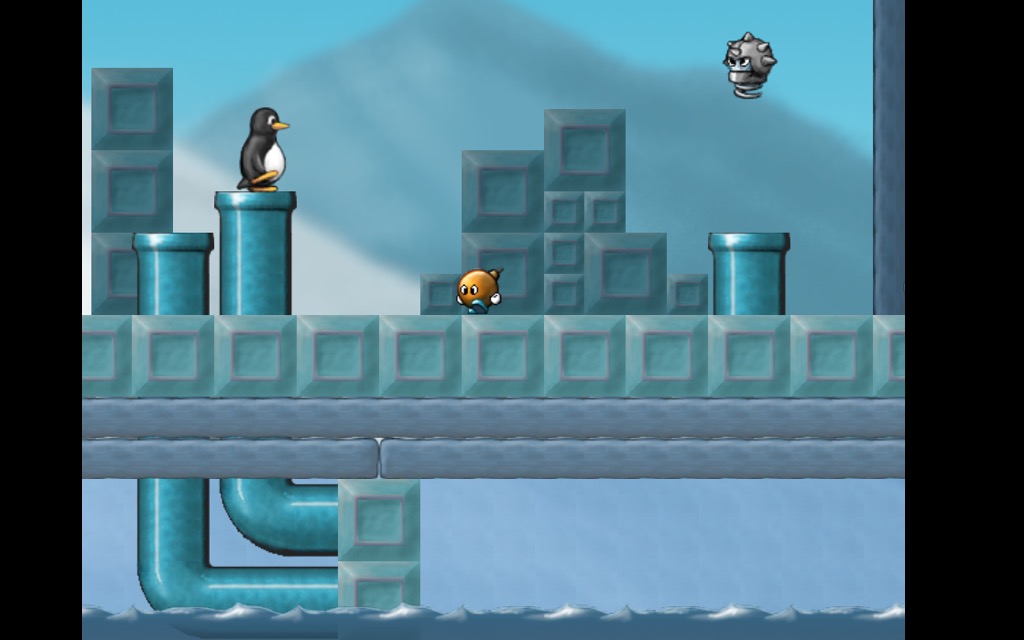
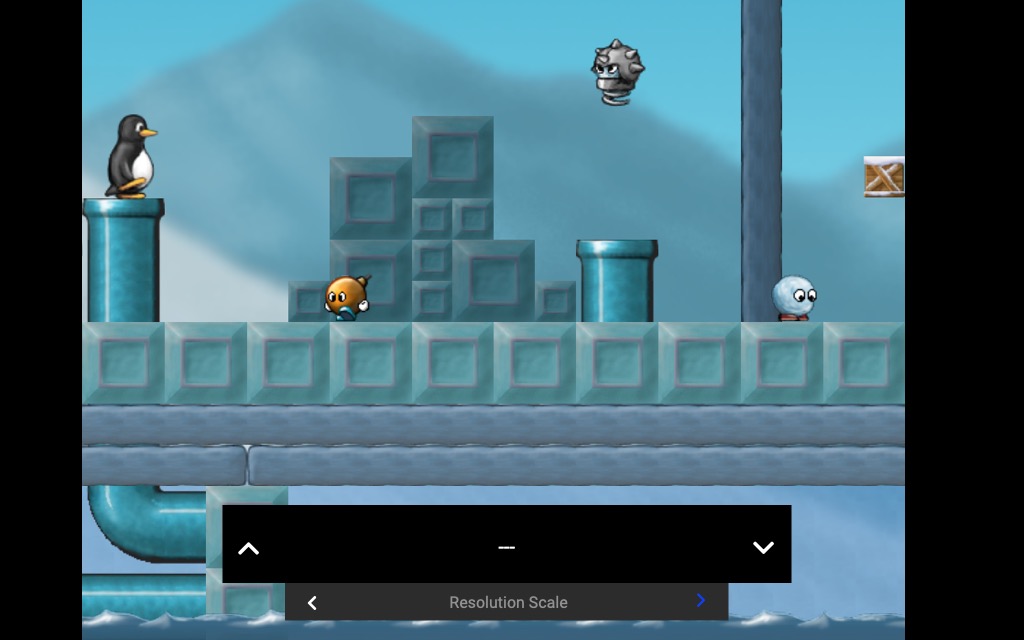
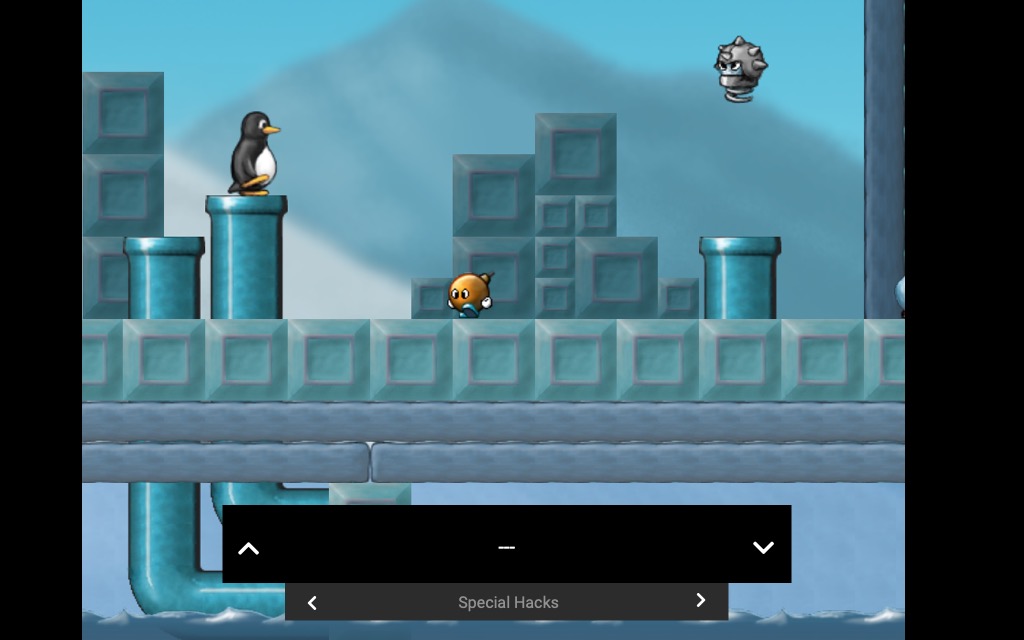
Show all 7 images
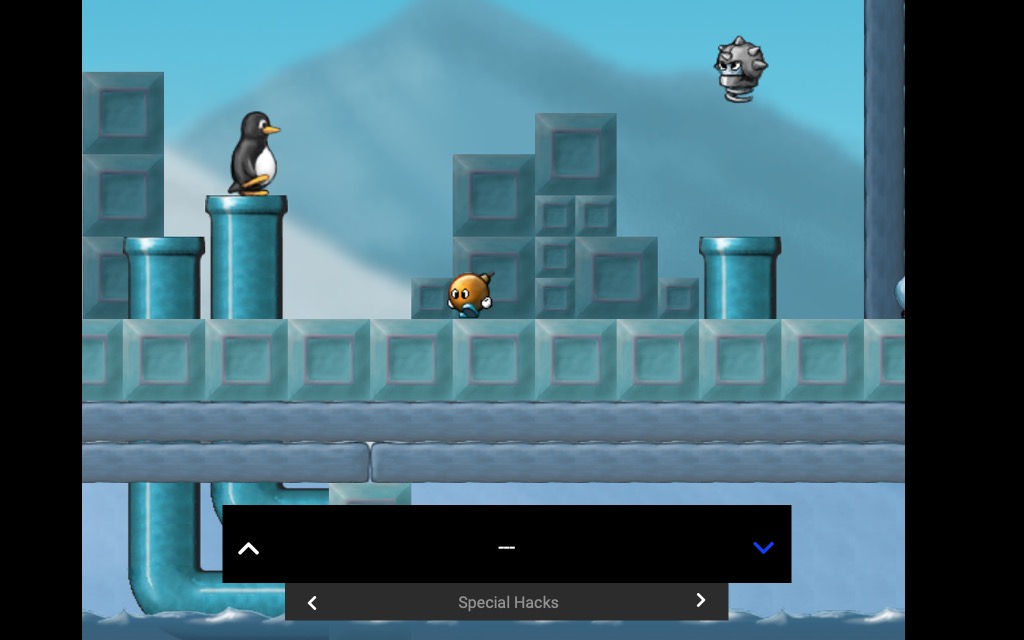
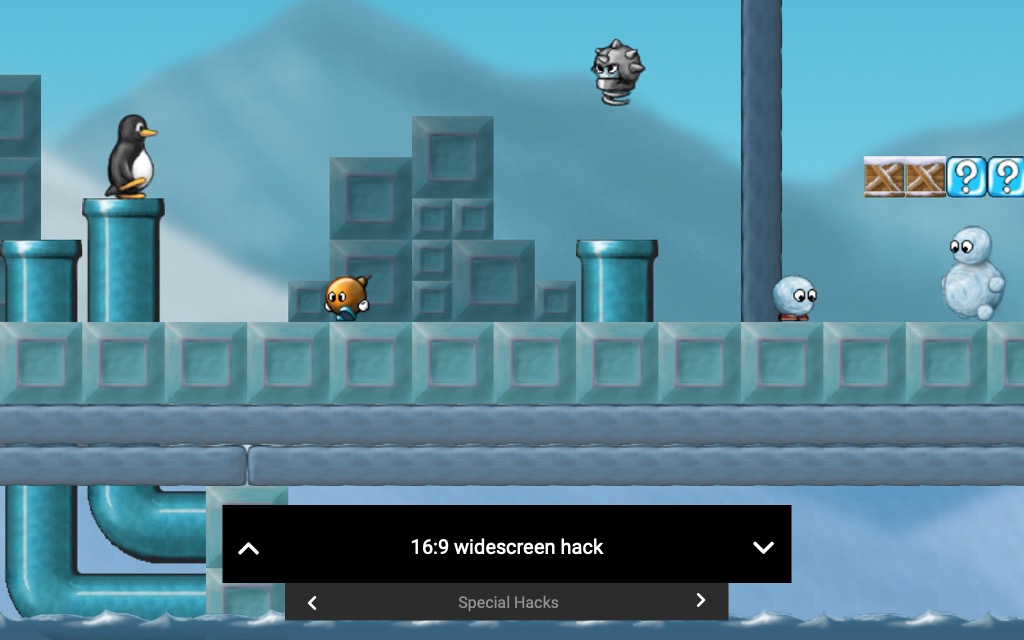

Contributor guide
First steps
- Read the whole issue, then the project's contributing guide.
- Comment on the issue to say you are picking it up — it saves two people doing the same work.
- Fork the repository and make your change on a branch.
- Open a pull request that references the issue number.
Research direction
The proposal does not name implementation files, tests, or entry points. Start by locating the existing input_overlay_next and input_shader_next hotkey handling and the core-options and OSD paths; done requires an agreed preset layout, hotkey or menu behavior, and implementation coverage for the selected design.
Written by the indexing model from the issue text.
Assessment
- Tech stack
- c
- Domain
- frontend
- Issue type
- Feature
- Difficulty
- 5/5
- Estimated time
- Over a week
- Activity status
- Stale
- Clarity
- Needs clarification
- Newbie friendliness
- 25/100