My shader ^_^
Nobody has claimed this yet.
- Dominant language
- C
- Stars
- 14.1k
- Forks
- 2.2k
- Avg merge
- 7h 35m
- Merged PRs (30d)
- 51
Description
Look how I can
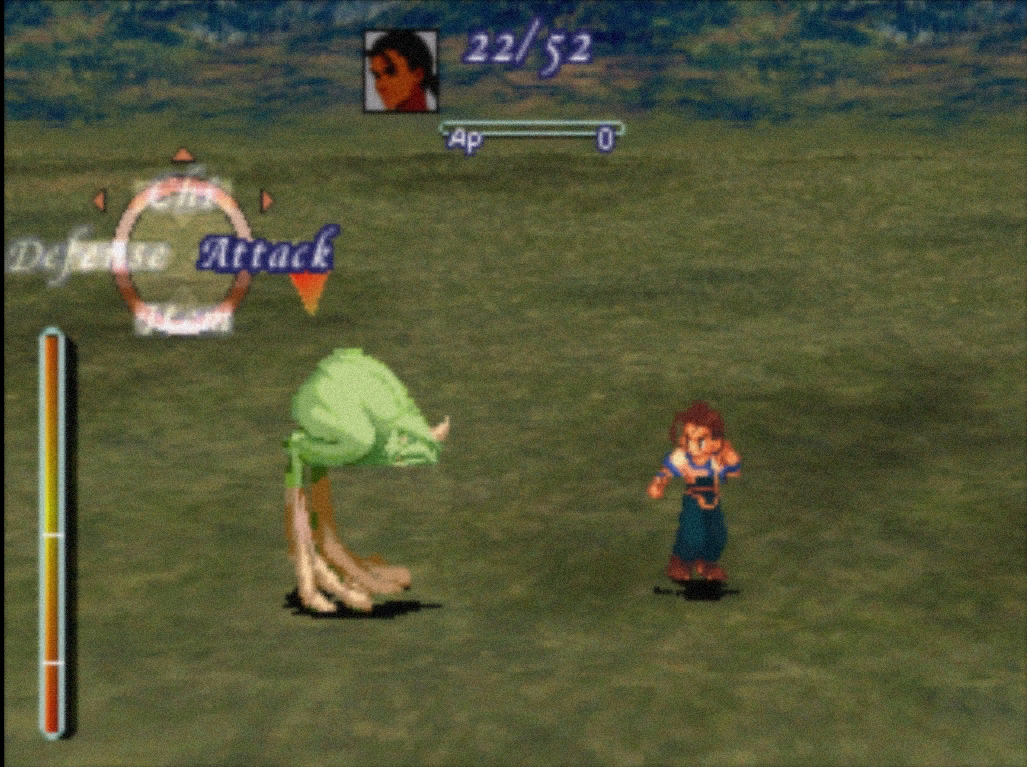
Xenogears
Before
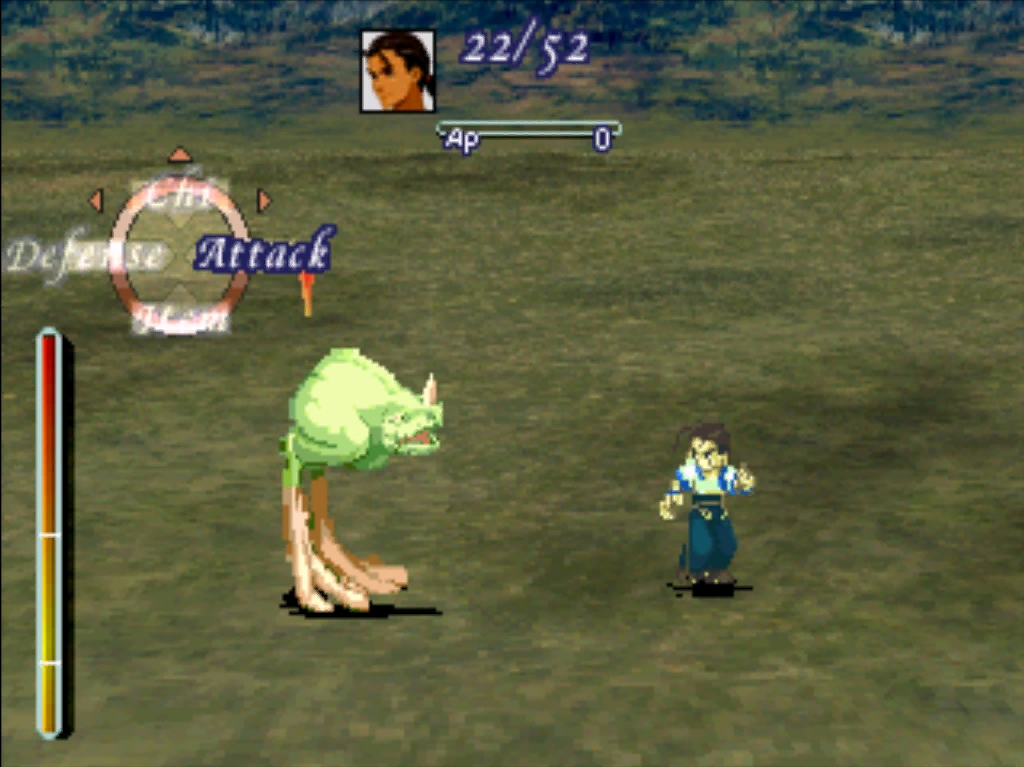
After
Chrono cross
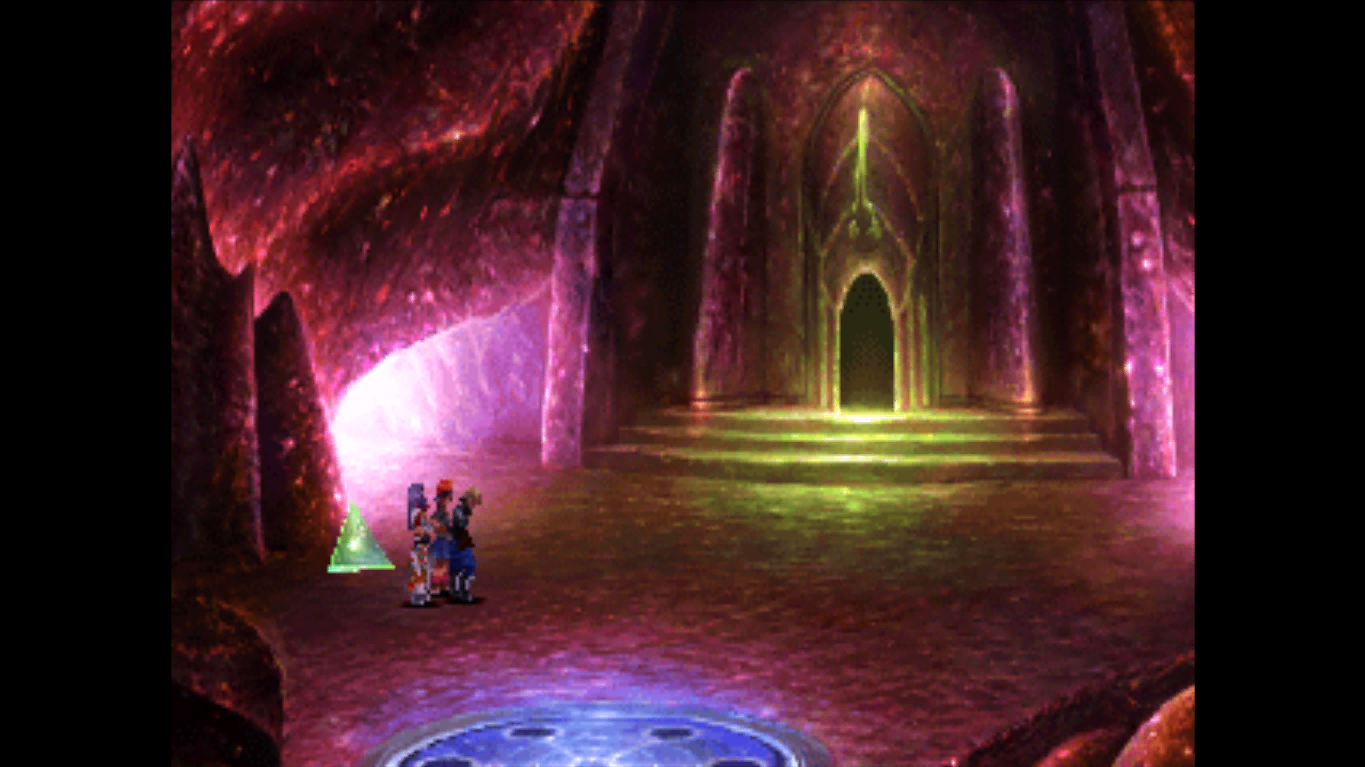
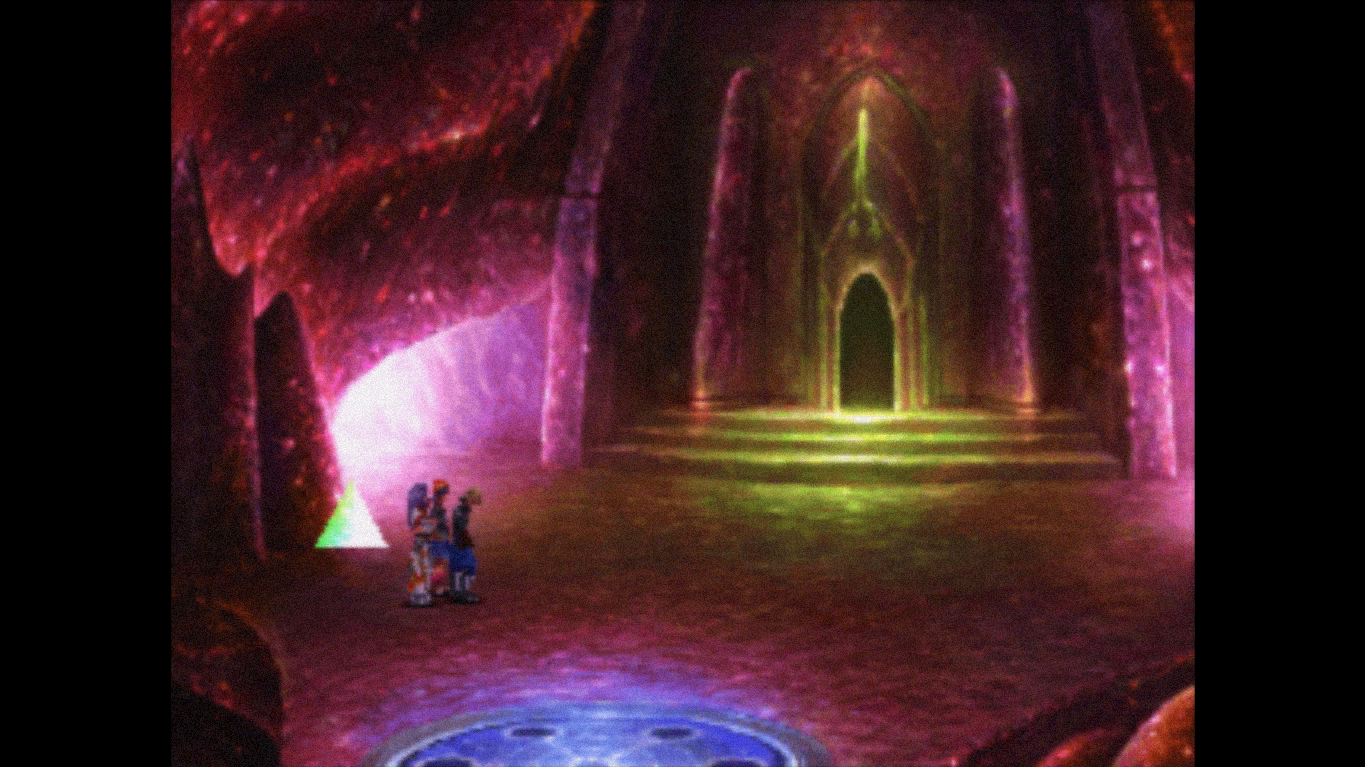
Supermario
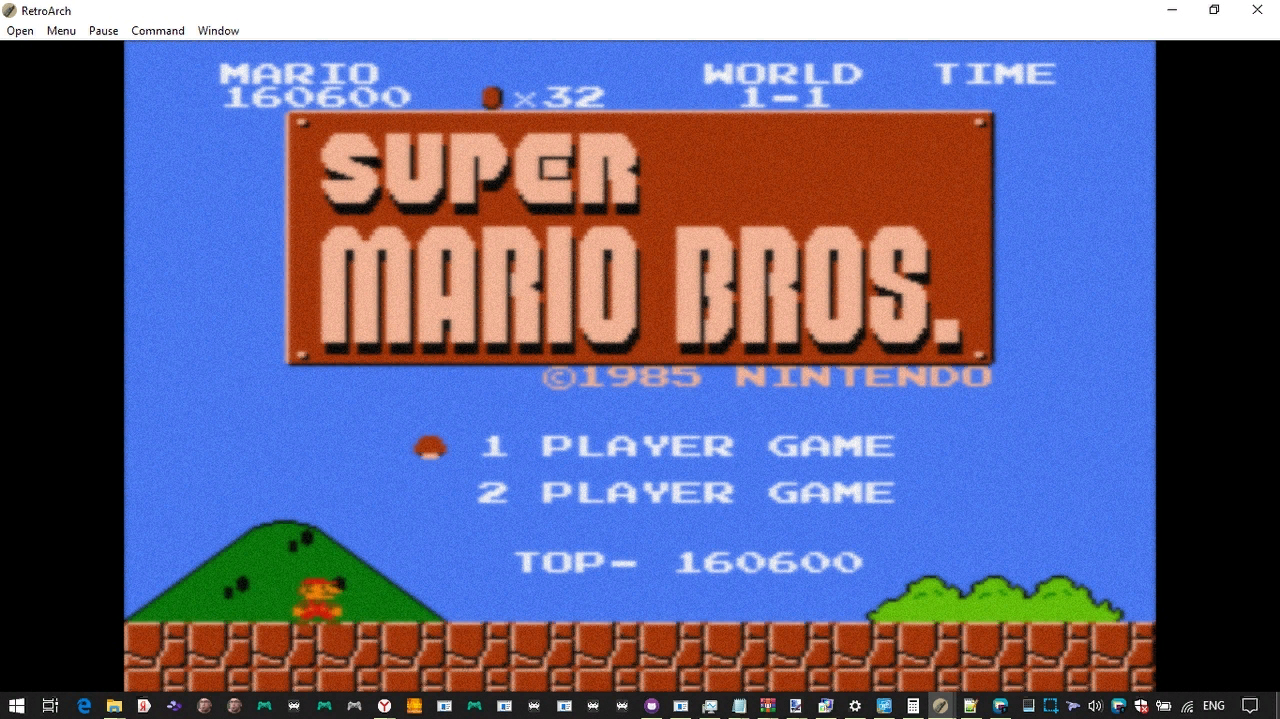
It supports color management, if this image looks better, it means that your display shows too juicy colors. You need to reduce saturation in GPU utility (as for me in intel hd 4000 settings i set -34), or u can use shader
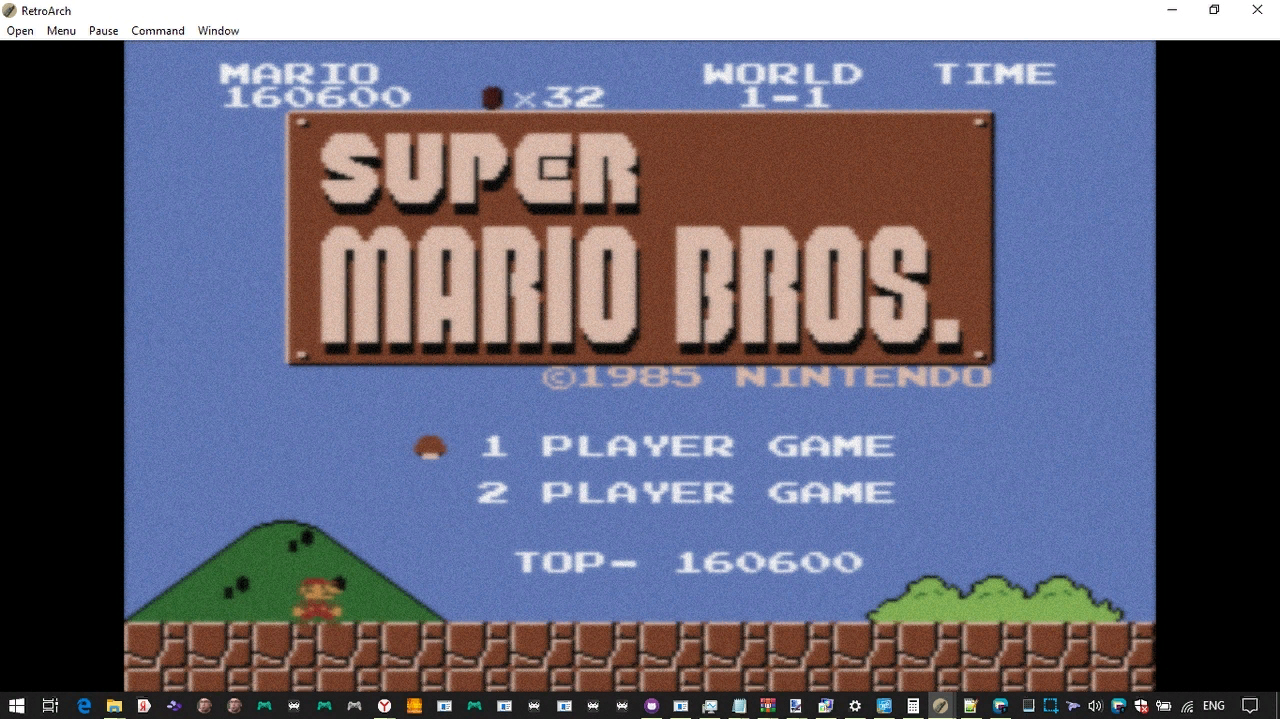
It looks like
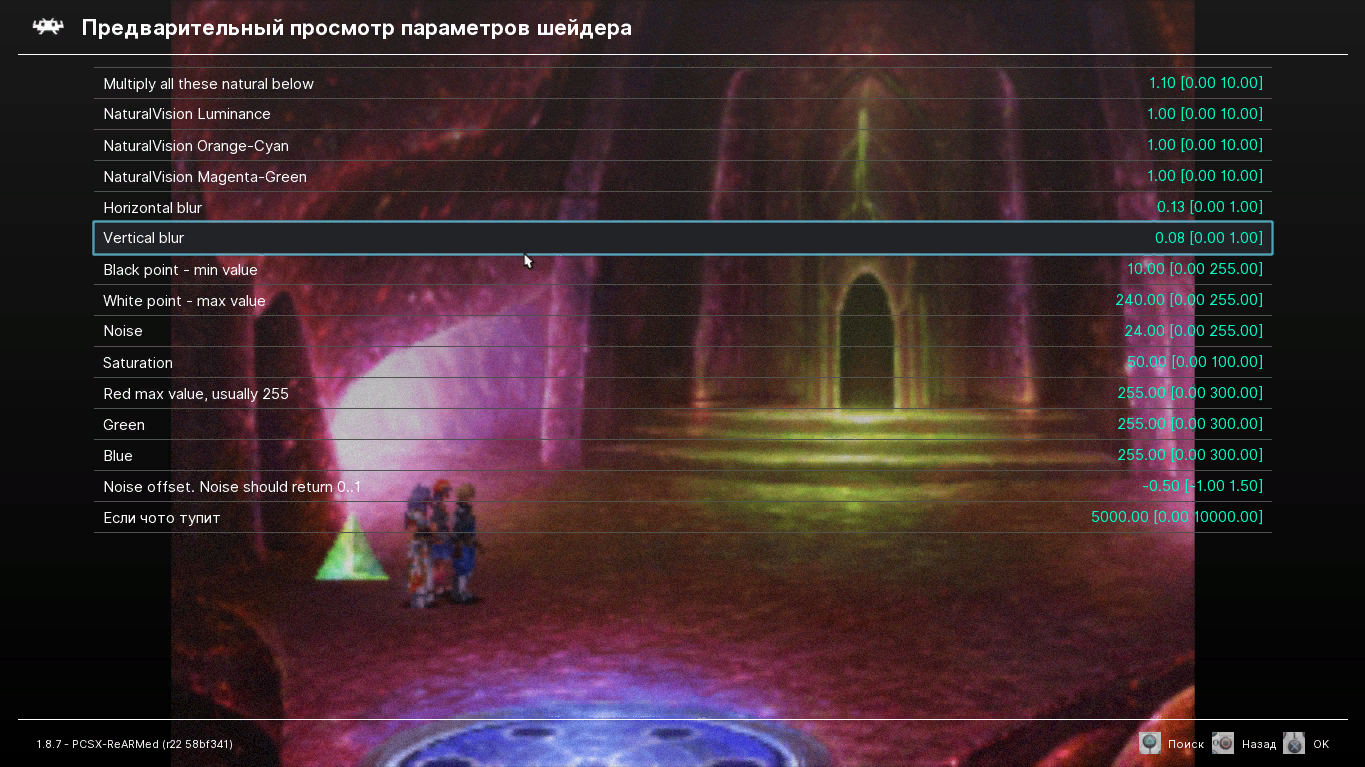
U can download my repack of retroarch with already tuned settings https://github.com/noiseshaade/RetroArch-vape or just use attached shader. It was designed fistly for opengl, but i throw it and is for slang (opengl gives error i can fix it if somebody want)
Unpack archive to shaders folder and have fun
shaders.zip
It corrects some white/black levels for more natural levels, YIQ increasing for natural colors, add some noise for natural surfaces... Wow
Contributor guide
First steps
- Read the whole issue, then the project's contributing guide.
- Comment on the issue to say you are picking it up — it saves two people doing the same work.
- Fork the repository and make your change on a branch.
- Open a pull request that references the issue number.
Research direction
Start by reviewing the attached shaders.zip, the linked screenshots, and the referenced RetroArch-vape repository. The report does not identify a target file, requested integration point, or validation criteria, so clarify whether the shader should be included or supported and what successful behavior means.
Written by the indexing model from the issue text.
Assessment
- Domain
- computer-graphics
- Issue type
- Feature
- Difficulty
- 5/5
- Estimated time
- Over a week
- Activity status
- Stale
- Clarity
- Needs clarification
- Newbie friendliness
- 10/100