leecade / leecade/react-native-swiper
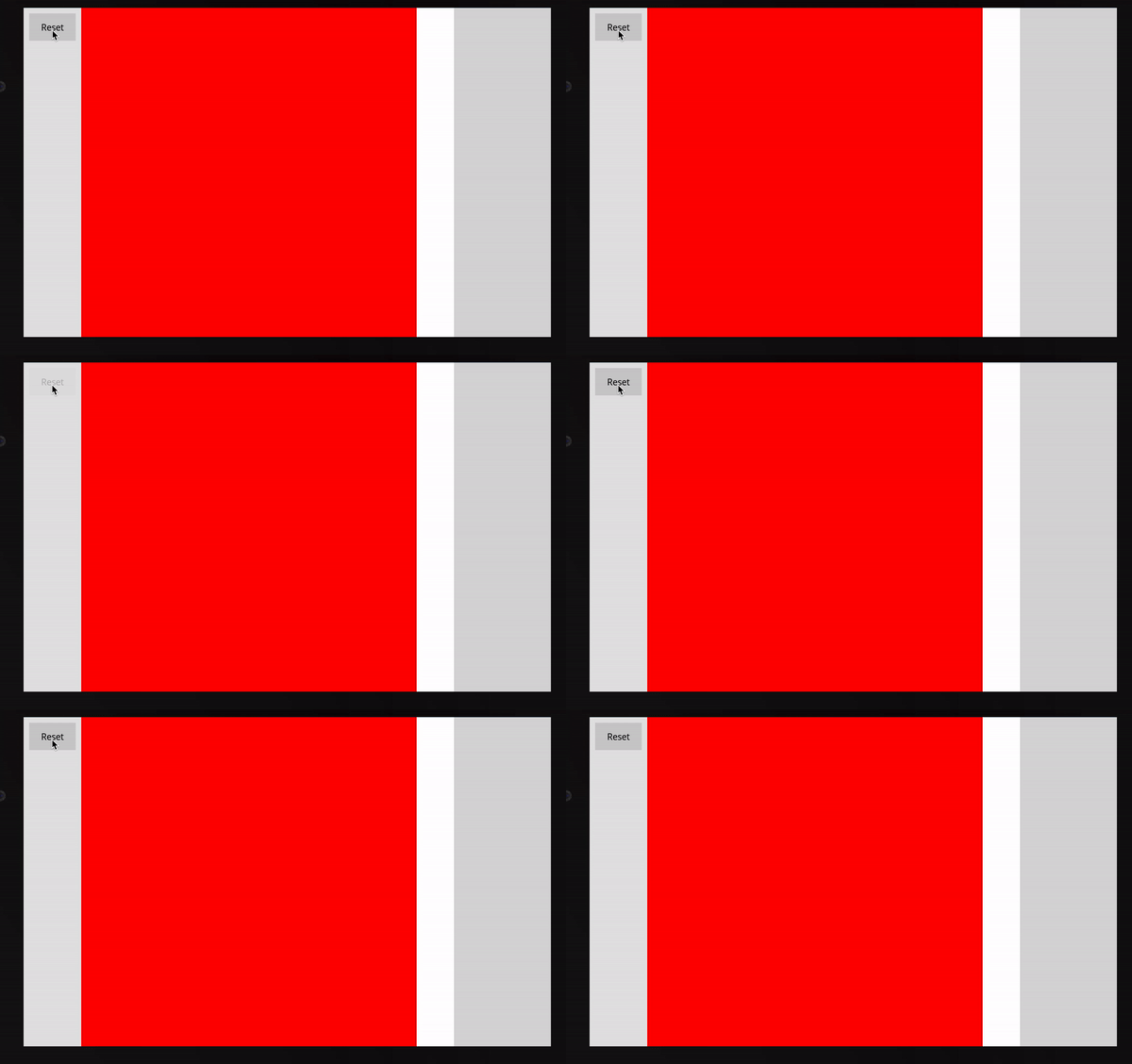
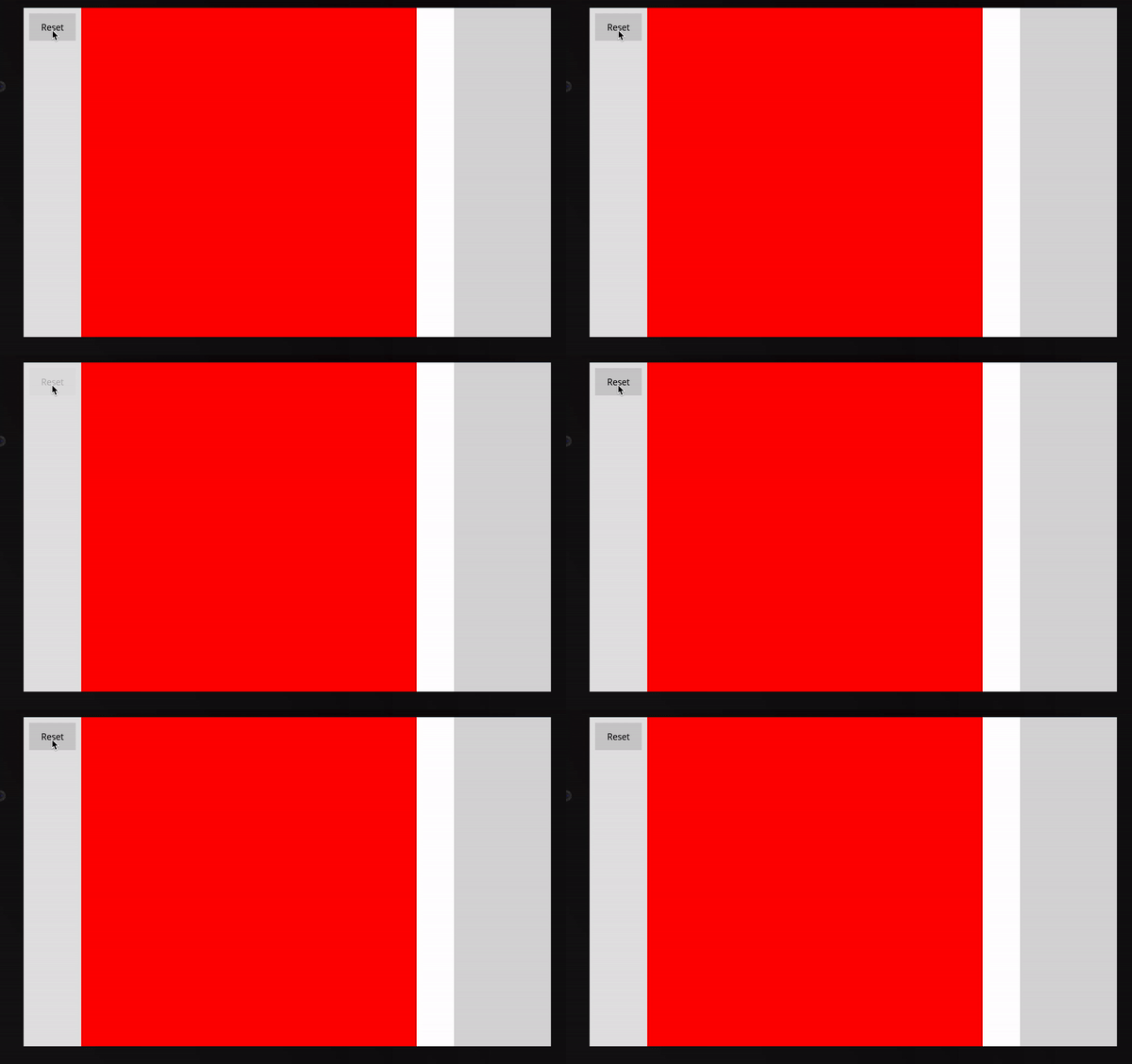
Rendering elements using Flatlist inside a Swiper is Flickering the contents.
Nobody has claimed this yet.
- Dominant language
- JavaScript
- Stars
- 10.5k
- Forks
- 2.3k
- PR merge metrics
- No merged PRs in 30d
Description
On Mac OS
- react-native-swiper 1.6.0-rc
- react-native 2.3.13
Inside a single swipe of the react-native-swiper, I am rendering multiple components. In the code below, there are two divisions being rendered and as it is seen in the example gif, is flickers when the page renders
In the code below, two items are rendered using Swiper. When the component gets loaded, there is a flicker which is visible.
Refer below the example Gif for the issue.
import React from 'react';
import { Text, View } from 'native-base';
import Swiper from 'react-native-swiper';
import ButtonWrapper from 'react-native-button-wrapper';
import MenuLayout from '../../components/MenuLayout';
class Example extends React.Component {
itemTimestamp = new Date().getTime();
renderBody = () => (
<View style={{ flex: 1 }}>
<Swiper
loop={false}
renderPagination={() => null}
onIndexChanged={index => {
this.setPage(index);
}}
showPagination={false}
removeClippedSubviews={false}
loadMinimalSize={1}
key={this.itemTimestamp}
contentContainerStyle={{
flex: 1,
}}
>
<View style={{ backgroundColor: 'red', width: '90%', height: '100%' }} />
<View style={{ backgroundColor: 'blue', width: '90%', height: '100%' }} />
</Swiper>
</View>
);
reRender = () => {
this.itemTimestamp = new Date().getTime();
this.setState({});
};
renderLeftContent = () => (
<ButtonWrapper
style={{ width: '100%', backgroundColor: '#CCCCCC', height: 50, justifyContent: 'center' }}
onPress={this.reRender}
>
<Text style={{ width: '100%', textAlign: 'center' }}>Reset</Text>
</ButtonWrapper>
);
render() {
return <MenuLayout leftContent={this.renderLeftContent()} body={this.renderBody()} />;
}
}
export default Example;
Contributor guide
No contributing guide indexed for this repository
First steps
- Read the whole issue, then the project's contributing guide.
- Comment on the issue to say you are picking it up — it saves two people doing the same work.
- Fork the repository and make your change on a branch.
- Open a pull request that references the issue number.
Research direction
Start by running the supplied Example component with react-native-swiper 1.6.0-rc and the stated React Native version on Mac OS, focusing on the Swiper and its two rendered Views. Reproduce the initial-load flicker and the reset-triggered rerender; done means the visible flicker is eliminated or its cause is clearly isolated.
Written by the indexing model from the issue text.
Assessment
- Tech stack
- javascript, react-native
- Domain
- mobile
- Issue type
- Bug
- Difficulty
- 4/5
- Estimated time
- 3-5 days
- Activity status
- Stale
- Clarity
- Needs clarification
- Newbie friendliness
- 35/100