learningequality / learningequality/studio
Total storage' value remains the same after uploading or deleting a file
Nobody has claimed this yet.
- Dominant language
- Python
- Stars
- 191
- Forks
- 307
- Avg merge
- 5d 6h
- Merged PRs (30d)
- 10
Description
Observed behavior
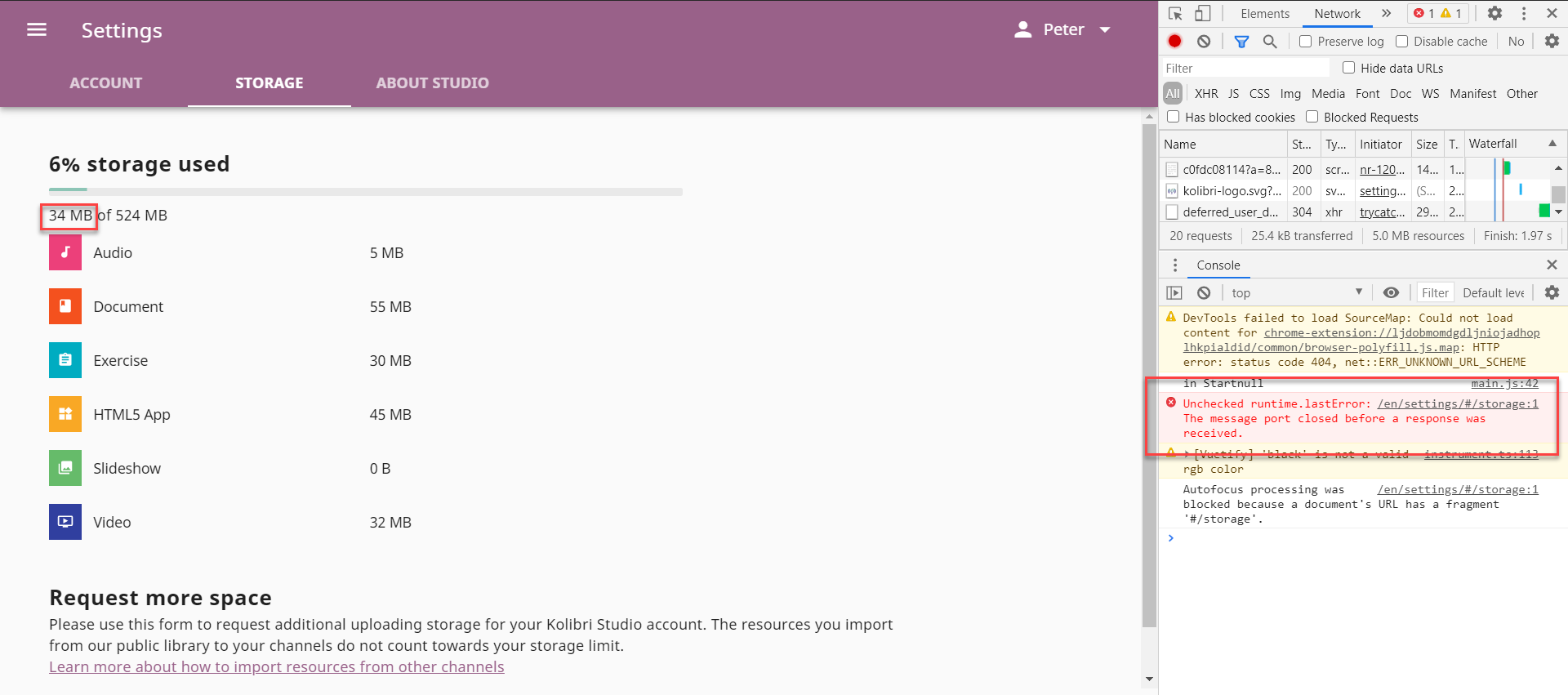
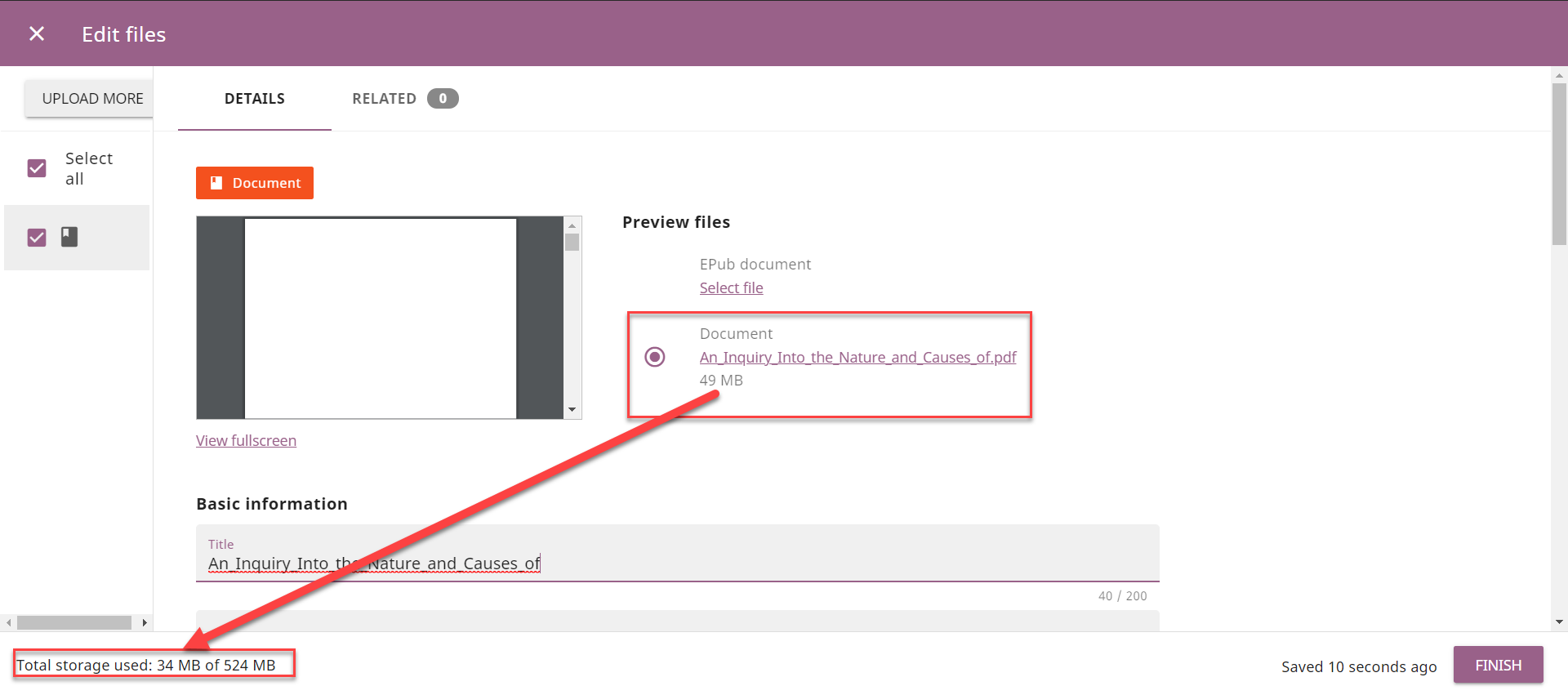
Encountered while testing https://github.com/learningequality/studio/pull/3044: The 'Total storage used' value remains the same after uploading or deleting a file.
Expected behavior
The 'Total storage used' value should update correctly after uploading or deleting a file.
User-facing consequences
Users won't be able to know what is the actual 'Total storage used' value.
Additional information
Steps to reproduce the issue
Case: File upload and user storage status
- Open an editable channel
- Click Add and Upload files
- Note your current Total storage used
- Upload a file and finish up editing the uploaded file's details
- Click Add and Upload files again
- Confirm that your Total storage used has updated properly
Case: Adding and deleting a file updates publish channel size
- Create a new channel
- Click Add and Upload files to upload a small file
- Click Publish
- Observe the channel size shown in the Publish modal
- Close the Publish modal
- Click Add and Upload files to upload a large file (like a video)
- Allow your browser to finish syncing (wait ~30 seconds)
- Click Publish
- Verify the channel size has increased in the Publish modal
- Close the Publish modal
- Delete the large file
- Click Publish
- Verify the channel size has decreased in the Publish modal
Usage Details
- OS: Windows 10
- Browser: Chrome, Firefox
- URL: https://hotfixes.studio.learningequality.org/
Contributor guide
First steps
- Read the whole issue, then the project's contributing guide.
- Comment on the issue to say you are picking it up — it saves two people doing the same work.
- Fork the repository and make your change on a branch.
- Open a pull request that references the issue number.
Research direction
Start by reproducing the upload and deletion cases in the issue, checking the Total storage used value and the channel size in the Publish modal after synchronization. Trace the entry points for file upload, file deletion, storage status, and publishing, then add coverage showing both values increase and decrease correctly.
Written by the indexing model from the issue text.
Assessment
- Tech stack
- python
- Domain
- full-stack
- Issue type
- Bug
- Difficulty
- 4/5
- Estimated time
- 3-5 days
- Activity status
- Stale
- Clarity
- Mostly clear
- Newbie friendliness
- 35/100