[Feature Request] Progress overview of ongoing downloads
Nobody has claimed this yet.
- Dominant language
- JavaScript
- Stars
- 3.5k
- Forks
- 409
- PR merge metrics
- No merged PRs in 30d
Description
## The Issue
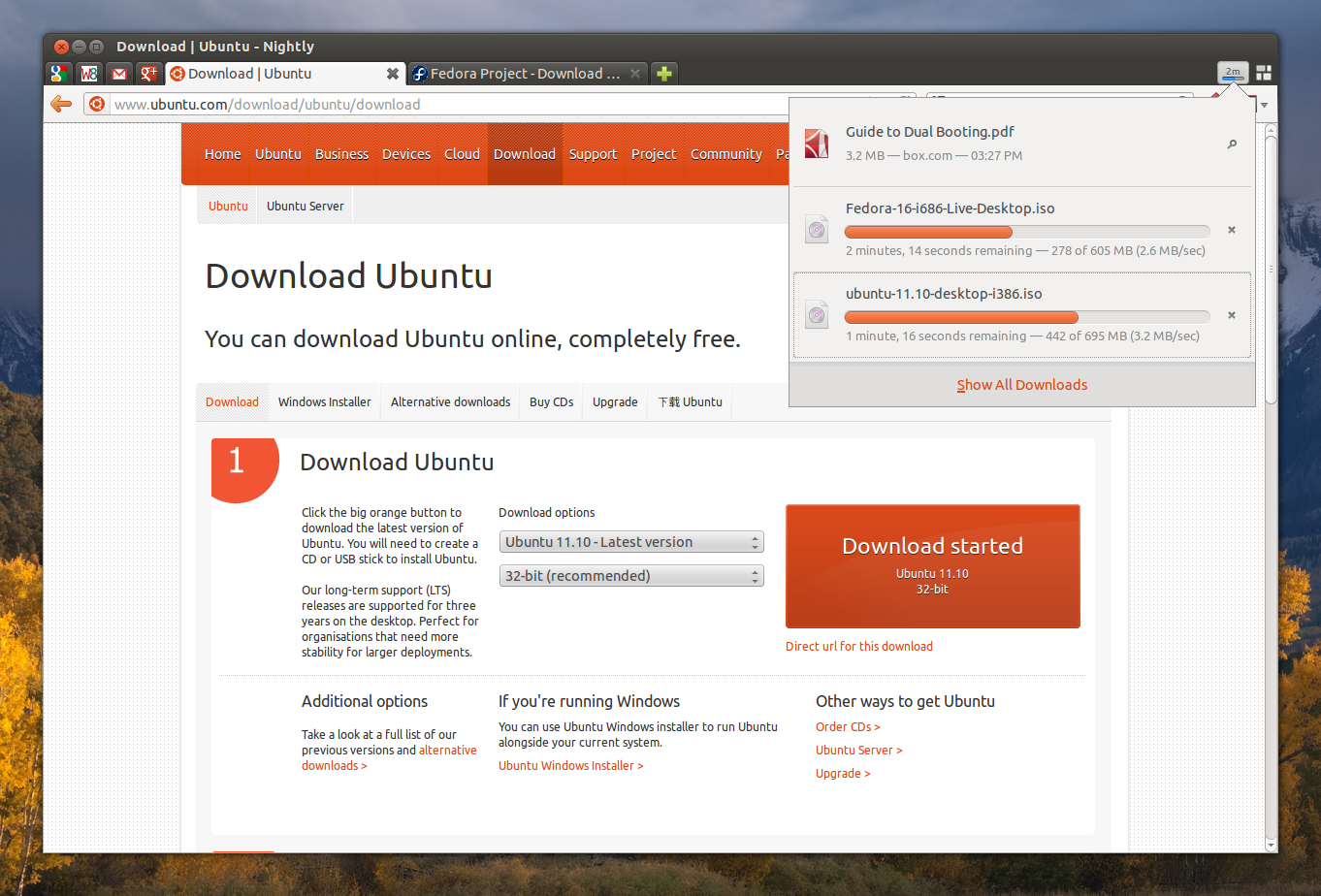
When downloading a lot of content at the same time there's no convenient way to check the progress of each download. You'd have to make a mental note of the content you are currently downloading and then go to each individual claim to see the progress.
### Suggested Solutions
A downloads button similar to what you can find Firefox and other browsers would make it a lot easier to check the status of your ongoing downloads.
Contributor guide
First steps
- Read the whole issue, then the project's contributing guide.
- Comment on the issue to say you are picking it up — it saves two people doing the same work.
- Fork the repository and make your change on a branch.
- Open a pull request that references the issue number.
Research direction
No file, test, or entry point is named; start by locating the existing claim and download-progress views in the desktop app. Compare their navigation with the suggested browser-style downloads control, and define done as a single view that shows the progress of all ongoing downloads.
Written by the indexing model from the issue text.
Assessment
- Tech stack
- electron, javascript, react
- Domain
- desktop, frontend
- Issue type
- Feature
- Difficulty
- 5/5
- Estimated time
- Over a week
- Activity status
- Stale
- Clarity
- Mostly clear
- Newbie friendliness
- 30/100