keybase / keybase/keybase-issues
Sticky email validation error when generating pgp key in the app
- Dominant language
- No language data
- Stars
- 899
- Forks
- 40
- PR merge metrics
- No merged PRs in 30d
Description
When generating a PGP key within the windows app.
I type 2 of my emails, this works fine.
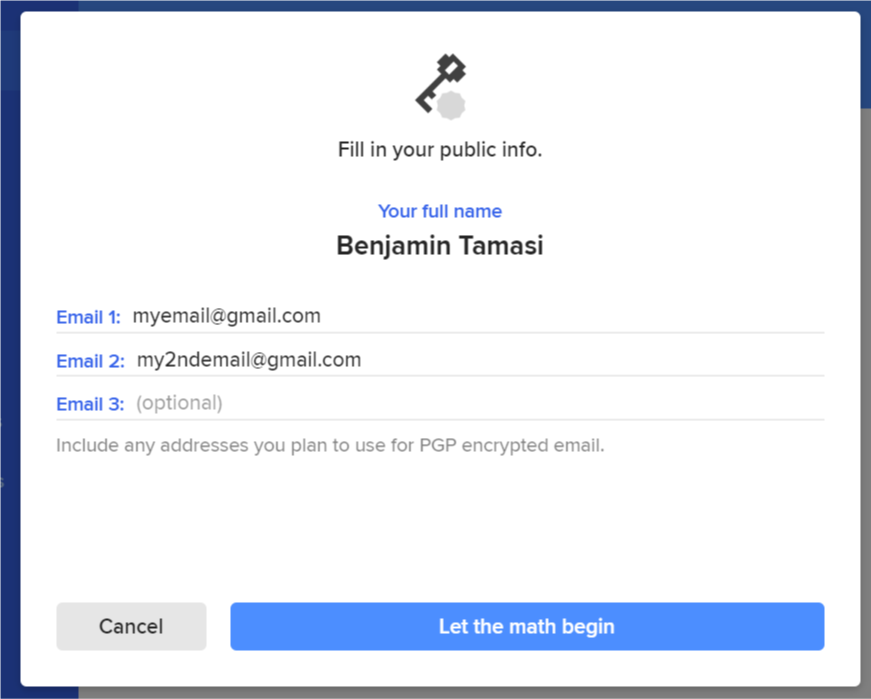
Then I start to type a third email:

As expected, since the email is not valid, it shows a validation error. But now, when I delete the third email, the validation error sticks:
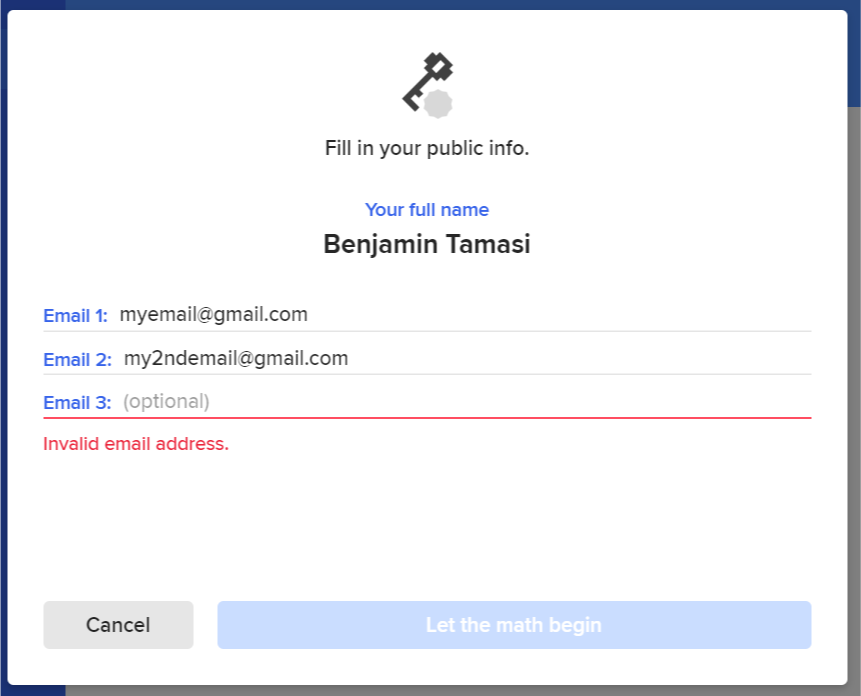
So if I decide I don't want a third email, I can't continue. What's more, if I type an invalid email like so:
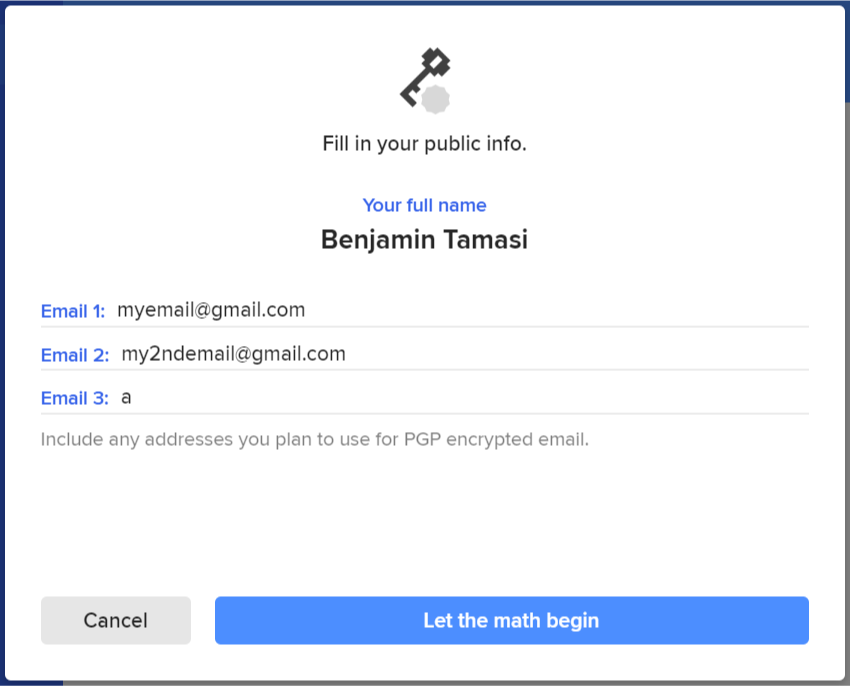
It will incorrectly show it as being valid, even if it is not.
Contributor guide
No contributing guide indexed for this repository
Research direction
Reproduce PGP key generation in the Windows app with two valid emails, then add and remove an invalid third email. Done means removing the invalid entry clears the validation error and an invalid email remains invalid rather than being accepted.
Written by the indexing model from the issue text.
Assessment
- Domain
- cryptography, desktop-dev
- Issue type
- Bug
- Difficulty
- 3/5
- Estimated time
- 1-2 days
- Activity status
- Stale
- Clarity
- Mostly clear
- Newbie friendliness
- 35/100