keybase / keybase/keybase-issues
Saving email address without change
Open
- Dominant language
- No language data
- Stars
- 899
- Forks
- 40
- PR merge metrics
- No merged PRs in 30d
Description
# Steps to Reproduce
1. Open desktop app
1. Go to Settings
1. Go to Your Account
1. Click "Edit" at the email field
1. Don't make any changes
1. Click Save
# Error Message
```
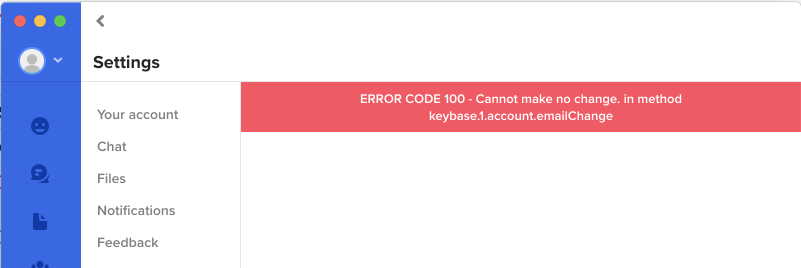
ERROR CODE 100 - Cannot make no change. in method keybase.1.account.emailChange
```
# Screenshot
Contributor guide
No contributing guide indexed for this repository
Research direction
Reproduce the steps in the desktop app through Settings > Your Account > the email field, and inspect the account email-change entry point named in the error: keybase.1.account.emailChange. Done means saving an unchanged email no longer produces ERROR CODE 100 while preserving the existing address.
Written by the indexing model from the issue text.
Assessment
- Domain
- desktop
- Issue type
- Bug
- Difficulty
- 3/5
- Estimated time
- 1-2 days
- Activity status
- Stale
- Clarity
- Mostly clear
- Newbie friendliness
- 35/100