macos Keybase Install Error
Nobody has claimed this yet.
- Dominant language
- Go
- Stars
- 9.2k
- Forks
- 1.3k
- Avg merge
- 12h 58m
- Merged PRs (30d)
- 56
Description
Immediately after a clean reinstall of macOS 10.13 on a MacBook Pro, I saw this error the first time I launched the app:
Keybase Install Error
There was an error trying to install the updater.
There was an error trying to install the service.
There was an error trying to install the kbfs.
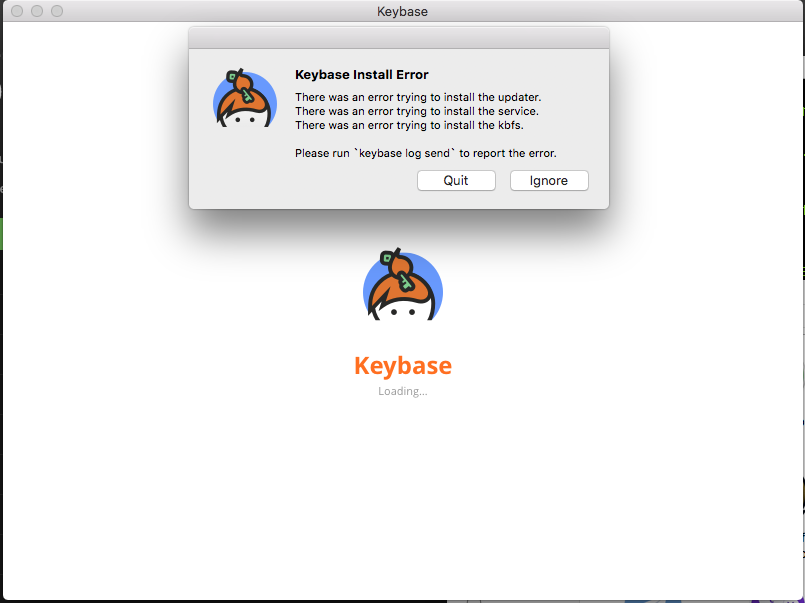
Clicking "Ignore" on the error dialog leads to an infinite Keybase Loading screen.
Closing and relaunching the app does not repeat the error message, but continues to hang at an infinite Keybase Loading screen.
I reinstalled to change the file system from APFS-Encrypted-Case-Insensitive to APFS-Encrypted-Case-Sensitive. Perhaps there is a problem with the case sensitive file system?
my log id: 2edee5b68173ad67dcb32d1c
Contributor guide
No contributing guide indexed for this repository
First steps
- Read the whole issue, then the project's contributing guide.
- Comment on the issue to say you are picking it up — it saves two people doing the same work.
- Fork the repository and make your change on a branch.
- Open a pull request that references the issue number.
Research direction
Start by reproducing the install on a clean macOS 10.13 system using a case-sensitive APFS filesystem, then inspect the report identified by log id 2edee5b68173ad67dcb32d1c. Done means the updater, service, and KBFS install without errors and the app proceeds past the loading screen.
Written by the indexing model from the issue text.
Assessment
- Tech stack
- macos
- Domain
- desktop-dev, operating-systems
- Issue type
- Bug
- Difficulty
- 4/5
- Estimated time
- 3-5 days
- Activity status
- Stale
- Clarity
- Mostly clear
- Newbie friendliness
- 25/100