Can’t add Mastodon.social proof
- Dominant language
- Go
- Stars
- 9.2k
- Forks
- 1.3k
- Avg merge
- 12h 58m
- Merged PRs (30d)
- 56
Description
Hi there, quite a few issues with the Windows program which I will file separately, but probably more pressing is this: I can’t make a Mastodon.social proof through the website.
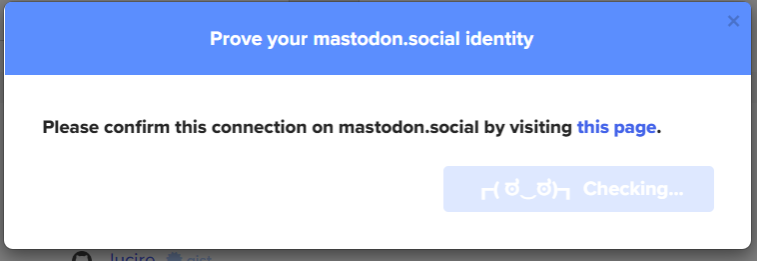
I choose my username, the browser as the means of identification, and I get the message, ‘Please confirm this connection on mastodon.social by visiting this page.’
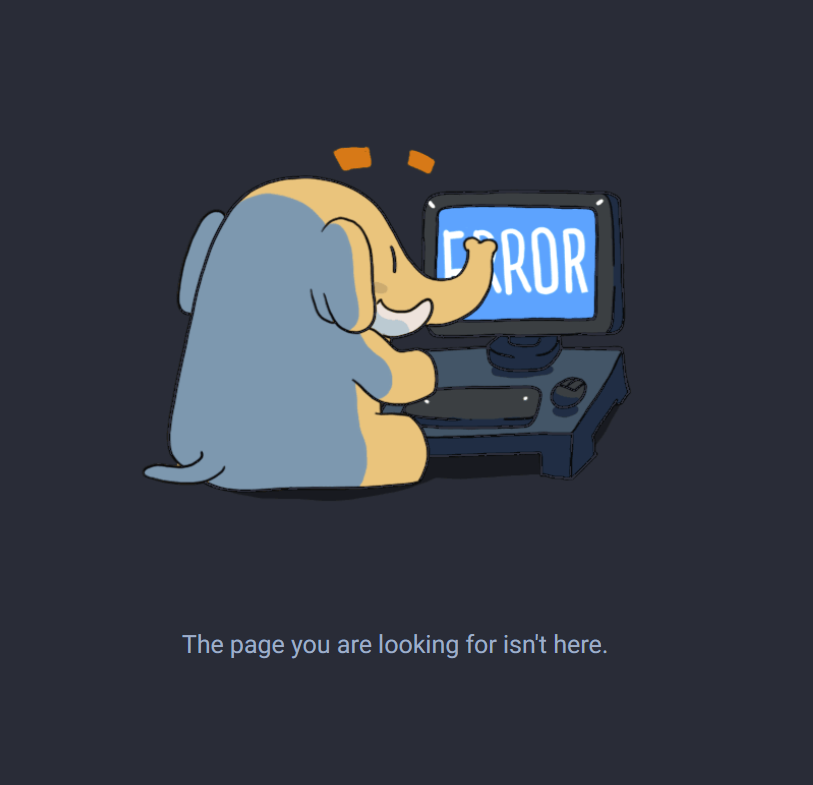
The last two words are a link. I click on it, and get the Mastodon error page, ‘The page you are looking for isn't here.’
Maybe I’m doing it wrong, but I can’t see how. I’ve managed to do proofs elsewhere. Hope you can help!
PS.: I followed your email link here—please note this is not an issue with the client (in fact, I tried using it, but it takes a few hours to load and I can’t see how to add proofs to it), but with the website process.
Contributor guide
No contributing guide indexed for this repository
Research direction
Start by reproducing the website's Mastodon.social proof flow using the username and browser steps described in the issue, then inspect the generated confirmation link. Compare the link with Mastodon's error response and determine the expected confirmation destination. Done means the website opens a valid Mastodon confirmation page and the proof can be completed.
Written by the indexing model from the issue text.
Assessment
- Domain
- authentication, web-dev
- Issue type
- Bug
- Difficulty
- 4/5
- Estimated time
- 3-5 days
- Activity status
- Stale
- Clarity
- Needs clarification
- Newbie friendliness
- 25/100