Mounting file system fails, app window blank
- Dominant language
- Go
- Stars
- 9.2k
- Forks
- 1.3k
- Avg merge
- 12h 58m
- Merged PRs (30d)
- 56
Description
Keybase GUI Version: 4.4.1-20190909145404+b5f8897c2a
Suggestion to add file system integration on Windows 10 accepted, successfully installed Dokan, then got error that system cannot find K: and the app remains a blank, white screen, probably erroring behind the scenes. Minimizing and reopening or trying a different screen from the taskbar menu (which works fine) also produces just the white screen, indicating the routing or rendering process failed while everything else works fine.
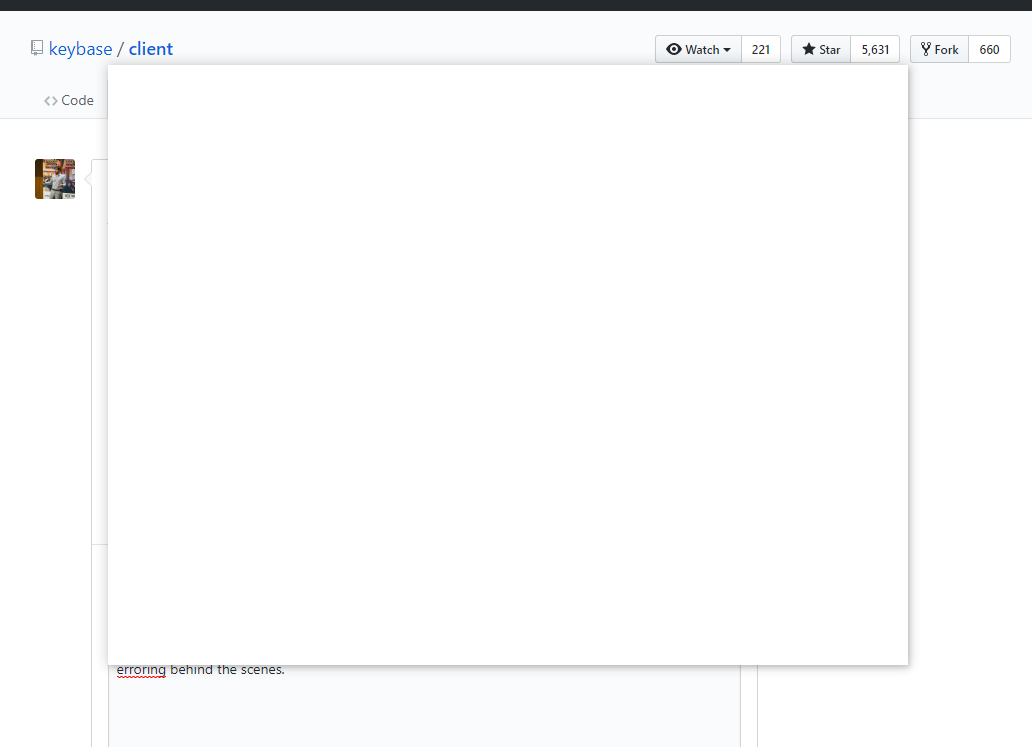
Everything works fine after a restart and the K: drive is there.
Contributor guide
No contributing guide indexed for this repository
Research direction
Start by reproducing the Windows 10 failure after installing Dokan and enabling file system integration, then inspect the GUI routing or rendering path that leaves the window blank. Done means the K: drive mounts and the app remains usable after minimizing, reopening, or switching screens without requiring a restart.
Written by the indexing model from the issue text.
Assessment
- Tech stack
- electron, go, react
- Domain
- desktop
- Issue type
- Bug
- Difficulty
- 4/5
- Estimated time
- 3-5 days
- Activity status
- Stale
- Clarity
- Needs clarification
- Newbie friendliness
- 25/100