Blank screen when trying to open my files in MacOS Finder
Open
- Dominant language
- Go
- Stars
- 9.2k
- Forks
- 1.3k
- Avg merge
- 12h 58m
- Merged PRs (30d)
- 56
Description
Keybase GUI Version: 2.0.0-20180604163023+f899a761a7
Trying to open my files from Keybase, clicked on "Show in Finder"... the app got frozen... as shown below:
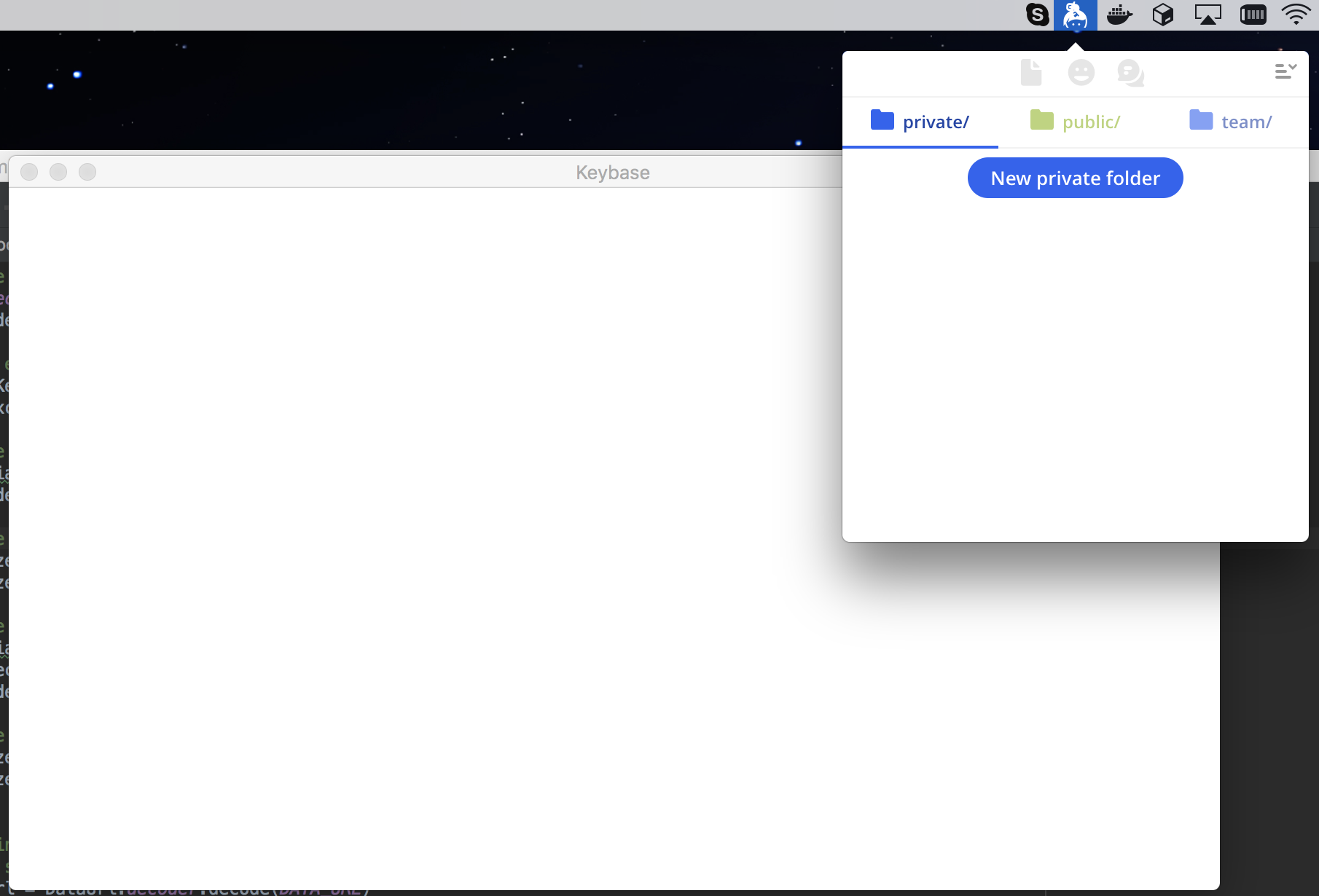
Cannot get out to other places in the app.
Only fixed after restarting the app completely.
Contributor guide
No contributing guide indexed for this repository
Research direction
Start by reproducing the freeze after clicking “Show in Finder” on macOS with the reported Keybase GUI version, then trace the GUI path that opens Finder. Done means the files open in Finder and the Keybase app remains usable without a restart.
Written by the indexing model from the issue text.
Assessment
- Tech stack
- go, macos
- Domain
- desktop
- Issue type
- Bug
- Difficulty
- 4/5
- Estimated time
- 3-5 days
- Activity status
- Stale
- Clarity
- Mostly clear
- Newbie friendliness
- 25/100