[Bug] Hexbin coloring in date filter
- Dominant language
- TypeScript
- Stars
- 12k
- Forks
- 2k
- Avg merge
- 1d 5h
- Merged PRs (30d)
- 66
Description
**Describe the bug**
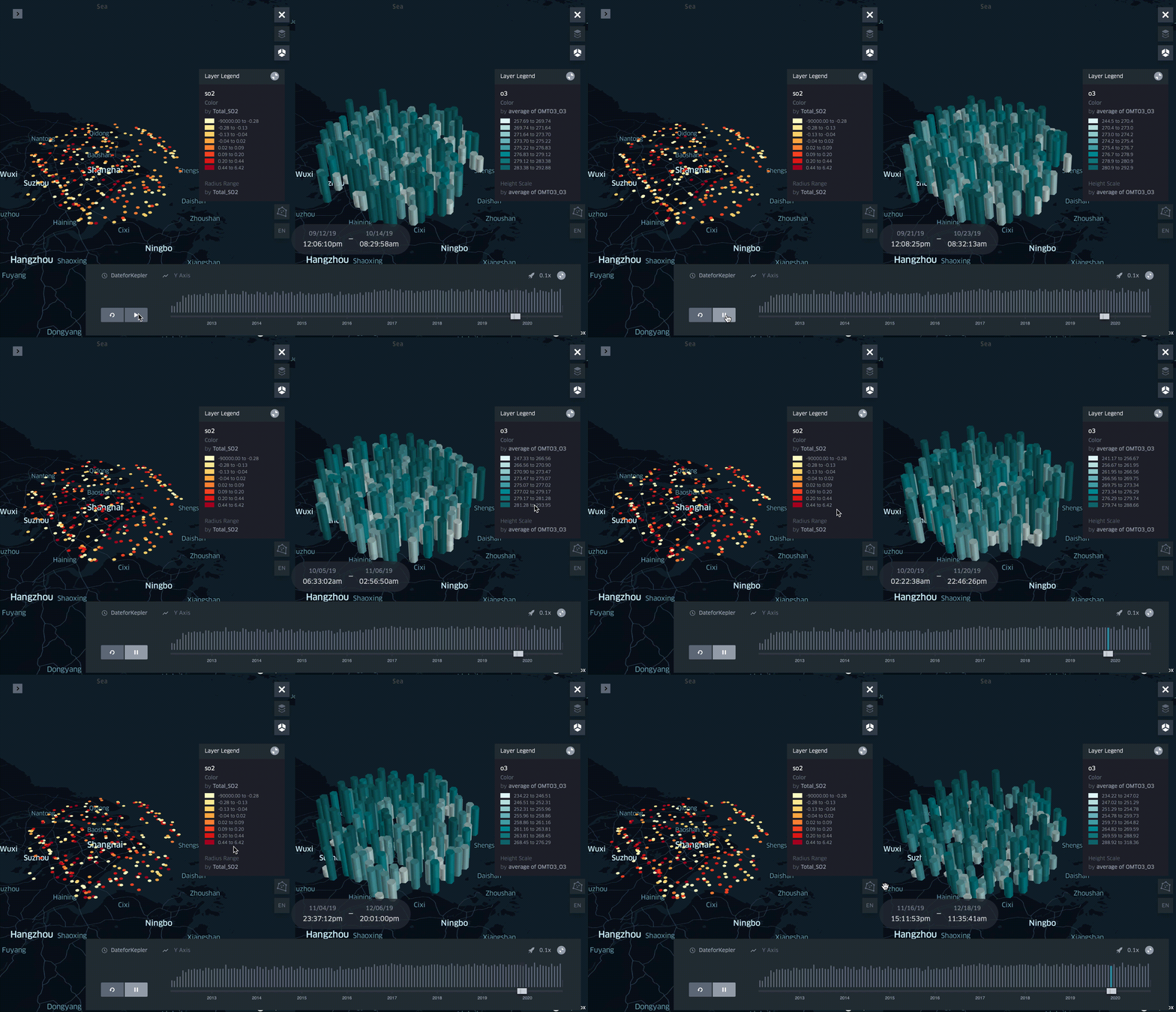
When running a time filter animation for the hexbin layer type, the color scale does not remain constant relative to the entire dataset.
**To Reproduce**
Steps to reproduce the behavior:
1. Go to kepler.gl
2. Load dataset with date, lat/lon coordinates, and another value column
3. Create hexbin layer and point layer
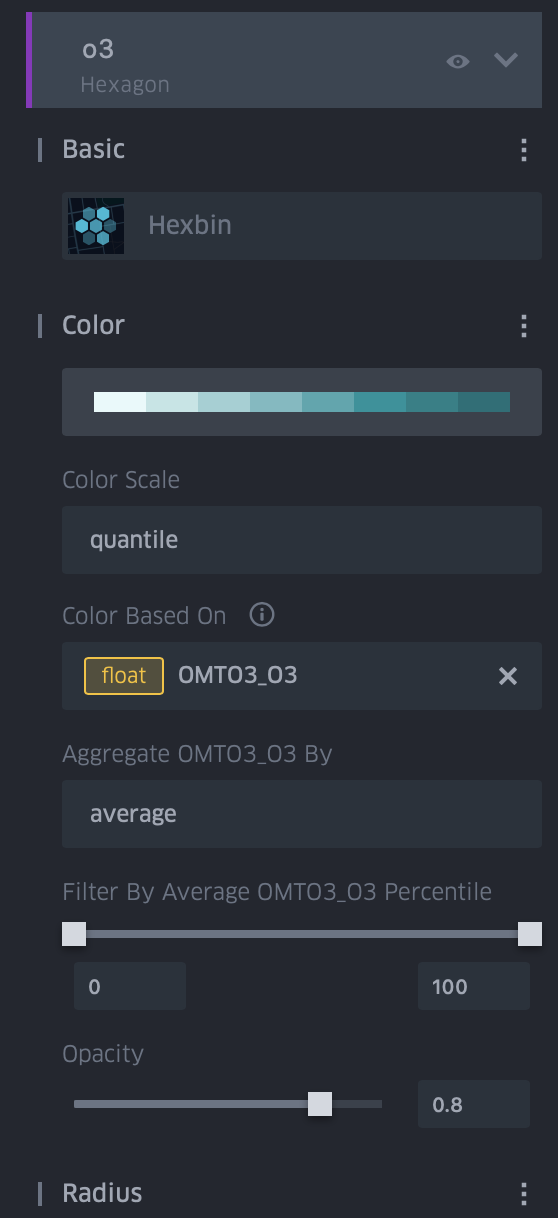
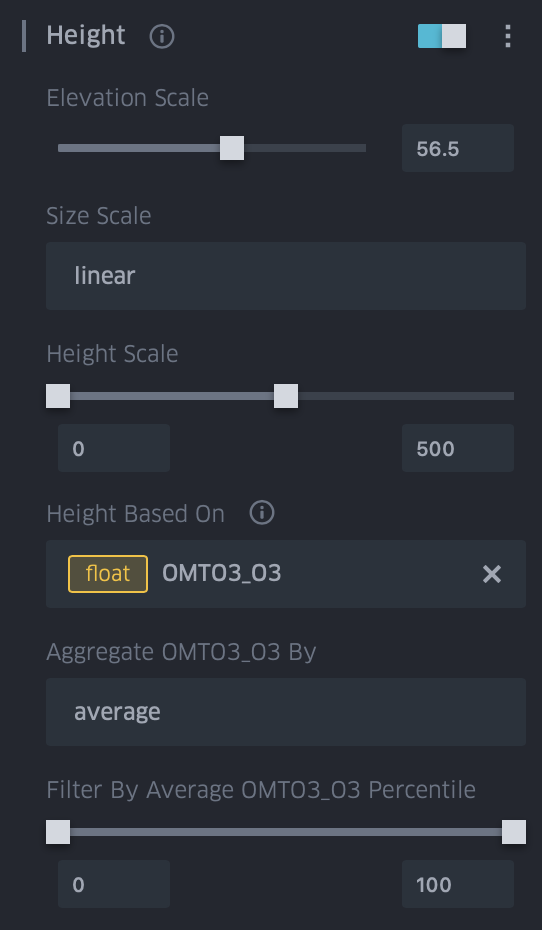
4. Select value column for height and color of hexbin layer
5. Select value column for color value of point layer
6. Add date filter
6. Play date filter animation
**Expected behavior**
I expected to see the colors for the hexbin also remain constant relative to the entire loaded dataset, as well as the height as it appears that the issue is also present there.
**Screenshots**
If applicable, add screenshots to help explain your problem.
Gif of changing values:
Hexbin gui configuration:
**Desktop (please complete the following information):**
- OS: macOS Catalina 10.15.7
- Browser: Safari/Chrome
- Version:
Safari 14.0,
Chrome,86.0.4240.80
**Additional context**
I am fairly new to kepler, so if this is a simple configuration issue or a missed setting thank you in advance for taking the time to look! Any help with this issue is appreciated.
Contributor guide
No contributing guide indexed for this repository
Assessment
This issue has not been assessed yet.