Cannot edit code on jupyter notebook
- Dominant language
- Jupyter Notebook
- Stars
- 13.3k
- Forks
- 5.8k
- Avg merge
- 6d 11h
- Merged PRs (30d)
- 7
Description
I don't know how but I cannot edit code on jupyter notebook anymore. I try to tap on the cell and the cursor index won't let me type on my existing code.

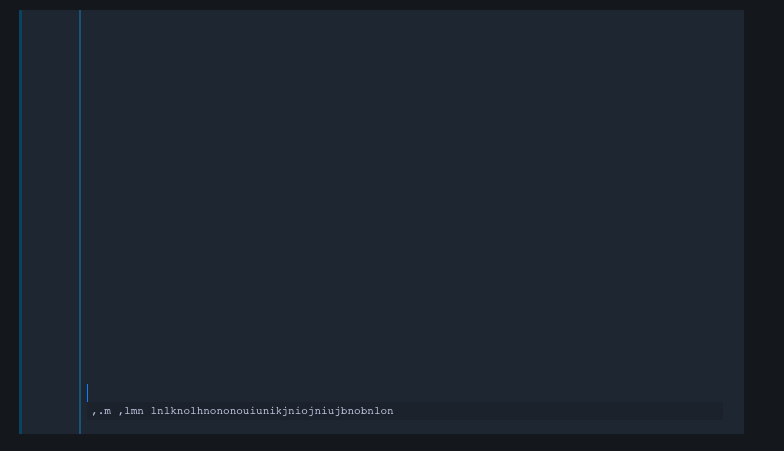
I tried to open a new notebook and the first coding cell has expending to a ridiculous size. I can code inside the cell but it keeps expanding every time I type a key.
Contributor guide
Research direction
No source files, tests, or entry points are identified. Start by reproducing the editing failure in an existing notebook and the expanding first cell in a new notebook, using the attached screenshots as reference. Done means existing cells accept typed input and new cells stop expanding on every keystroke.
Written by the indexing model from the issue text.
Assessment
- Tech stack
- jupyter-notebook
- Domain
- frontend
- Issue type
- Bug
- Difficulty
- 4/5
- Estimated time
- 3-5 days
- Activity status
- Stale
- Clarity
- Needs clarification
- Newbie friendliness
- 20/100