Cannot name a folder or file "trust"
Nobody has claimed this yet.
- Dominant language
- Jupyter Notebook
- Stars
- 13.3k
- Forks
- 5.8k
- Avg merge
- 6d 11h
- Merged PRs (30d)
- 7
Description
New folder (works fine):

Rename to trust (note the "Method Not Allowed"):

Create new Jupyter notebook in said folder:
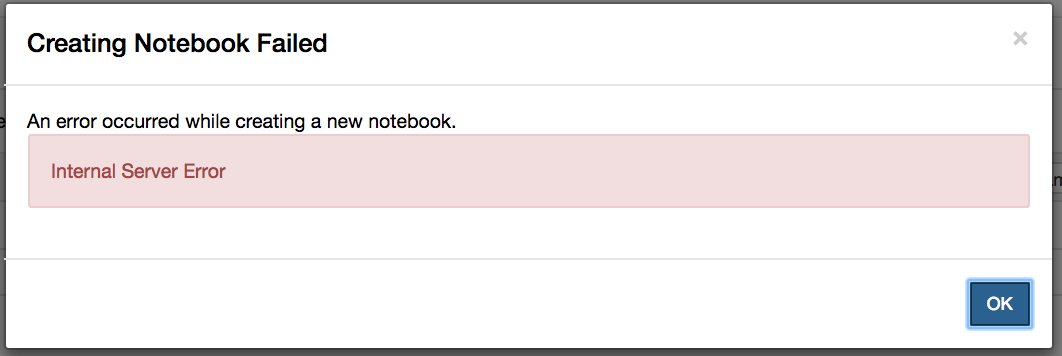
File named trust:

Deleting trust (folder or file):
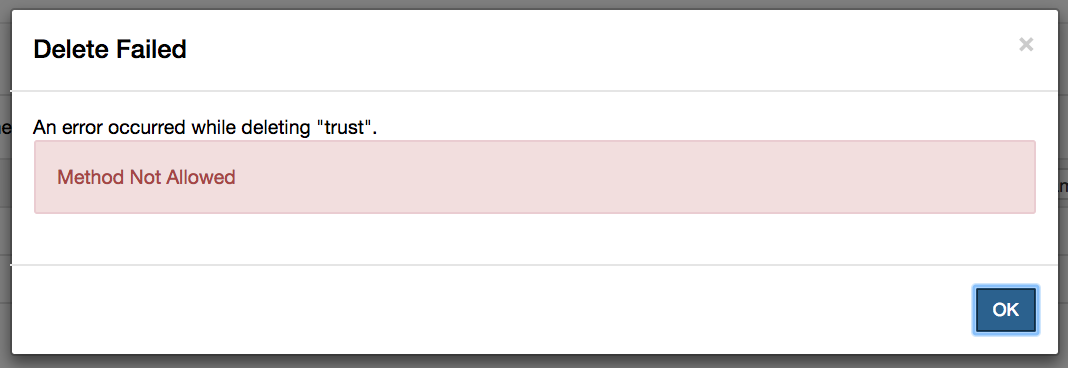
Stumbled on this one entirely by accident. Creating folders/files is fine. If they're named "trust", though, I get a "Method Not Allowed". I guess we can say Jupyter Notebook has trust issues.
Contributor guide
First steps
- Read the whole issue, then the project's contributing guide.
- Comment on the issue to say you are picking it up — it saves two people doing the same work.
- Fork the repository and make your change on a branch.
- Open a pull request that references the issue number.
Research direction
Reproduce the issue in Jupyter Notebook's file browser by creating, renaming, and deleting a file or folder named "trust". Compare these operations with ordinary names and confirm the Method Not Allowed behavior. Done means files and folders named "trust" can be created, renamed, opened, and deleted normally.
Written by the indexing model from the issue text.
Assessment
- Tech stack
- jupyter-notebook
- Domain
- backend
- Issue type
- Bug
- Difficulty
- 3/5
- Estimated time
- 1-2 days
- Activity status
- Stale
- Clarity
- Mostly clear
- Newbie friendliness
- 35/100